
View a User's Certification History Modal
Supervisors and admins can access a supervised user's certification History Modal by opening the User Certification Tab on specific user's Certifications Details Page. Select the name of the relevant user from the Users Page to open the user's Certifications Details Page.
User's can access the History Modal for one of their assigned certifications by opening the My Certification Tab on the My Account Page of the People Module.

History is a context menu option in each of the User Certification Tables. Select History from the context menu opening the user's Certification History Modal.
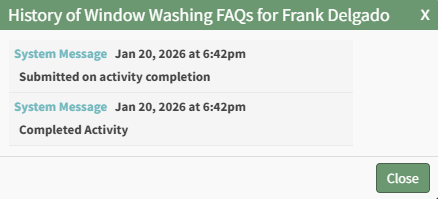
The read-only modal shows any history regarding the user's certification. Select close to return to the page you were previously viewing.
No comments to display
No comments to display