
View a File's History
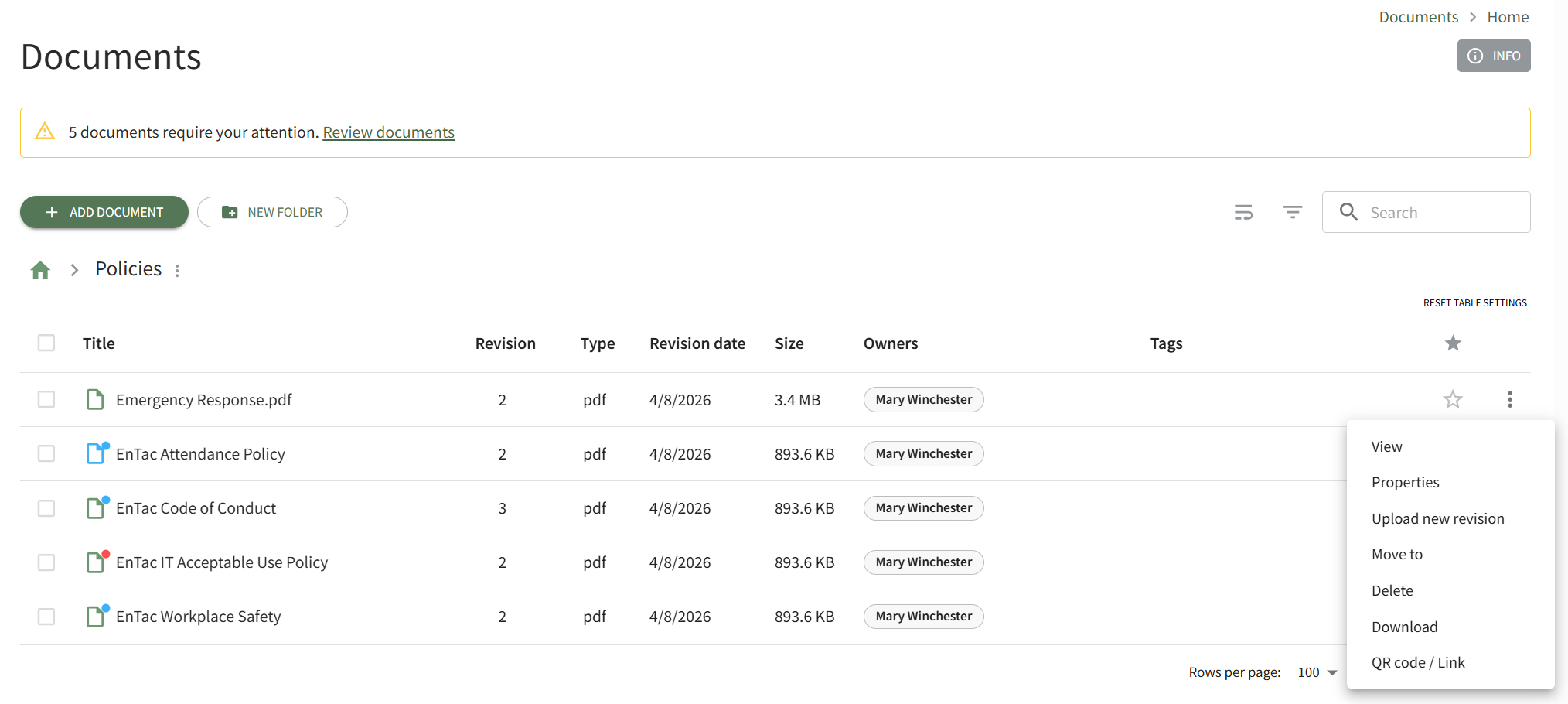
To view the history of a file in the Documents Module, open the Home Page in Documents from the Main Menu and navigate the repository to access the file whose history you wish to view. Click the vertical three-dot icon to the right of the file opening the file's context menu and select View.
This opens the Preview Tab on the file's Details Page.
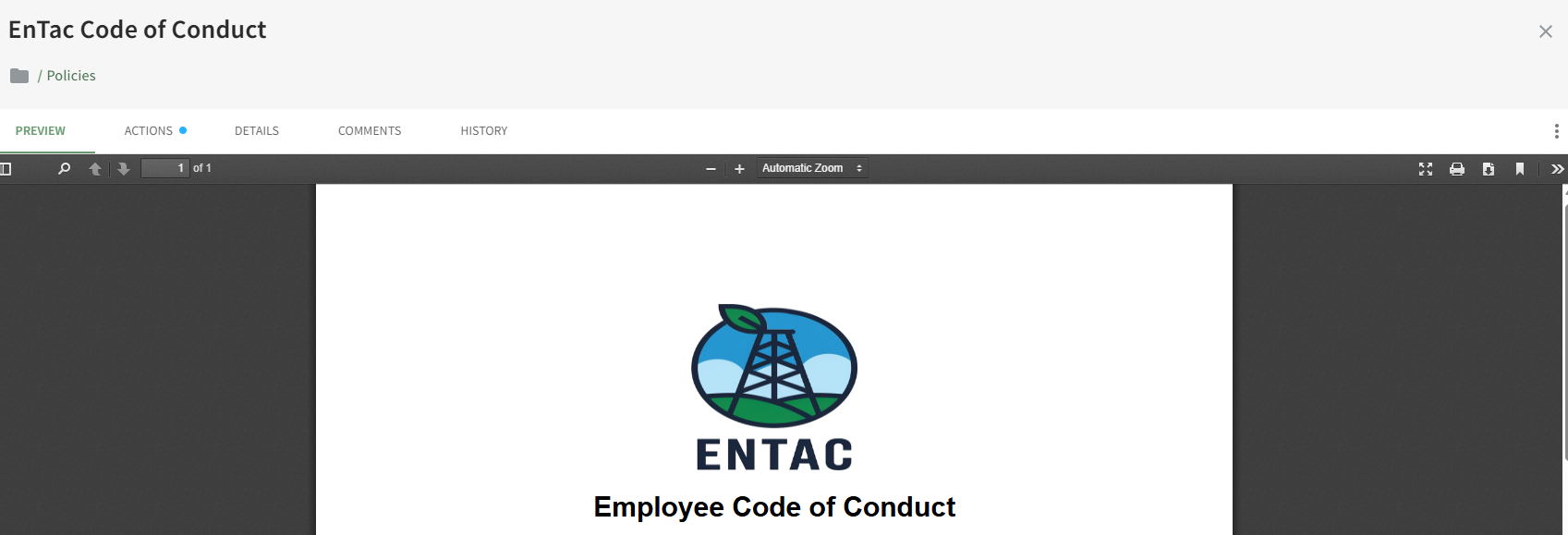
Click on the History Tab to access the file's historical information.
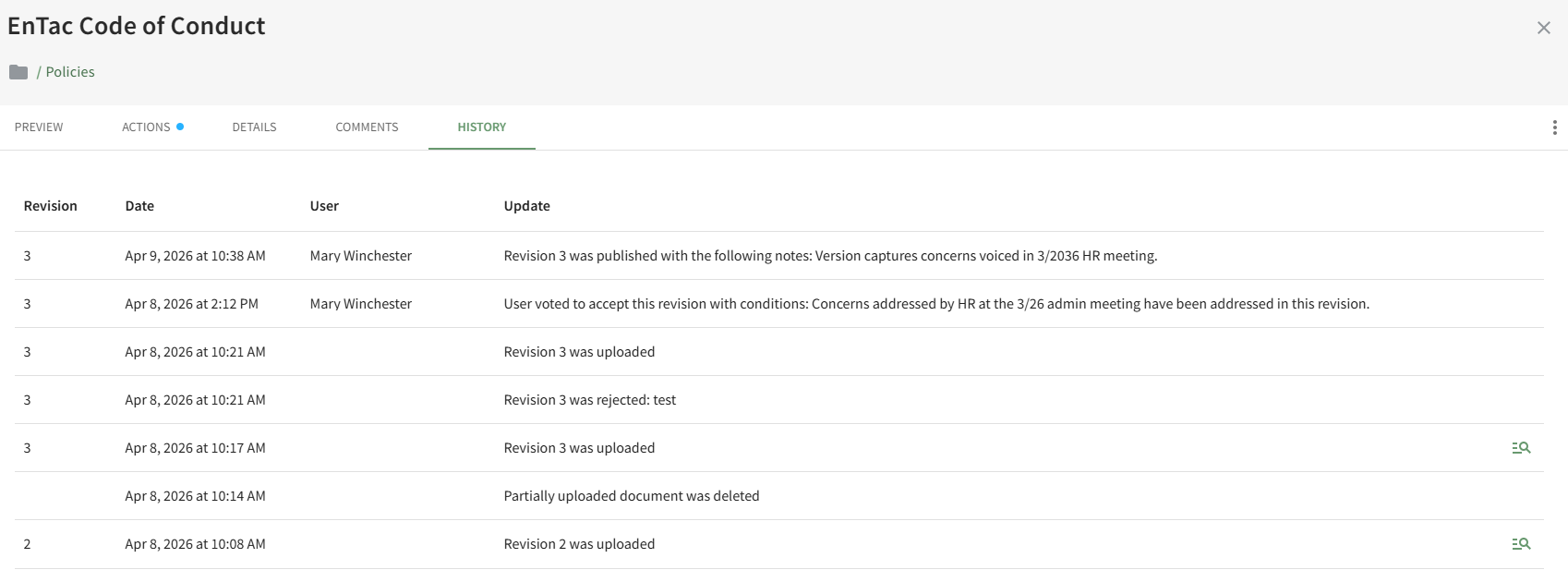
Clicking the magnification icon on the History Tab will open the document's detail page for the previous versions of the document.
No comments to display
No comments to display