
Copy a Form
To copy a form, go to the Home Page of the Forms Module and select the three dot icon to the right of the form title you wish to copy.
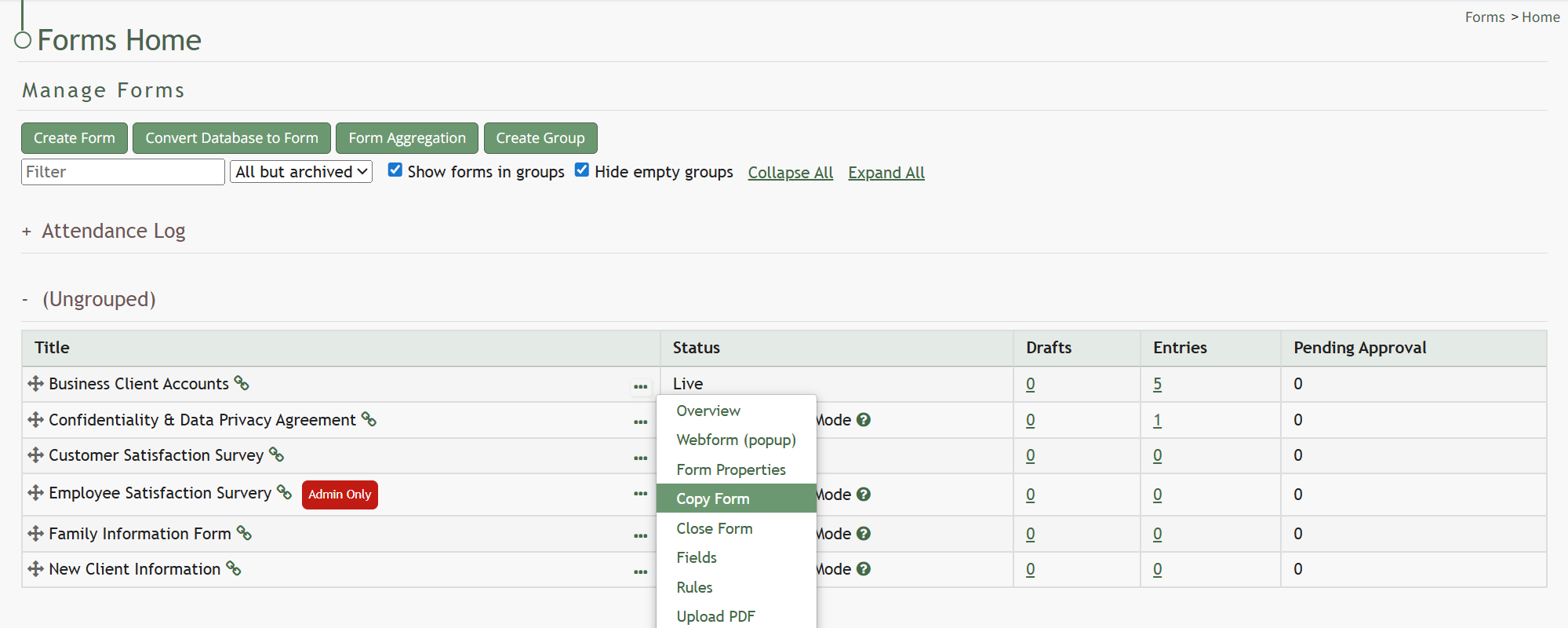
Select “Copy Form” from the context menu opening the Copy (FORM NAME) Modal.
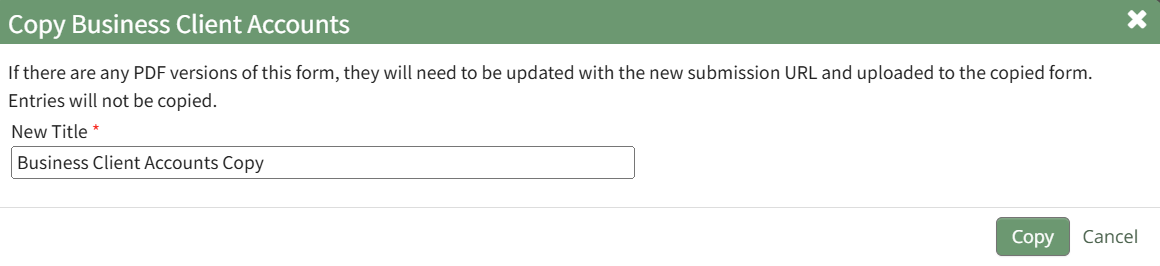
Input the desired name for the newly copied Form and select “Copy”.
The copied form will now show on the Forms Home Page.
No comments to display
No comments to display