
Send a Dispatch Order via Email
To send a dispatch order, go to the Home Page of the Dispatch Module. Click the ID or Title of the specific dispatch whose dispatch order you wish to send out.

This opens the Dispatch Details Page.

Click the envelope icon to the right of the dispatch status opening the Send Communications Page in the Communications Module.
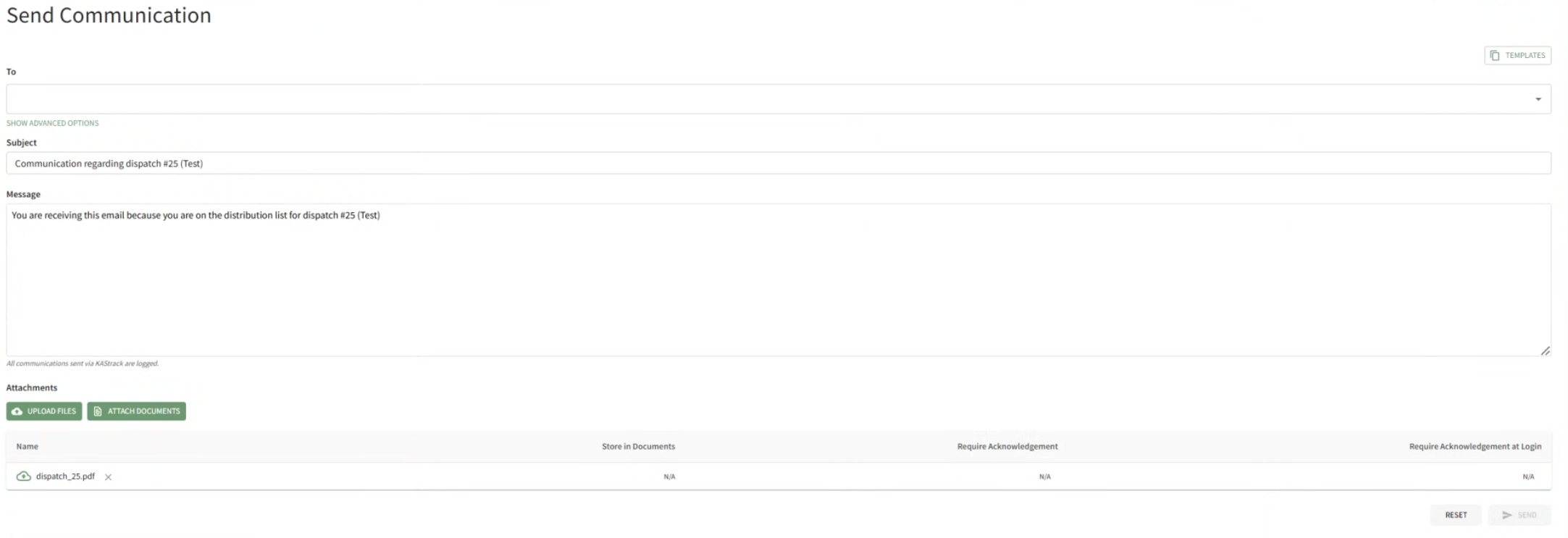
The distribution list for the dispatch has automatically been included in the To: field, A generic subject and message are included. The specific dispatch orders have already been attached to the email.
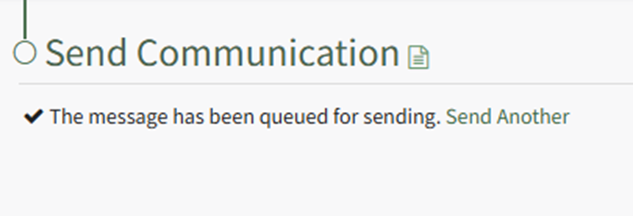
Select the “Send” button, and a check confirms that the message has been qued for sending.
No comments to display
No comments to display