
Download an Individual QR Code
To download an individual QR Code, open the QR Codes Page of the Communications Module from the Main Menu.
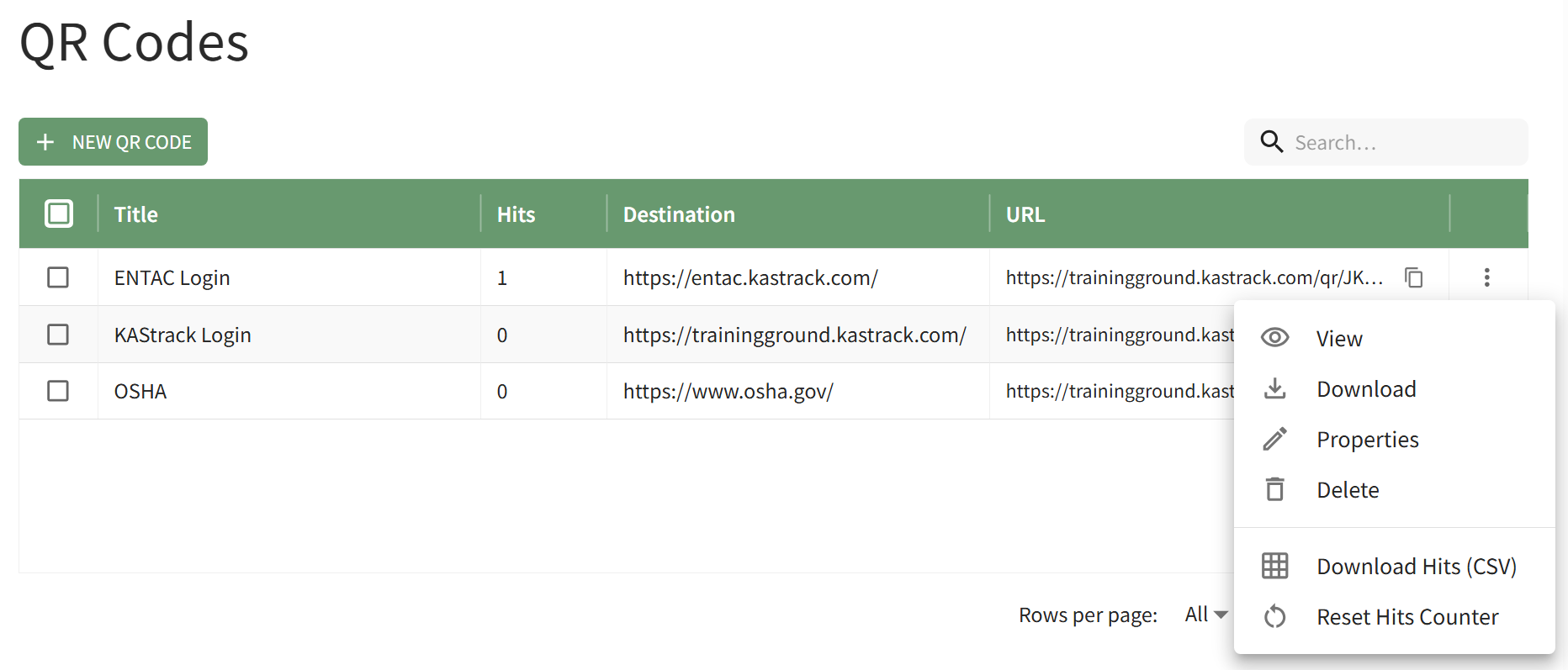
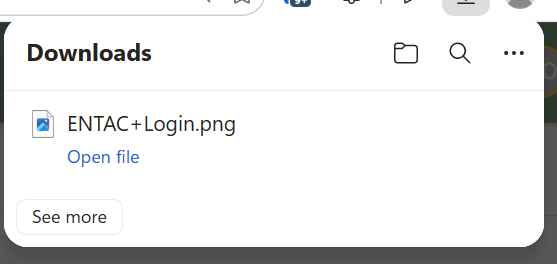
Click the vertical three-dot icon to the far right of the specific QR Code you wish to view, opening the QR Code Table Context Menu. Select the Download option and a PNG file of the QR Code is automatically downloaded to your device.
You can also access a download of the QR code by selecting the View option on the QR Code Table context menu.
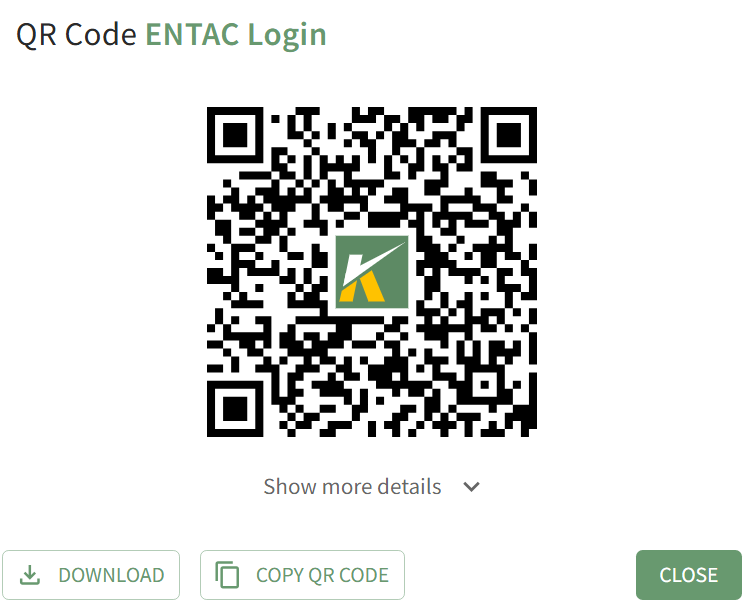
Clicking the download button will also automatically download a PNG file to your personal device.
No comments to display
No comments to display