
Place Databases into Groups
In order for databases to be placed into groups, groups have to be created first.
How To: Add a Database Group
To add a database group, go to the Groups Page of the Database Module.
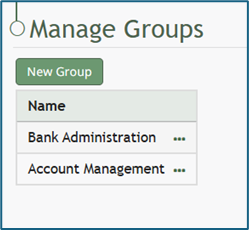
Select the “New Group” button opening the New Group Modal.
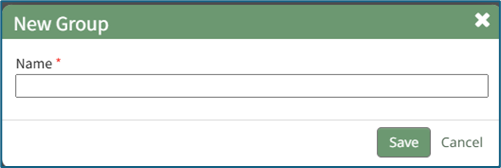
Input the desired name of the new group and select the “Save” button.
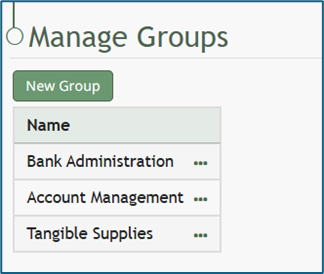
The new group will now show in the Group Table.
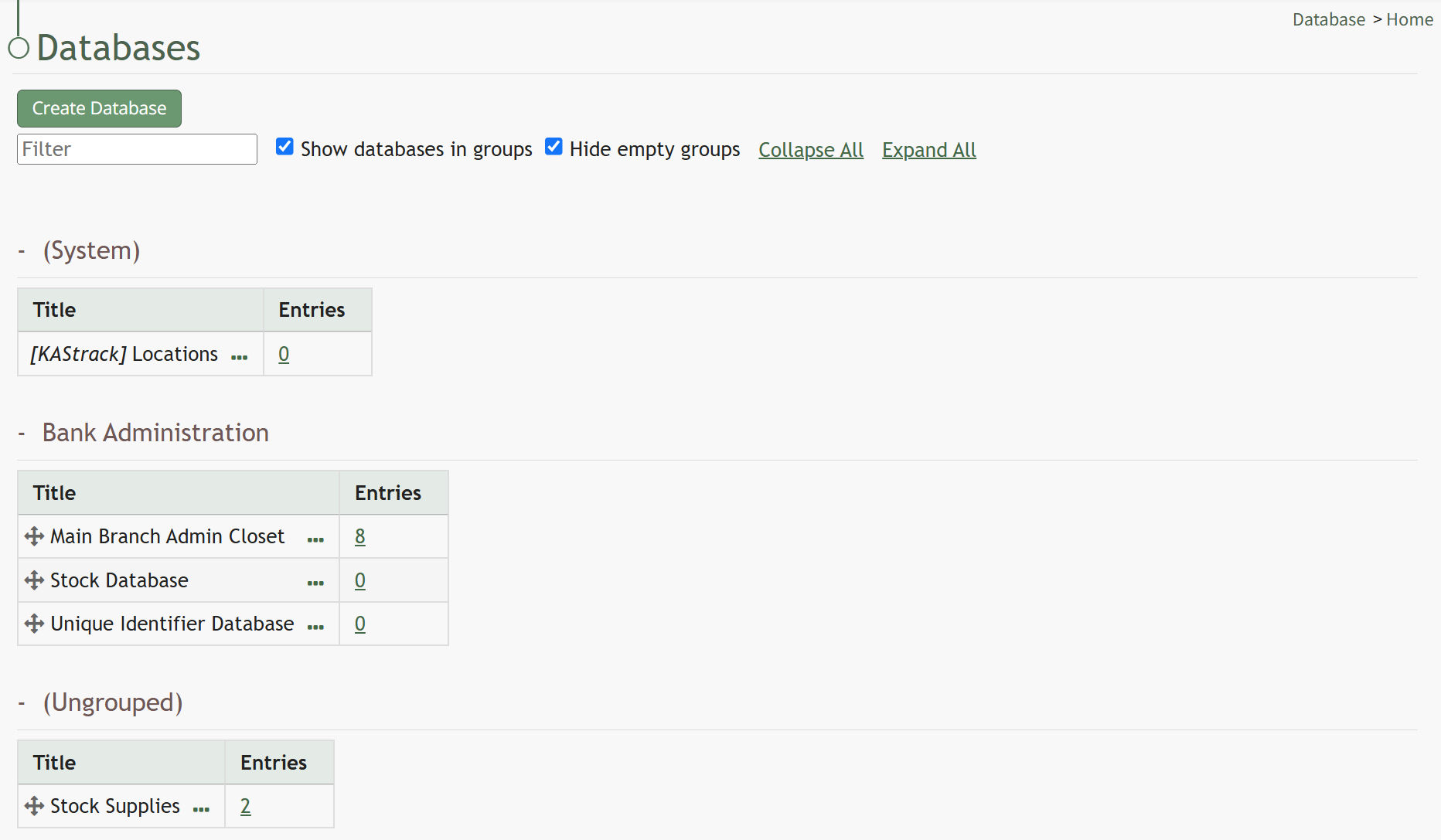
When groups have been added to the Database Module, the Database Table on the Home Page is broken into different sections for each group.
To place databases into groups, drag the database group by the directional arrow icon to the left of the Group Name into the desired group table above.
No comments to display
No comments to display