
Create a Permissive Task Group
Creating permissive groups allows a user to combine tasks into a group. When tasks are grouped together, the group status will only turn red if all of the tasks in the group become red. The status of the grouped tasks will not affect the status of the larger asset.
To create a permissive task group, open the Task Schedule of the specific asset you wish to create permissive task groups in. Select Task Schedule from any context menu to open the asset's Task Schedule Page.
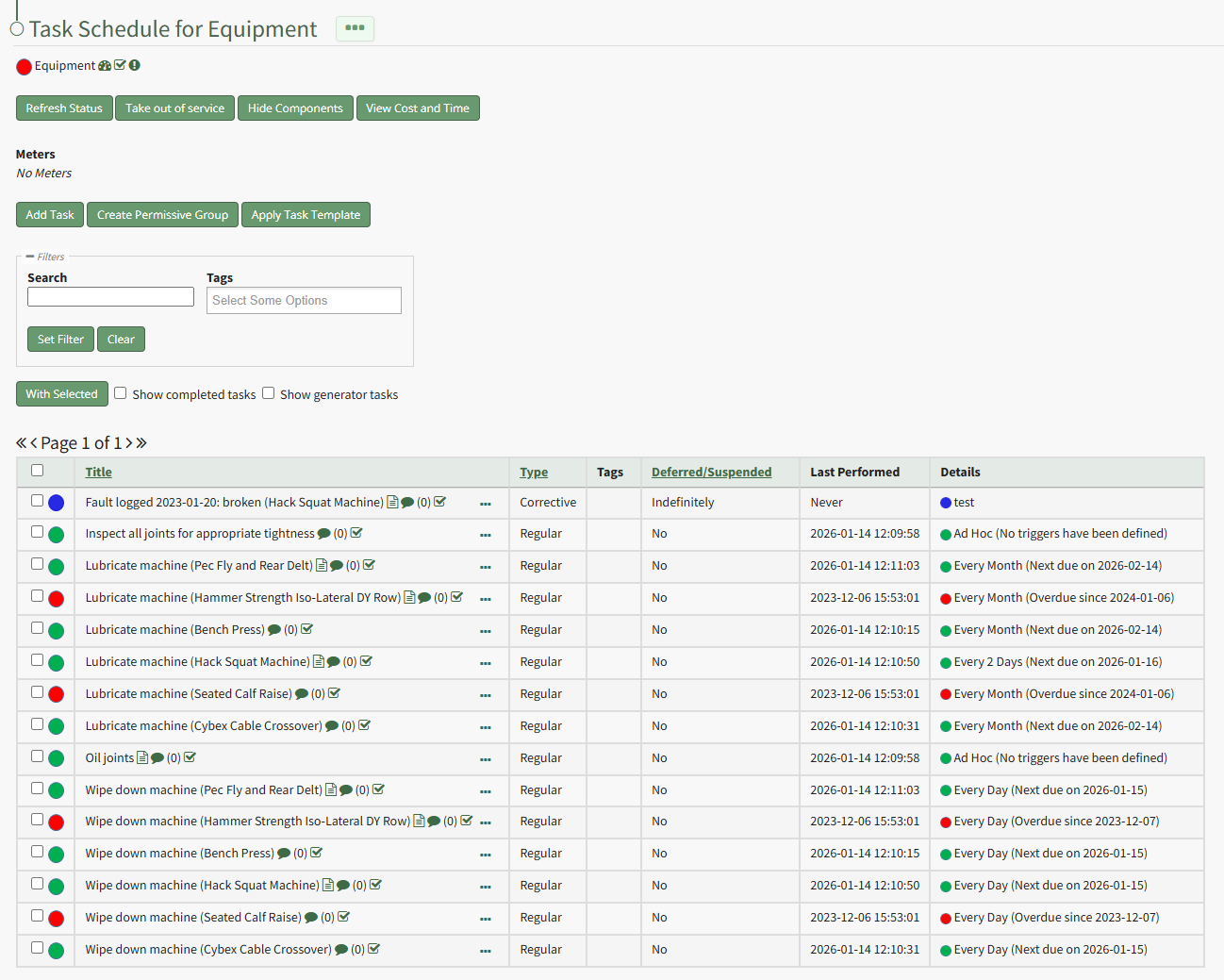
Select the “Create Permissive Group” button to open the Permissive Task Group modal.
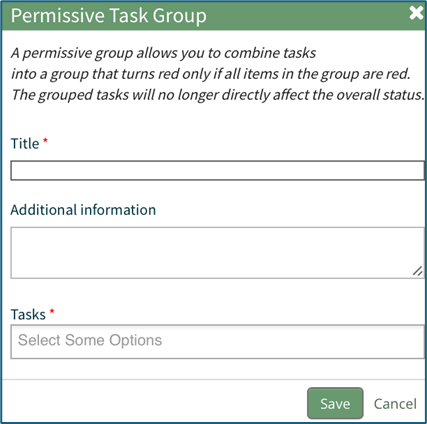
The permissive group must be given a title. Any descriptive information regarding the Permissive Group can be included in the Additional Information text box.
The tasks to be grouped are selected from a dropdown menu.
Select “Save” for the permissive group to be created or click “Cancel” to return to the Task Schedule Page.
No comments to display
No comments to display