
Edit a Forms Groups
To edit a group in the Forms Module, select Groups on the Main Menu and go to the Manage Groups Page in the Forms Module. Click the three-dot icon to the right of the forms group you wish to edit opening the form group context menu.
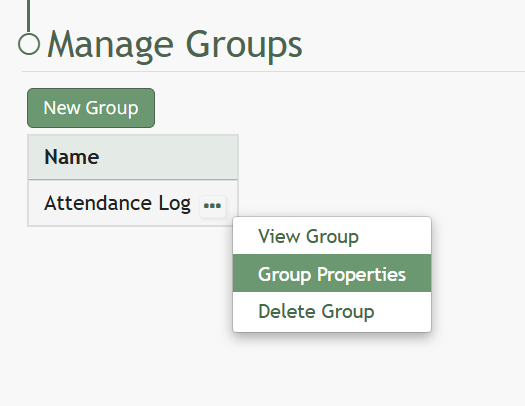
Select “Edit Group” opening the Edit Group Modal.
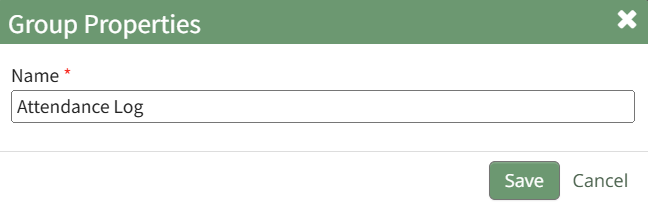
Edit the group name as desired and select “Save” when done.
The name change will now be reflected in title on the Form Groups Table.
No comments to display
No comments to display