
Copy a Workflow
To copy a workflow, open the Workflows Tab on the Settings Page of the Action Module. Click the three-dot icon to the right of the Workflow title you wish to copy, opening the Workflow Context Menu.
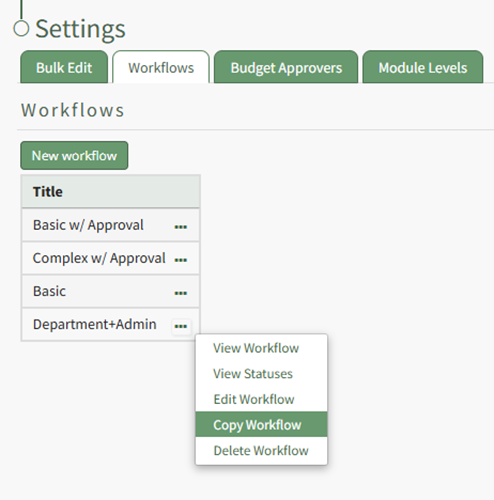
Select “Copy Workflow” from the context menu, opening the Copy Workflow Modal.
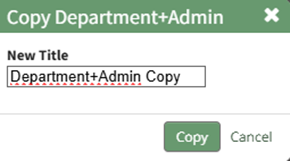
The word copy is inserted after the existing title, but the copied workflow can be renamed. Input the desired new title and select the “Copy” button
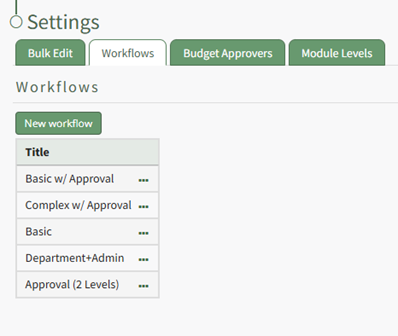
The copied workflow will now show in the Workflow Title Table and can be edited as needed.
No comments to display
No comments to display