
Acknowledge a Document/File
To acknowledge a document/file, open the Actions Tab on the Review Page in the Documents Module from the Main Menu.
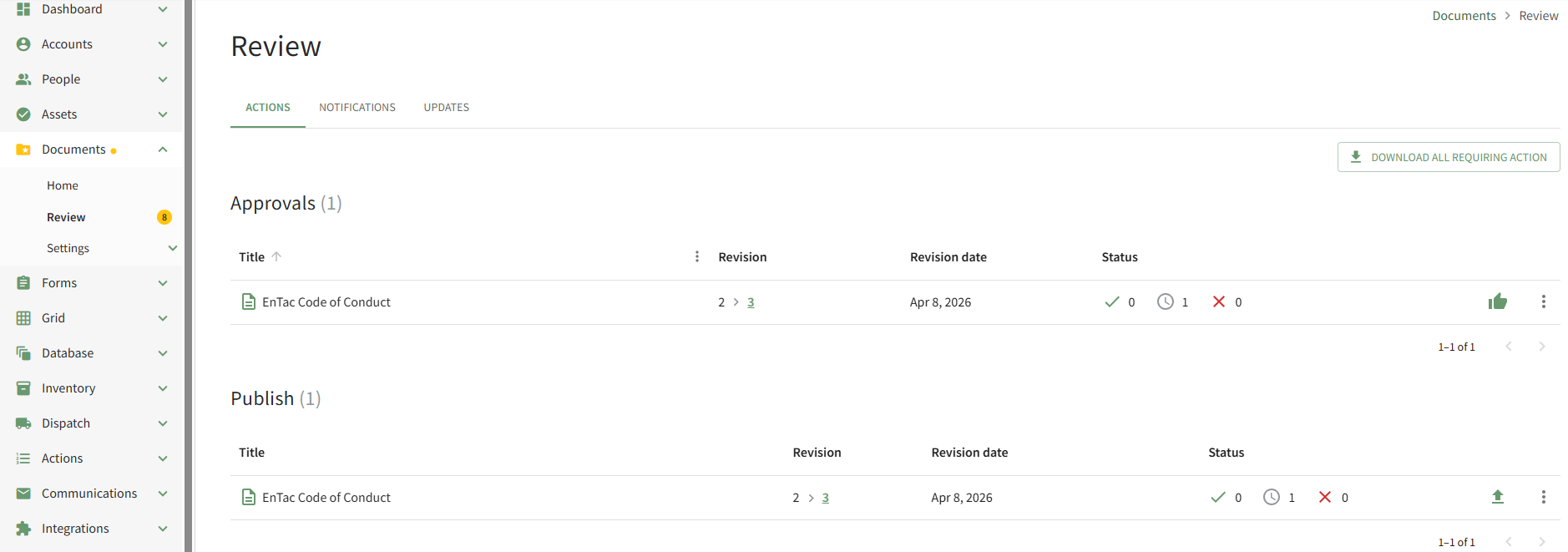
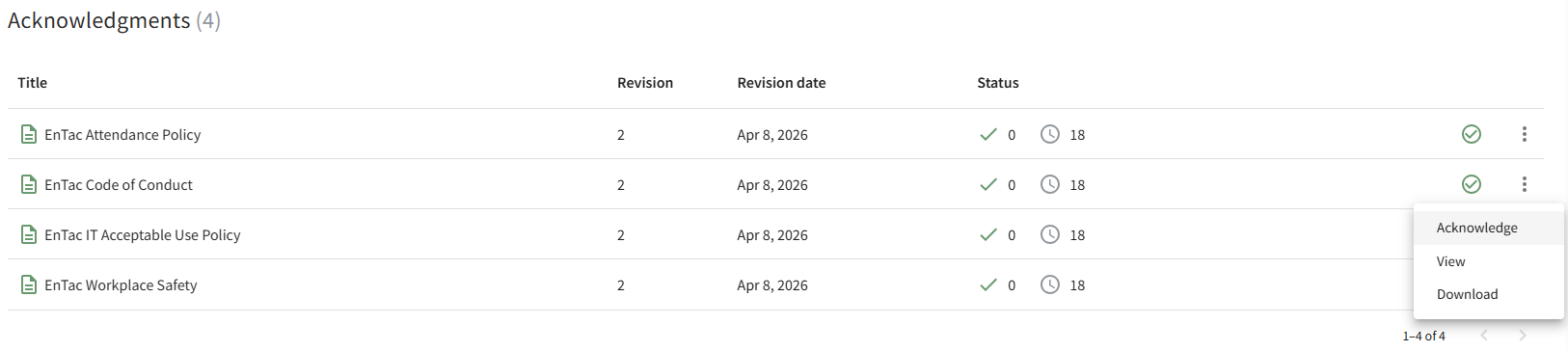
Scroll down to the Acknowledgements Section of the Actions Tab. Click the vertical three-dot icon to the right of the file to open the Acknowledgements Context Menu and select the Acknowledge option.
This opens the Acknowledge Revision Modal
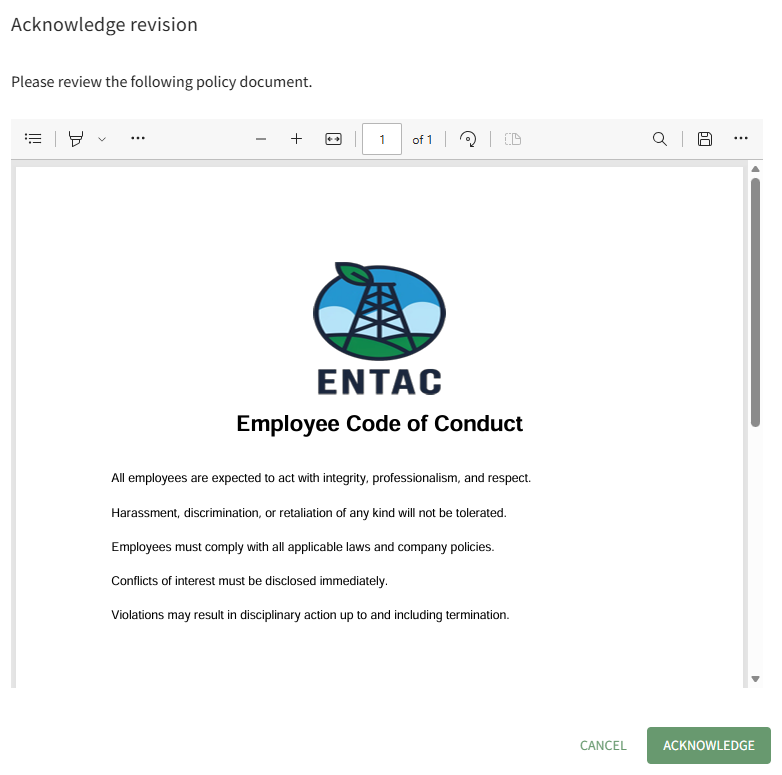
After reviewing the required document, click the Acknowledge button.

A pop-up confirms that the file (revision) was acknowledged.
No comments to display
No comments to display