
Delete a Custom / Additional User Account Information Field
To delete a custom user account information field, open the Account Fields Tab in the Site Settings Module from the Main Menu.
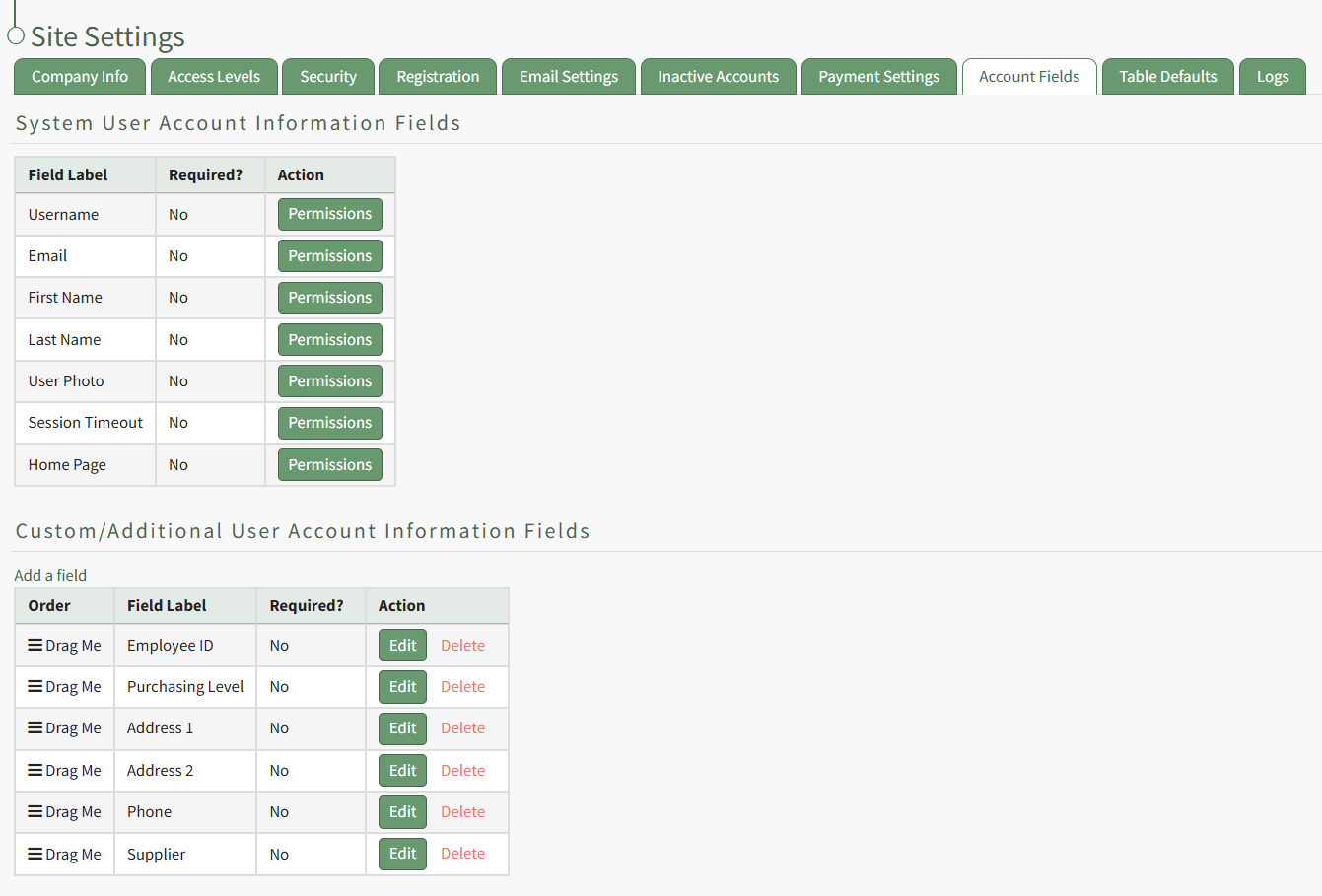
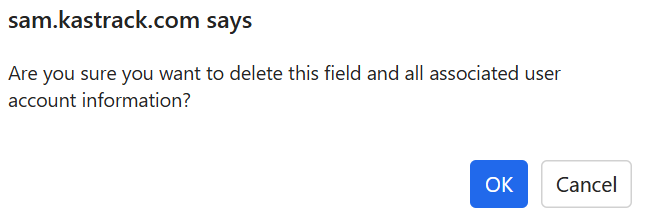
Custom account fields show in the Additional User Account Information Table. Select the clickable "Delete" link in the actions column to the right of the field you wish to delete. This opens the Field Deletion Confirmation Modal which states, "Are you sure you want to delete this field and all associated user account information?"
No comments to display
No comments to display