
Complete a Form Associated with a Required Certification
One of the possible required activities for a certification is to require a form to be submitted or a payment to be made.
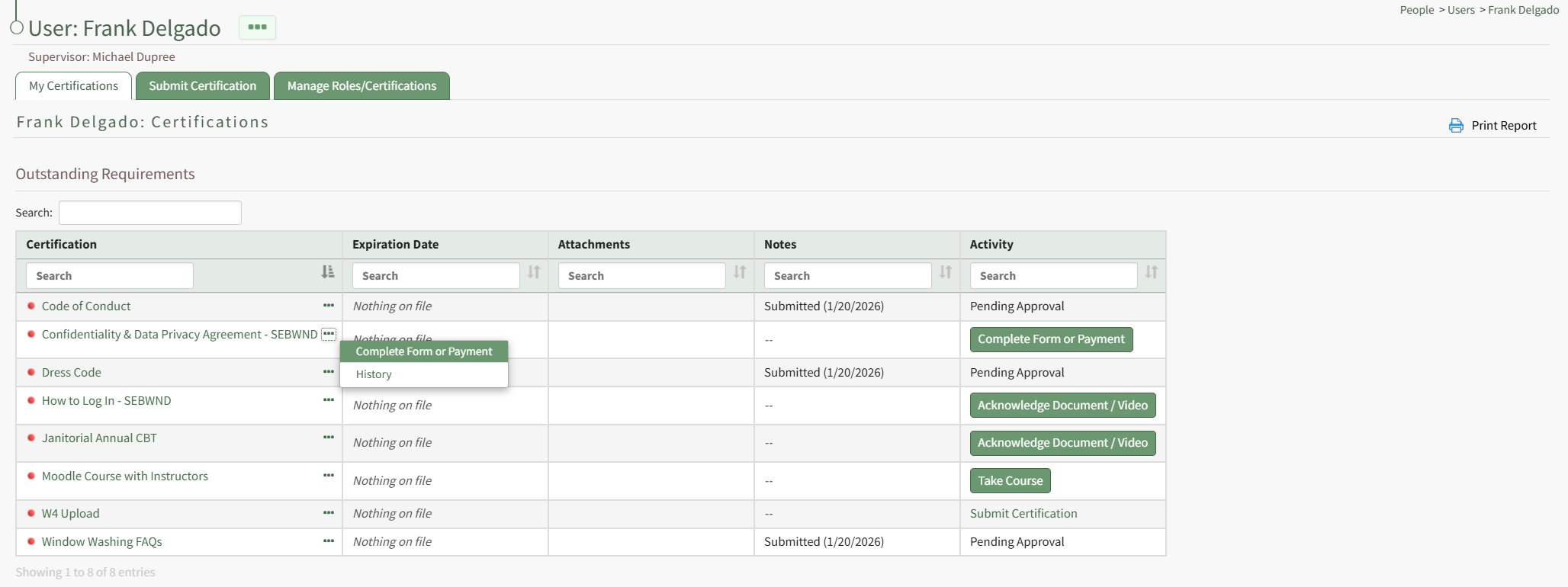
Complete Form or Payment is a context menu open as well as a button in the Activity column on a user's My Certifications Tab on the My Account Page of the People Module. It is also a clickable link in the Required Activity column on a User's Certifications Page.

Select Complete Form or Payment to open the Complete a Form Modal, which displays the required activity directly in the modal.
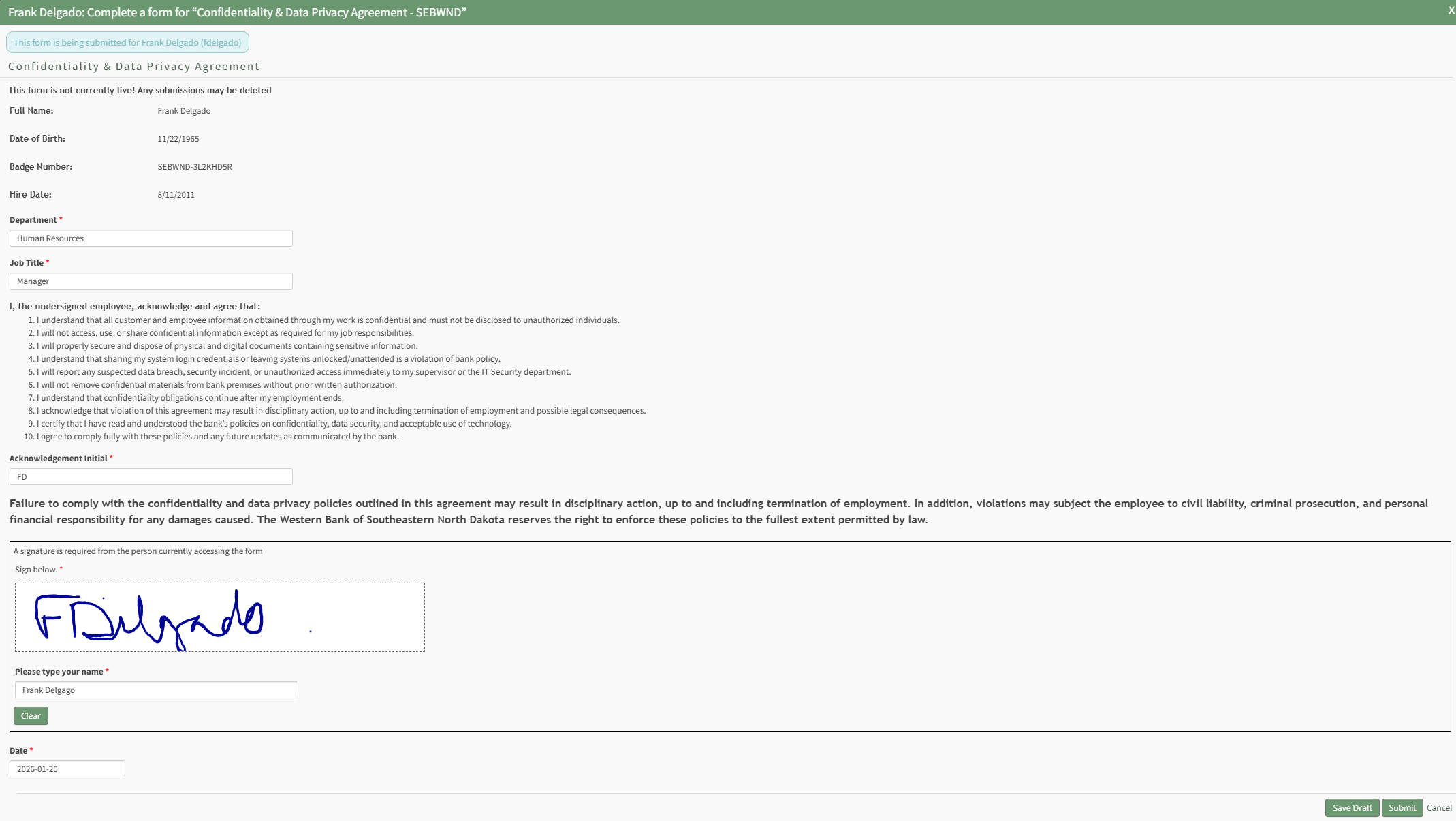
Any Form associated with a required activity has already been created in the Forms Module and Integrated with the People Module. Forms can be customized so that drafts can both be saved as progress is made and submitted from the modal.
Select "Submit" from the Complete a Form Modal and a modal confirms that the certification's required actitivity has been met.
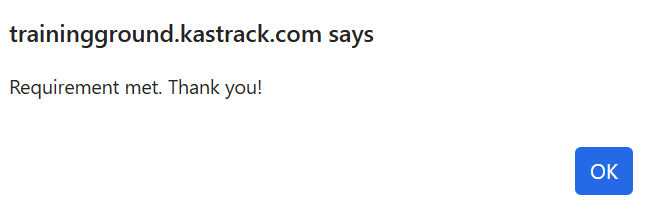
Select "OK" to return to the table you initiated completing the activity in.
No comments to display
No comments to display