
Add Comments to a File
To add a comment to a file that is housed in the Documents Module, open the Documents Home Page from the Main Menu and navigate to the file you want to leave a comment on. Click the vertical three-dot icon to the right of the file to open the file's context menu and select View.
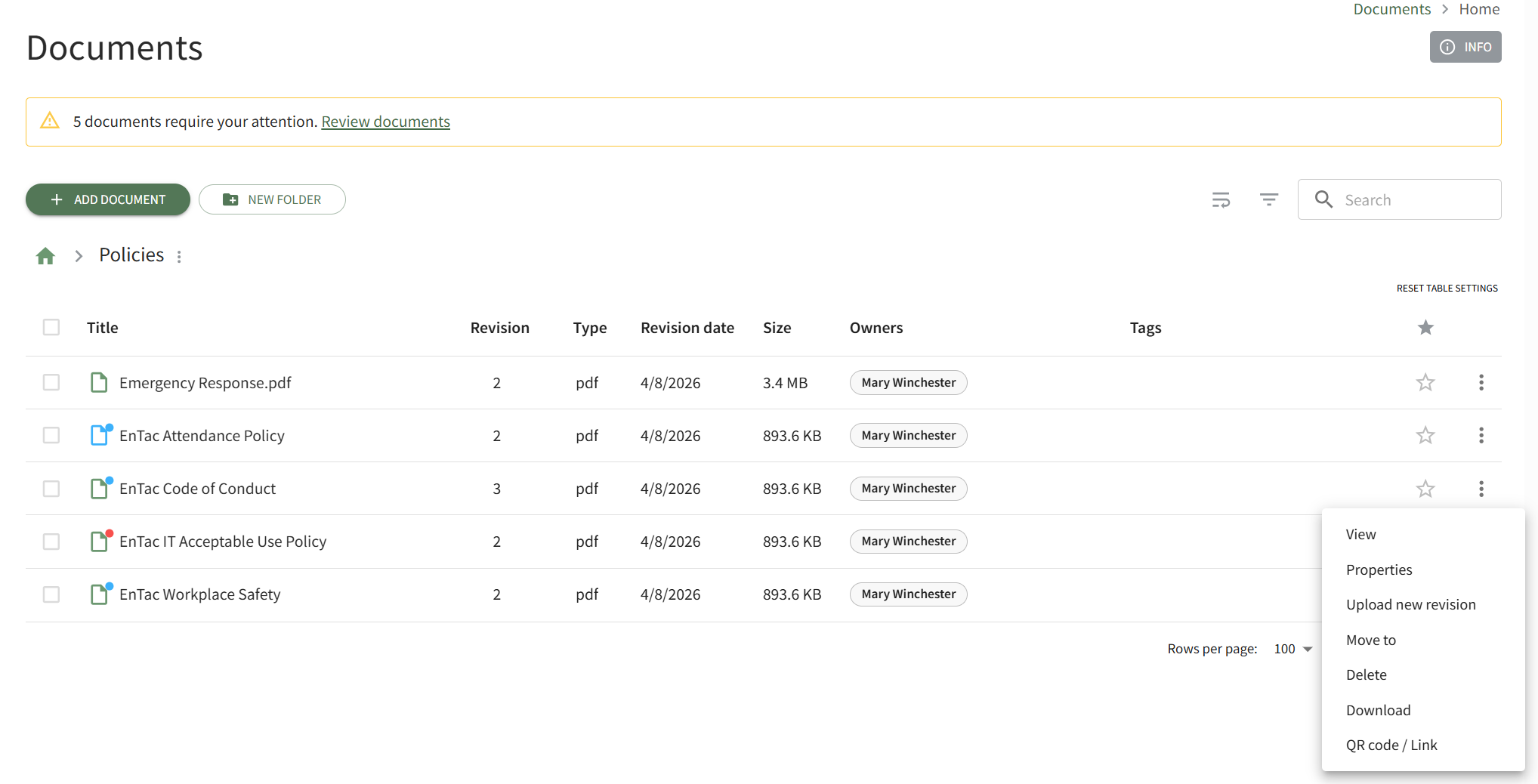
This opens the document's Detail Page. Open the Comments Tab.
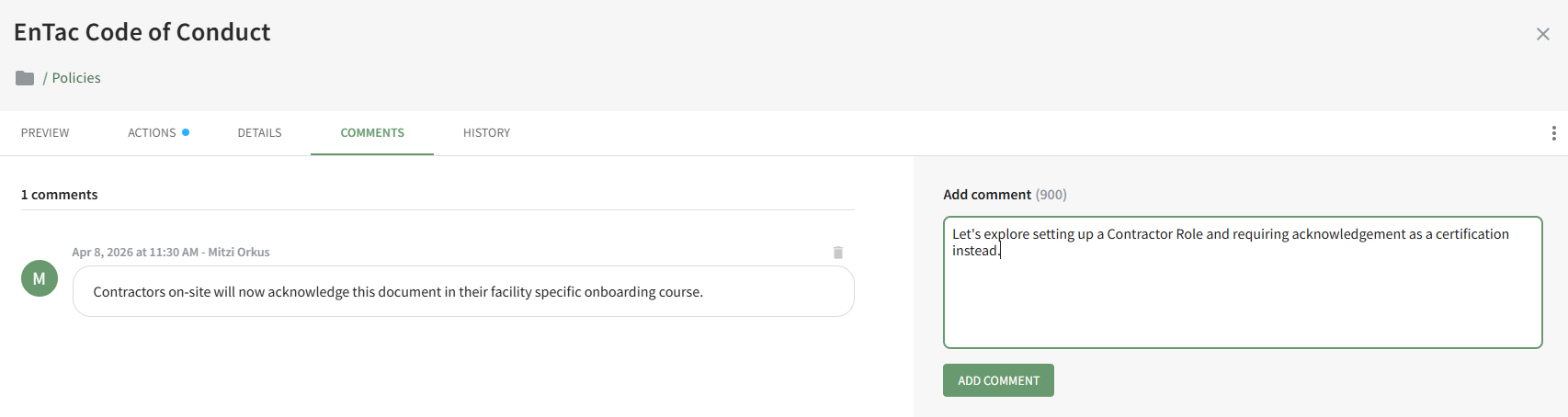
Insert your comments into the Add Comment textbox and click the Add Comment button.
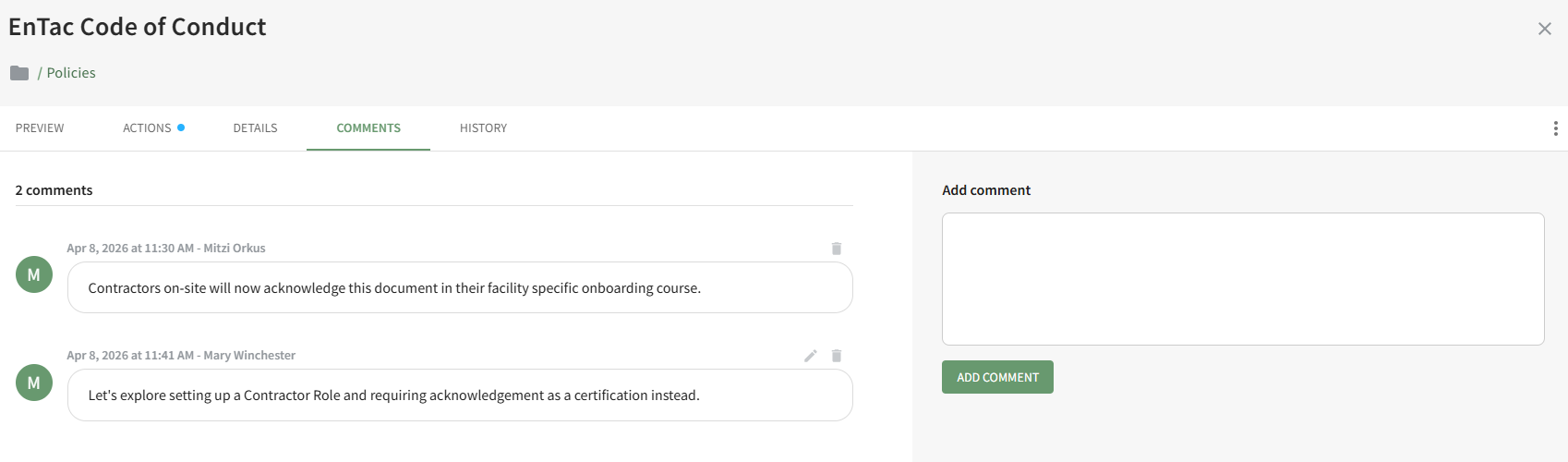
The date and time the comment was recorded as well as the user who made the comment is indicated above the message.
Users have the ability to edit/delete their own comments after they are posted.
No comments to display
No comments to display