
Add/Edit/Delete Comments to a User's Submitted Certification Records
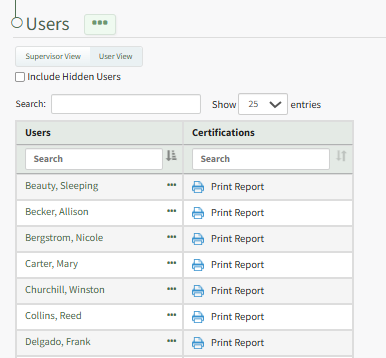
To add comments to a user's submitted certification records, open the Users Page in the People Module from the Main Menu. Identify and click the name of the individual whose submitted certification you wish to comment on.
This opens the User's Certification Details Page. Scroll to the bottom of the User Certifications Tab. To the right of the certification record section is a Comments Section.
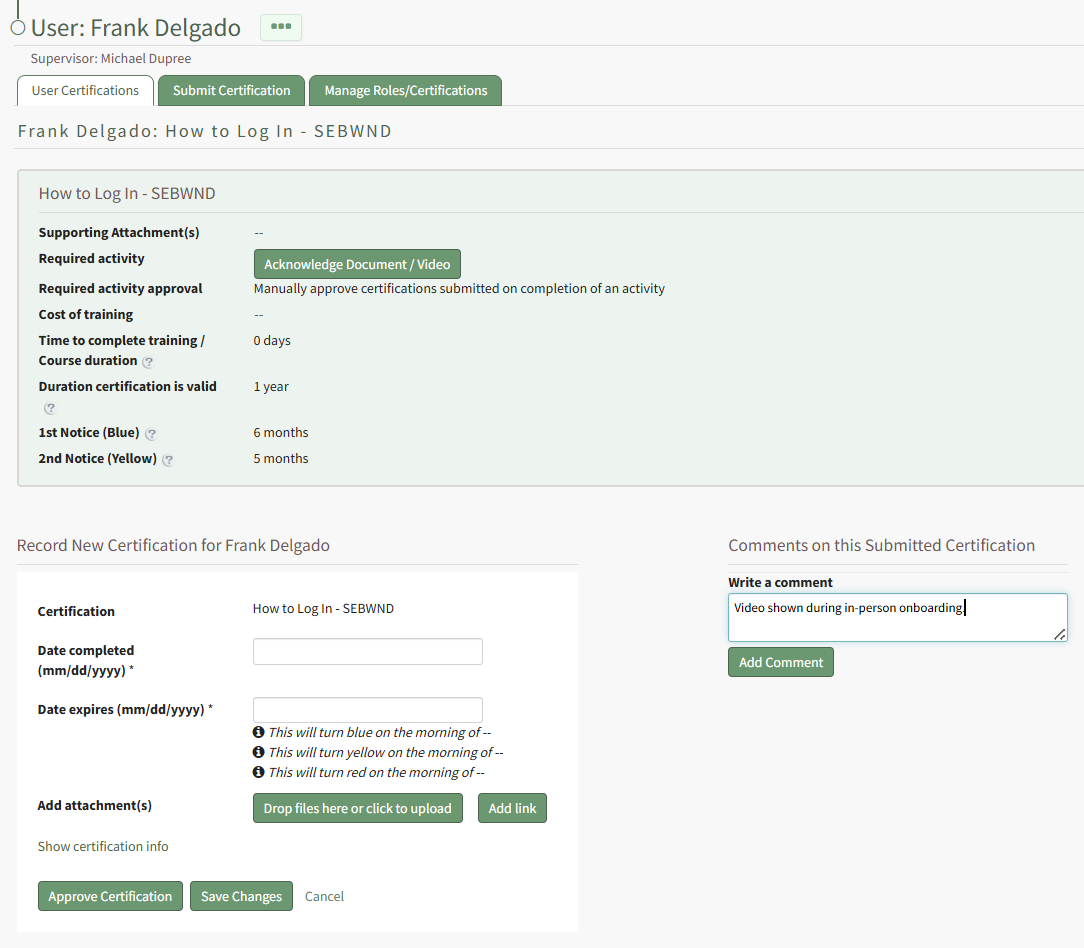
Input the relevant notes into the textbox beneath "Write a Comment" and click the Add Comment Button.
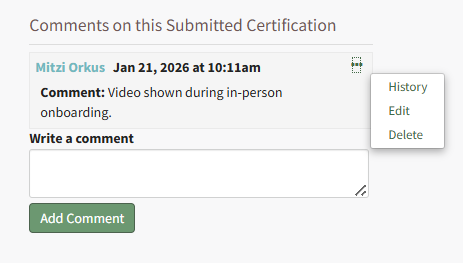
The commentor, date and time are displayed with the comment. Selecting the three-dot icon to the right of the comment header opens a context menu that allows you to edit and delete the comment.
No comments to display
No comments to display