
Complete Payment for a Required Certification
To complete a payment for a required certification, open the My Certifications Tab on the My Account Page in the People Module from the Main Menu.
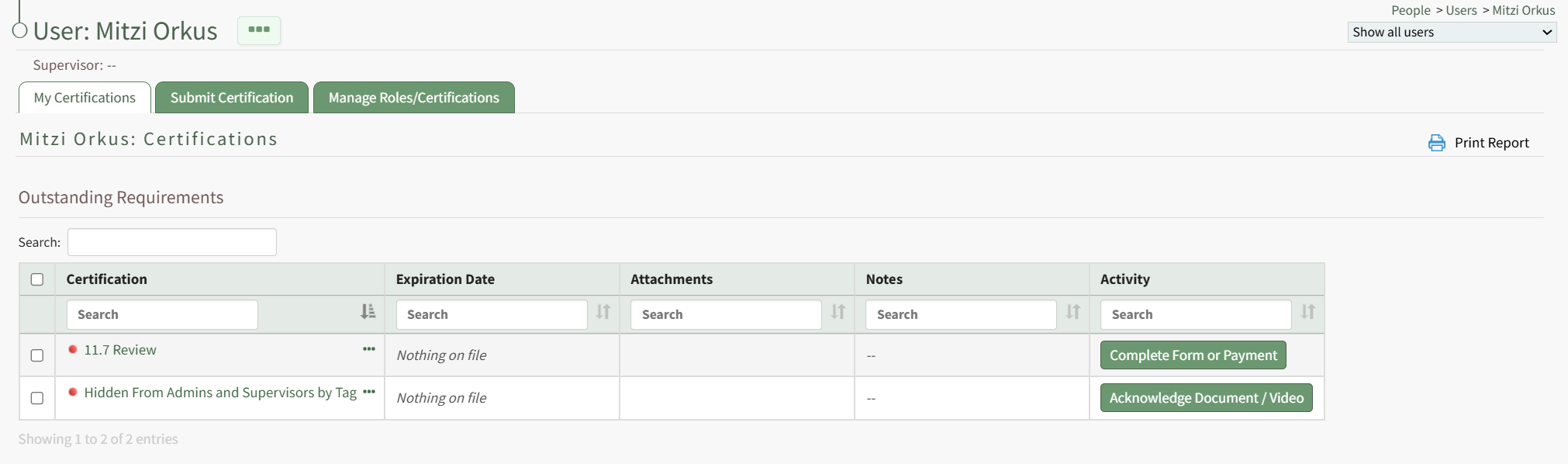
The certification that required a payment will be visible in the Outstanding Requirements Table. Select the Complete Form or Payment button in the Activity column to the right of the certification opening the Complete Payment Modal.
The fields on the modal can vary. Complete the instructions on the modal to make payment and complete the certification requirement.
No comments to display
No comments to display