
Bulk Edit / Delete Form Entries
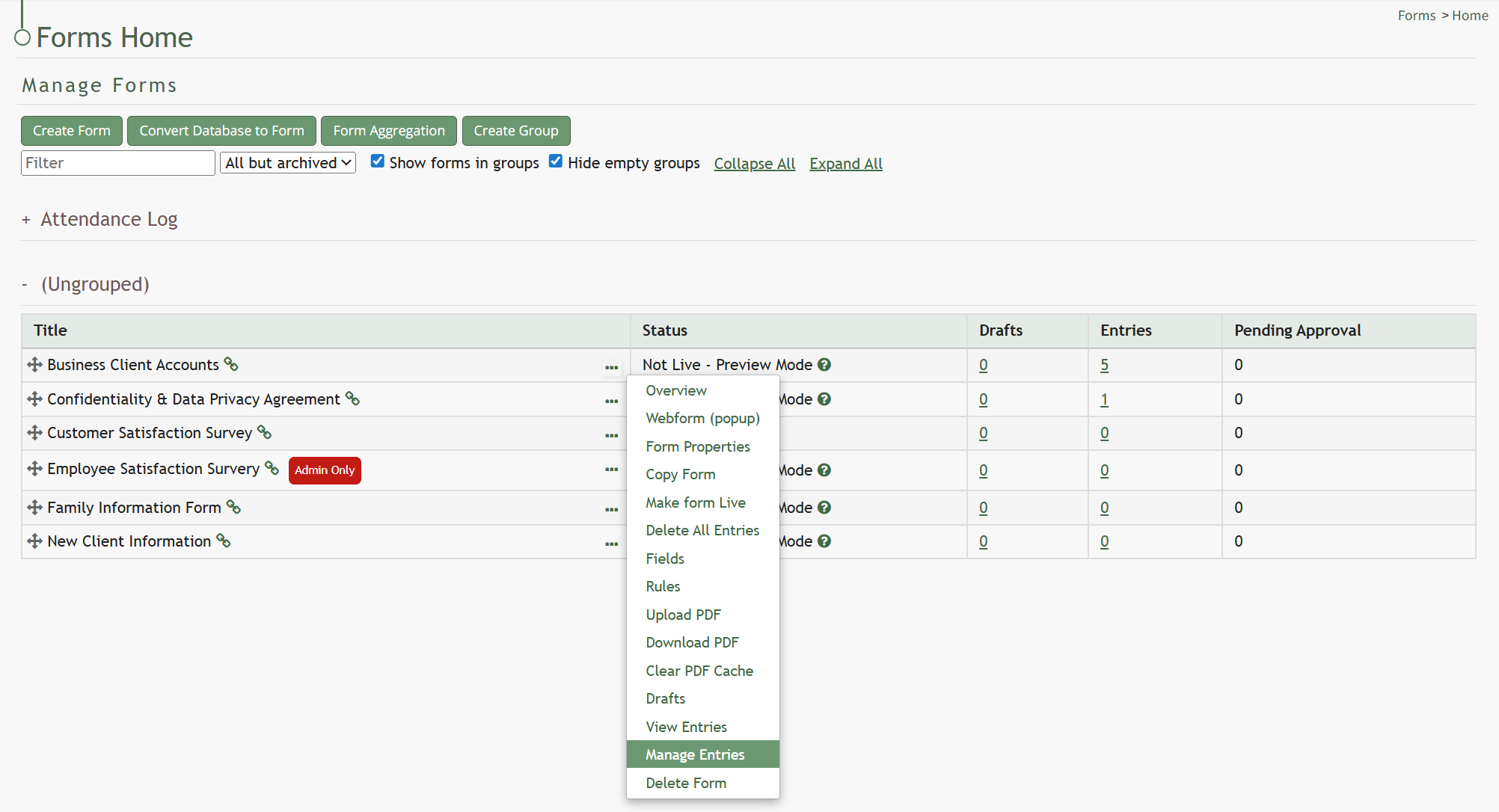
To bulk edit form entries, go to the Home Page of the Forms Module. Click the three-dot icon to the right of the specific form you wish to bulk edit, opening the Form’s context menu. Select “Manage Entries”.
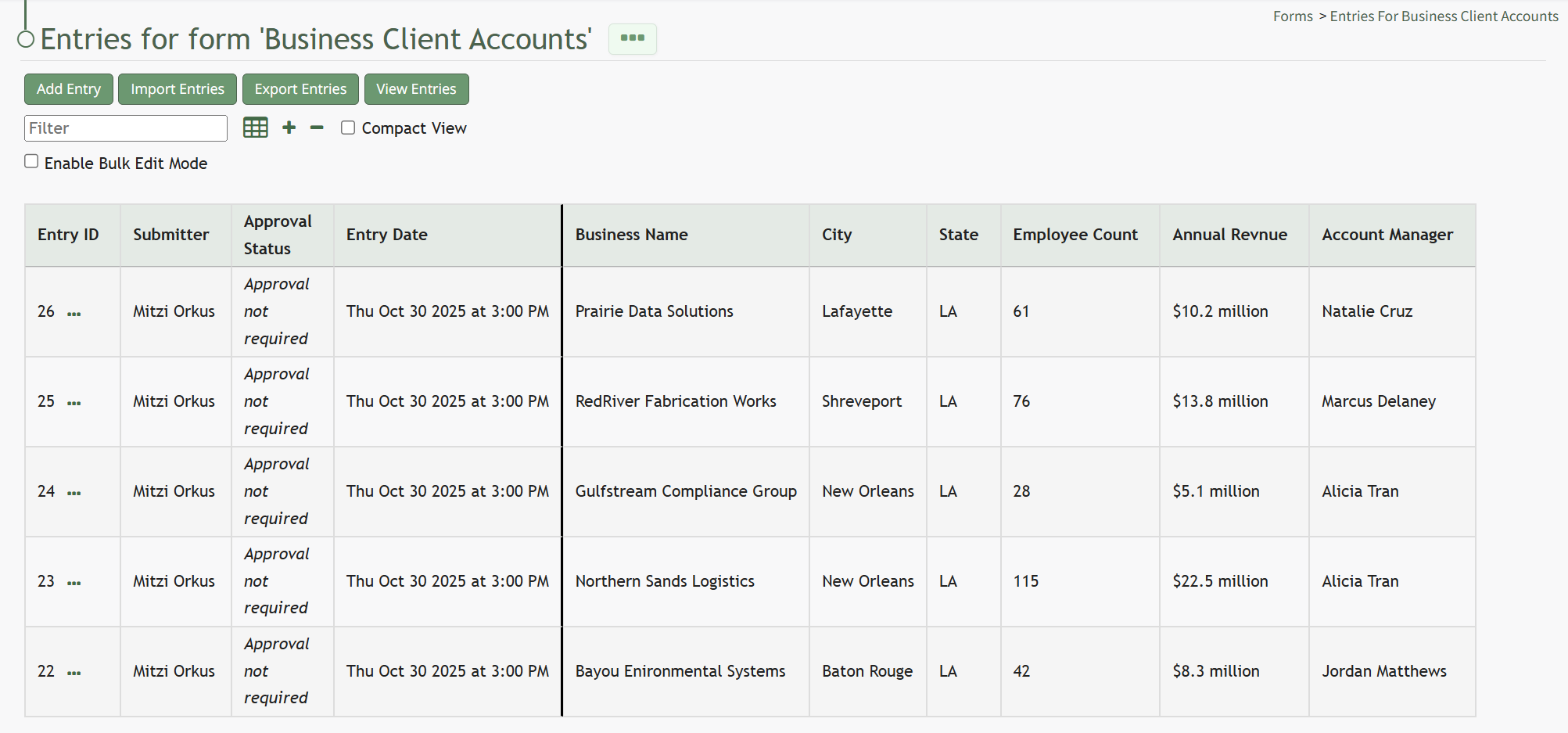
This opens the Manage Entries for (FORM NAME) Page. Select the “Enable Bulk Edit Mode” checkbox.
 A “Delete
 Selected” button now appears. A checkbox also shows to the left of every Entry ID. Selecting checkboxes allows for the bulk deletion of entries.
Hovering the cursor over a specific field entry will show an edit icon. Click the edit icon and the form field will now open for edits. Click the disk icon for your changes to be saved by the system.
No comments to display
No comments to display