
Designate a Folder is Public
To make an existing folder a public folder in the Documents Module, open the Documents Home Page from the Main Menu and navigate the repository to the folder you want to designate as public.
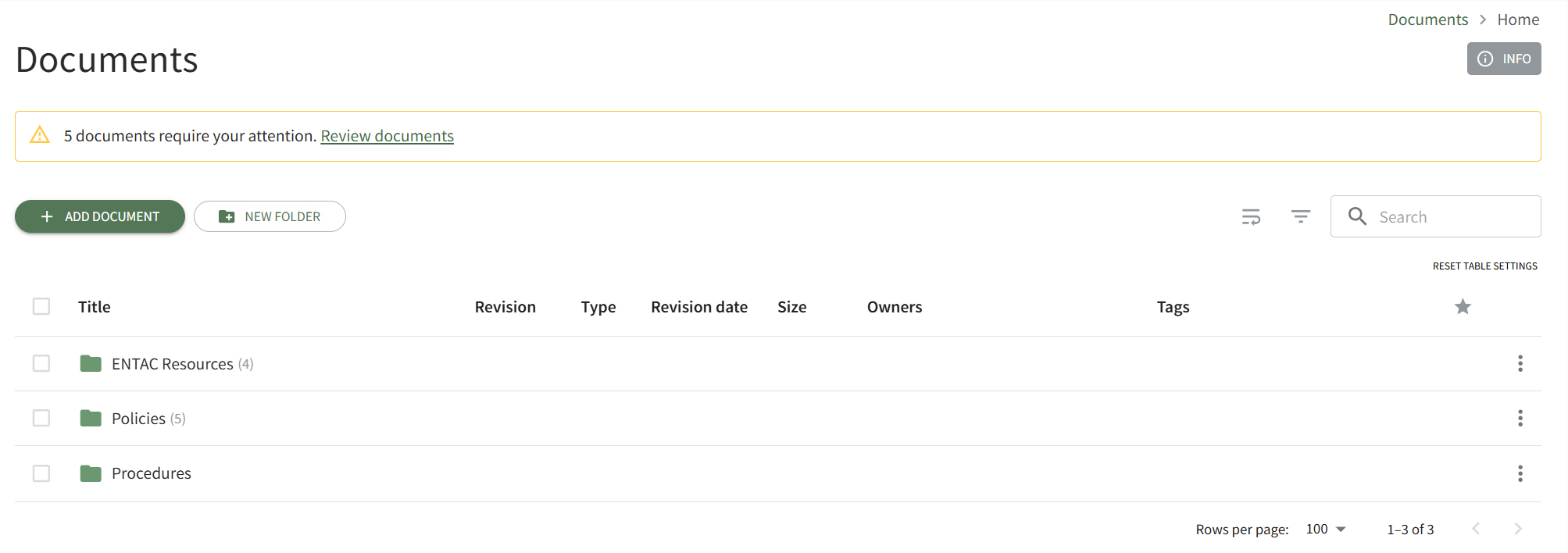
Click the vertical three-dot icon to the right of the folder you wish to make public, opening the folder's context menu. Select Properties opening the Folder Properties modal.
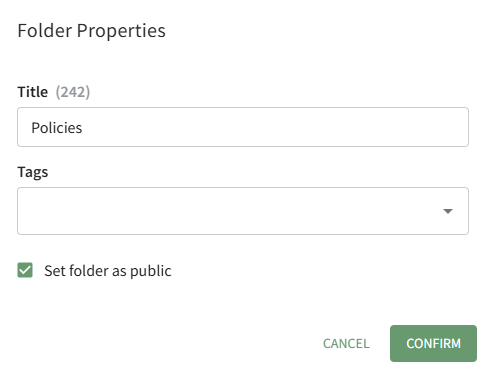
Click the "Set Folder as Public" checkbox and select the Confirm button.
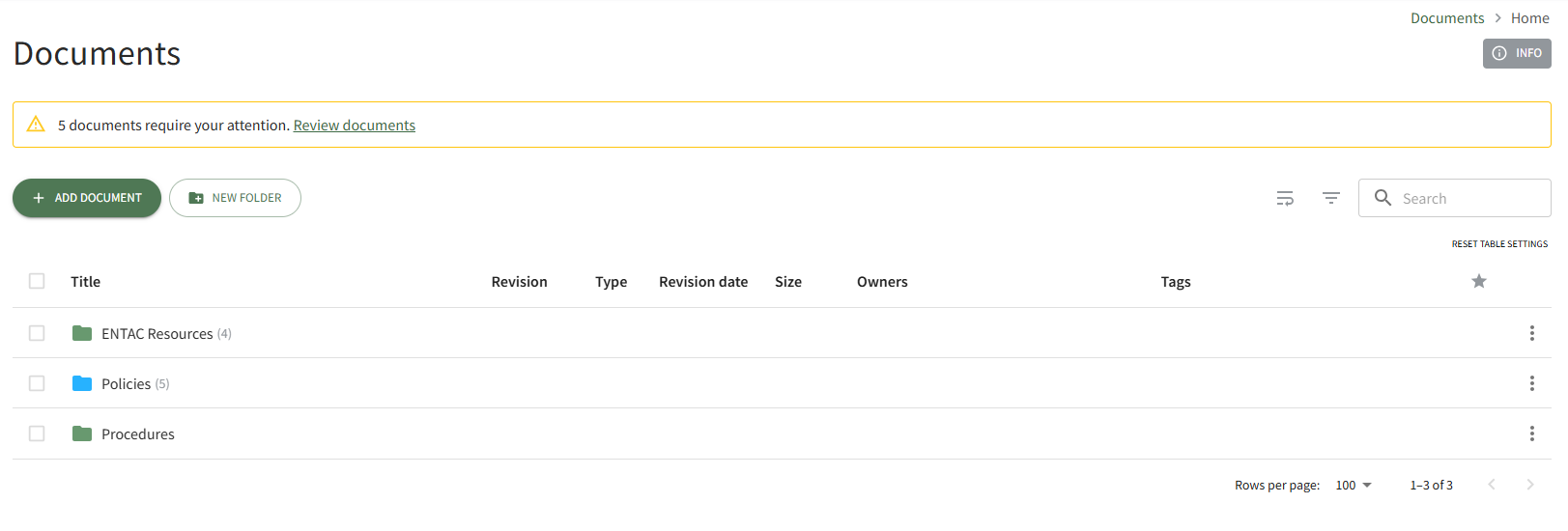
The folder icon is now blue, indicating that the folder is accessible to individuals that are not logged in to the system as KAStrack users.
No comments to display
No comments to display