
Edit a Pre-Defined Distribution List
To edit a pre-defined distribution list, go to the Distribution List Tab on the Settings Page of the Dispatch Module.
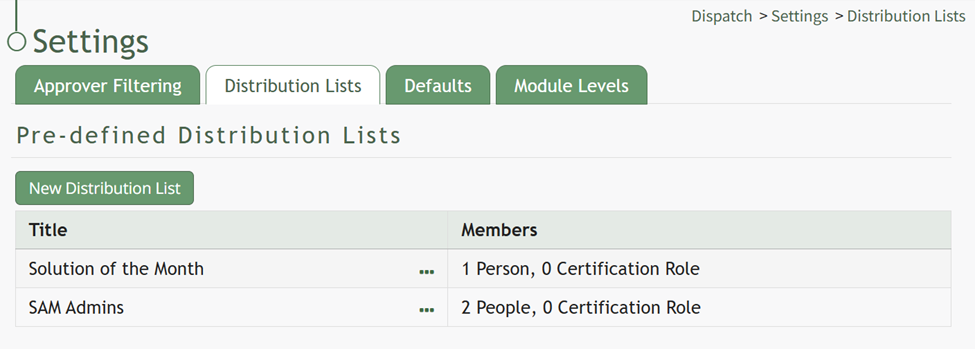
Selecting the three-dot icon to the right of the distribution list title you wish to edit will open the Pre-Defined Distribution List Table Context Menu.
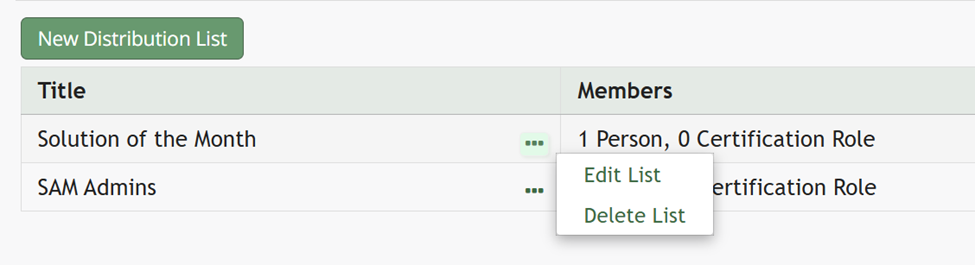
Select “Edit List” opening the Edit Distribution List Modal.
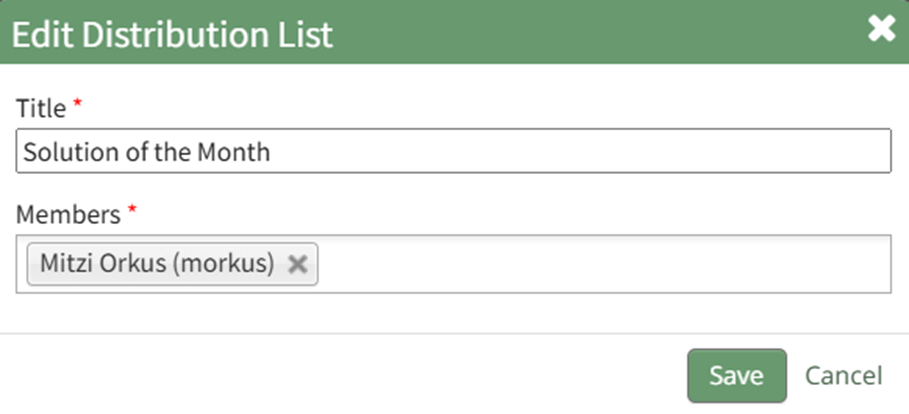
Edit the title or members of the distribution list as desired. Select the “Save” button. The edits made to the distribution list will now be visible in the Pre-Defined Distribution List Table.
No comments to display
No comments to display