
Delete an Action Comment
To delete a comment associated with an action, go to the Actions Home Page.
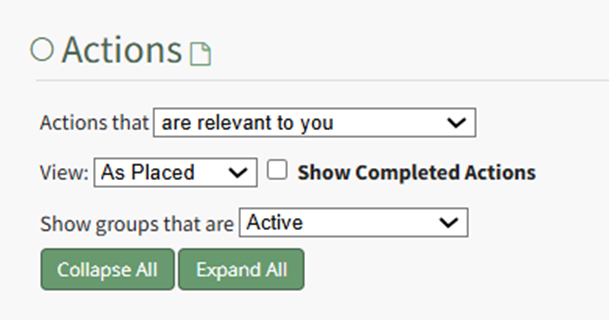
If filtering by user, select the action title. If filtering by due date or groups ("As Placed"), use the filters to pull up the relevant due date or Action Group and expand them to display the actions.
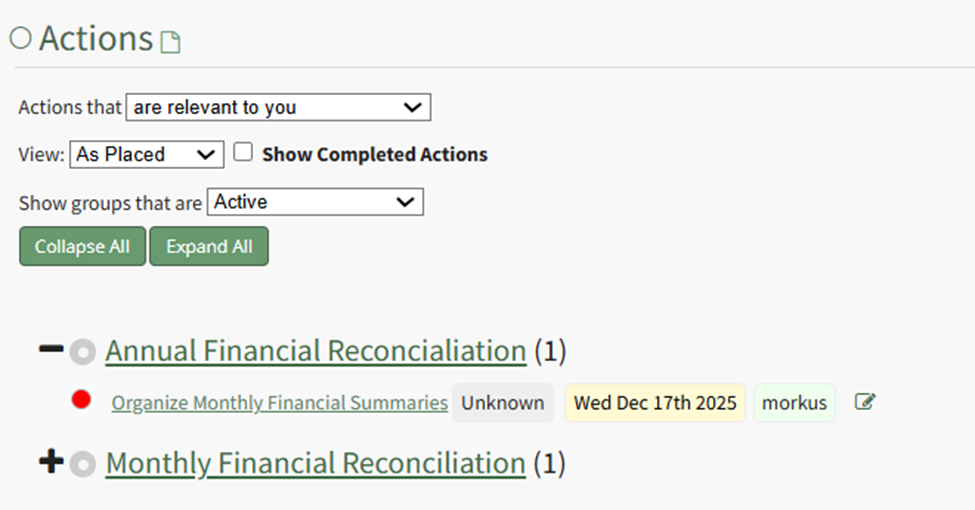
Click the Title Link of the action you wish to delete comments from, opening the specific action.
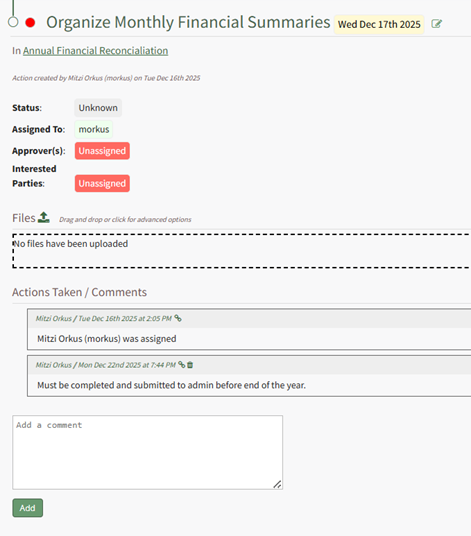
To delete a comment, click the trash can icon on the header row of the specific comment.

This opens the Delete Comment Modal. You have the option to include a reason for the deletion.
The deletion confirmation modal asks, “Are you sure you wish to delete this comment?” Select “Confirm” and an error appears.

This is a software bug the development team is aware and will be changed soon.
The Delete Comment Modal remains. Input any reasons for deleting the comment.
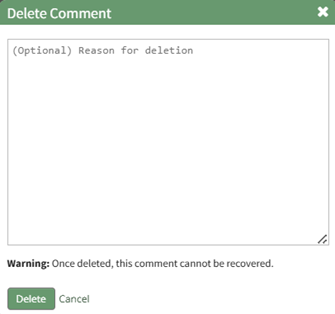
Click delete and a popup confirms that the comment was deleted. (There is no deletion confirmation modal.)

The comment is now permanently deleted. The comment box is still visible, and the reason for the deletion now shows instead of the original comment.

No comments to display
No comments to display