
Reset a User's Roles and Certifications Report QR Code
To reset a user's Roles and Certifications Report QR Code, open the Users Page in the People Module from the Main Menu. Click the three-dot icon to the right of the user's name whose QR Code you want to reset opening the User Table Context Menu.
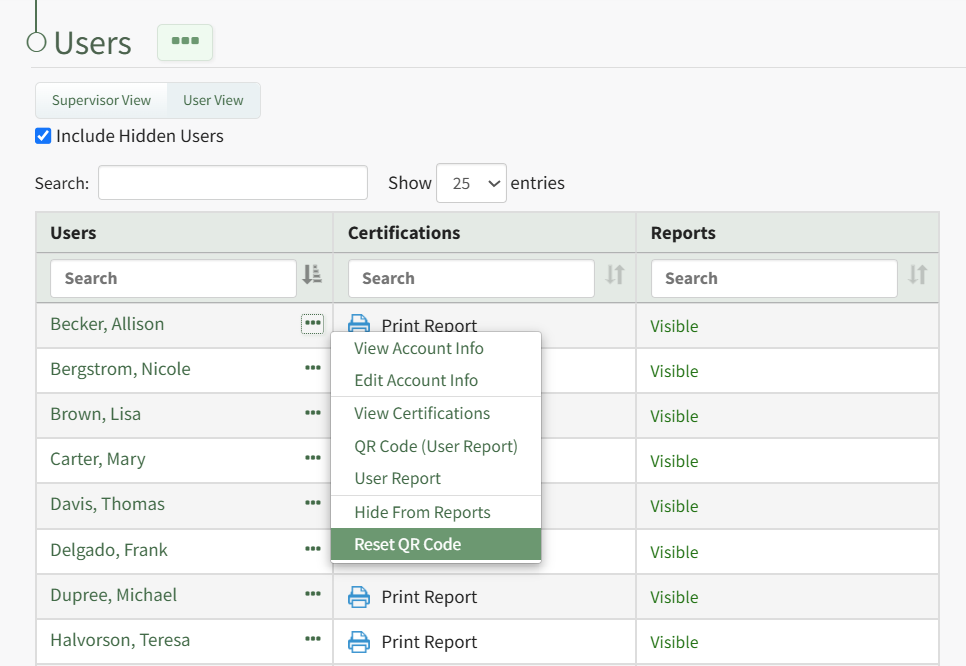
Select "Reset QR Code" from the context menu opening the QR Code Reset Confirmation Modal.
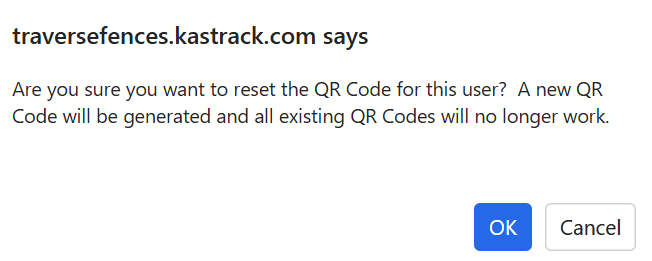
The modal states, "Are you sure you want to reset the QR Code for this user? A new QR Code will be generated and all existing QR Codes will no longer work." Select "OK".
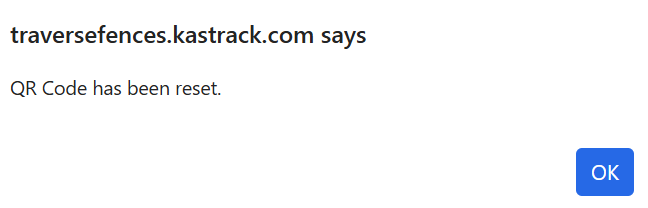
The confirmation modal now states, "QR Code has been reset." Select "OK" to return to the Users Page in the People Module.
No comments to display
No comments to display