
Delete a Shared Certifications Report
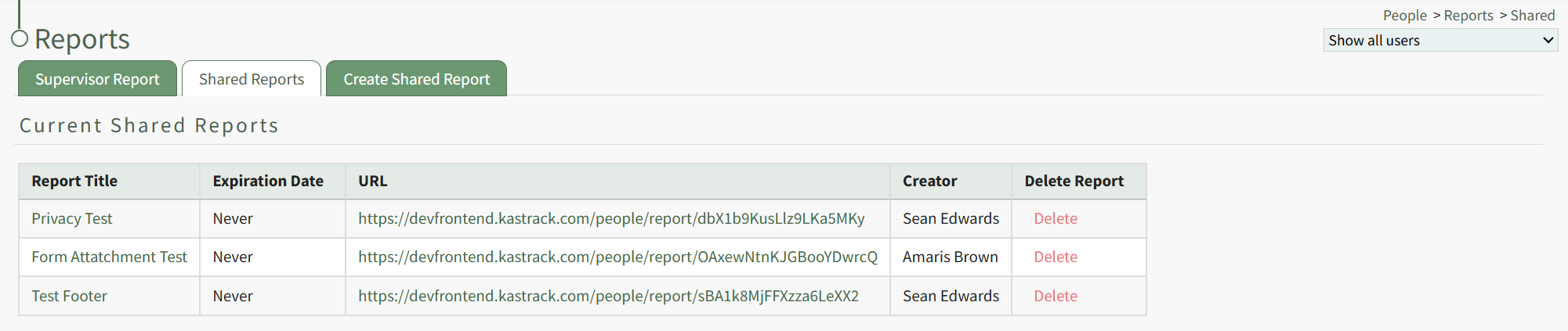
The Delete Report column of the Current Shared Reports Table houses a clickable red Delete link.
Click the link opening the Shared Report Deletion Confirmation Modal which states, "Are you sure you want to delete this report?"
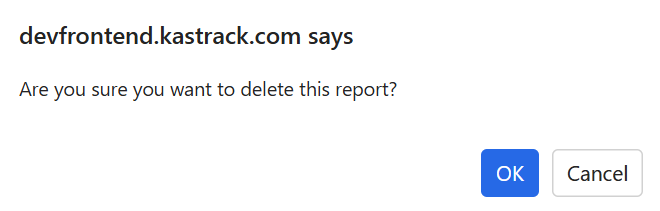
Click "OK" and the Shared Report is deleted and removed from the table.
You can also delete a shared certification report directly from a specific shared report page.
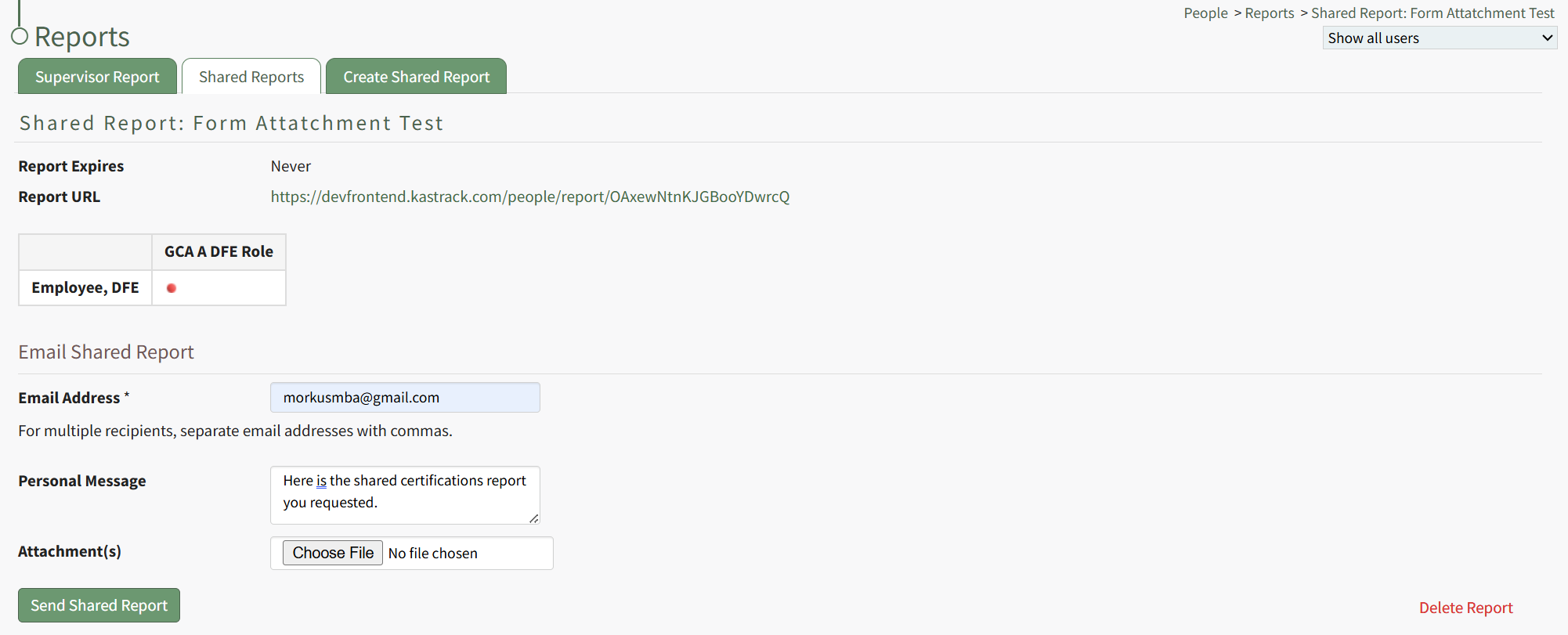
Click the red "Delete Report" link at the bottom left corner of any Shared Report Page opening the same Shared Report Deletion Confirmation Modal shown above.
No comments to display
No comments to display