
Add Notes to a Dispatch
To add notes to a dispatch, go to the Dispatch Module Home Page and click the title or dispatch number of the specific dispatch whose status you wish to change.

This opens the dispatch details page.

The edit dispatch icon is to the right of the dispatch status. Click the Edit Icon to open the Edit Dispatch Modal.
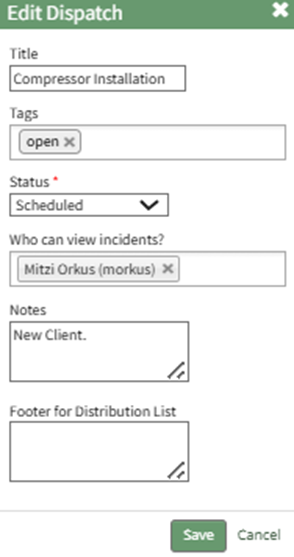
Add the desired notes in the text box and select “Save” returning to the specific dispatch page.
The notes added will now be visible in the header row beneath the Dispatch Number and Title.

No comments to display
No comments to display