
Edit a Dashboard
To edit a dashboard, go to the Dashboard Module and select the specific Dashboard you wish to edit. Select the vertical three dot menu to the right of the Dashboard’s name in the center of the page. Select “Edit”.
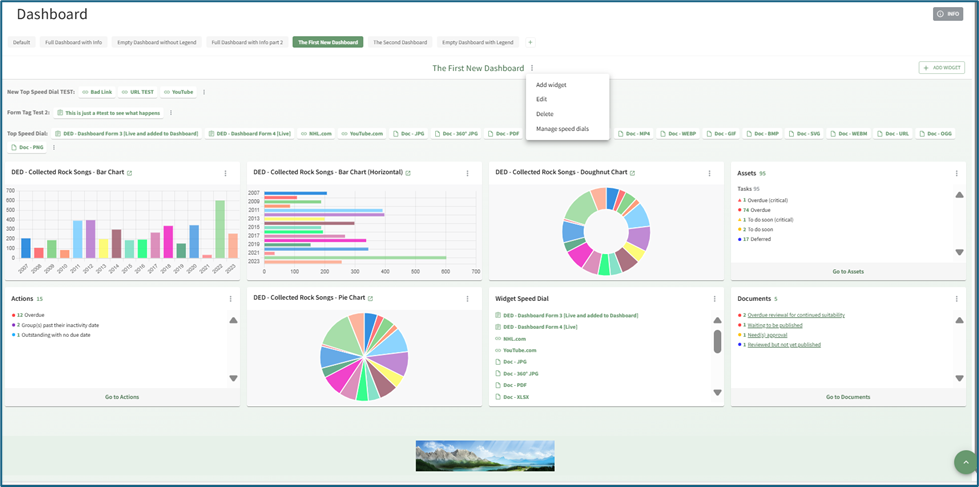
This opens the Edit Dashboard Modal.

Make changes as desired to the Dashboard name and select the “Confirm” button.
Deselecting the “Include Info button” checkbox will remove the grey “INFO” button that expands with an explanation of the in the top right-hand corner of the Dashboard Page.

No comments to display
No comments to display