
Decline a Submitted Certification Pending Approval
To decline a submitted certification that is pending approval, open the Pending Approvals Tab on the Submission Page of the People Module from the Main Menu.
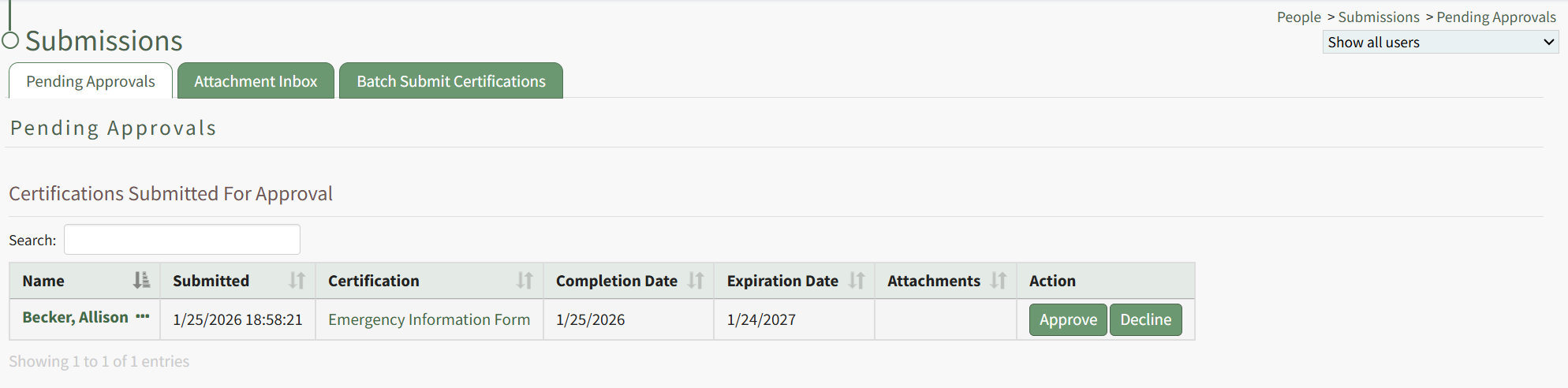
Any certifications pending approval will be displayed in the Submitted Certifications Table.
Click the Decline button in the Action column to the right of the user's name and certification. This opens the Decline Submitted Certification Modal.
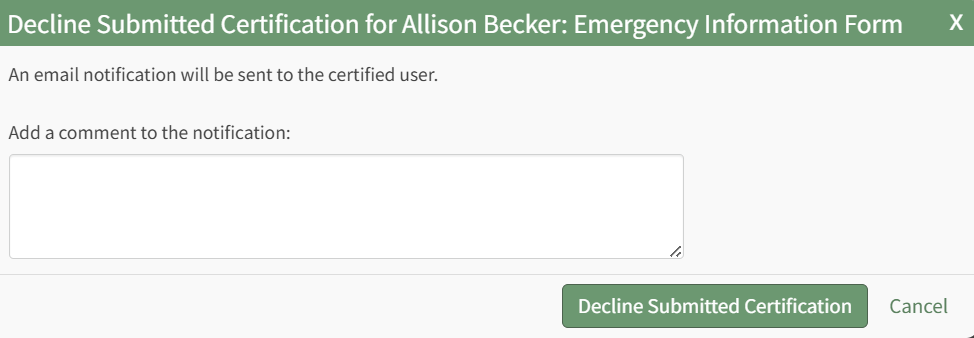
The system will send an email notification to the certified user. You can add comments that will be added to the notification email in the modal.
Select the Decline Submitted Certification button.
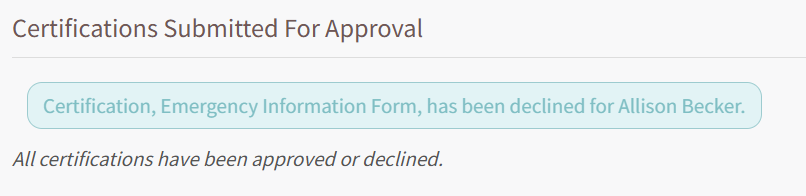
A textbox confirms that the certification was declined and the certification is removed from the Submitted Certifications Table.
No comments to display
No comments to display