
Reject a Document/File and Prevent Publishing
To reject a document/file that has been submitted for publishing and cancel its upload to KAStrack, open the Actions Tab on the Review Page of the Documents Module from the Main Menu. Click the vertical three-dot icon to the right of the file you want to decline, opening the Publish Context Menu.
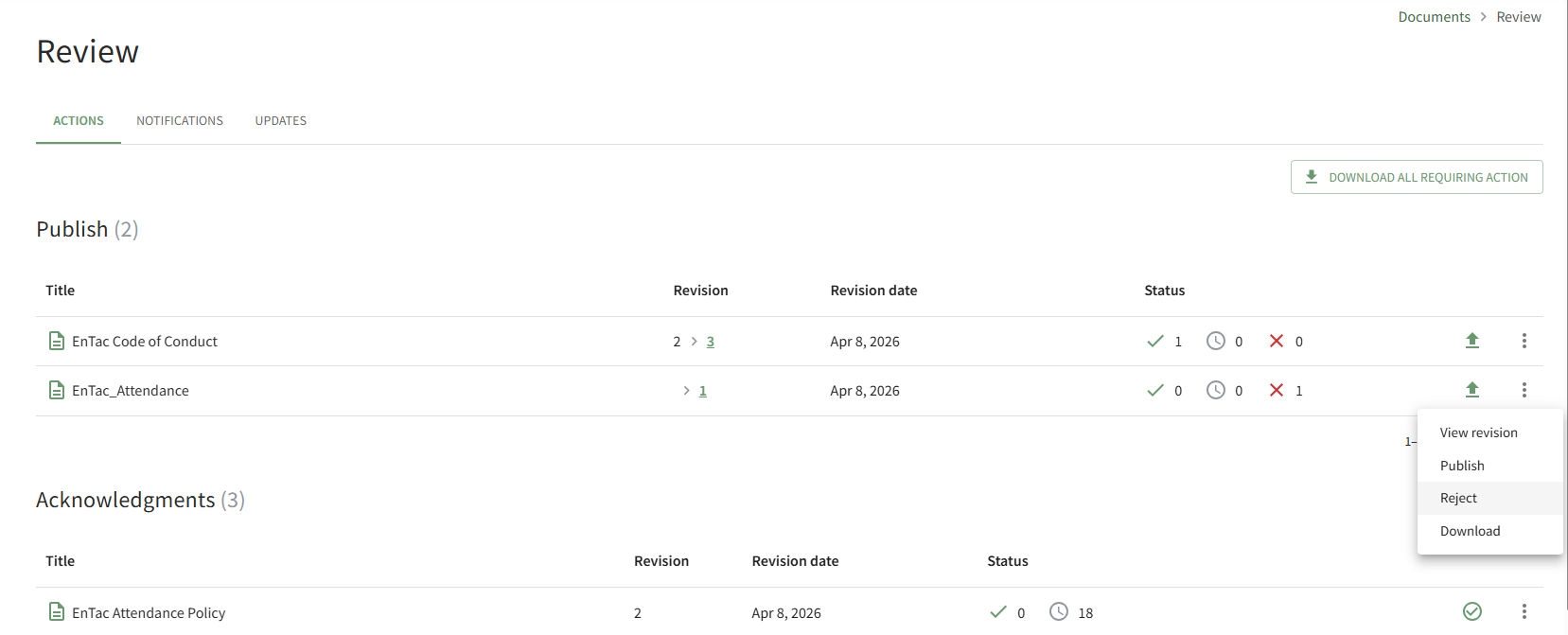
Select the Reject option, opening the Reject Revision Modal.
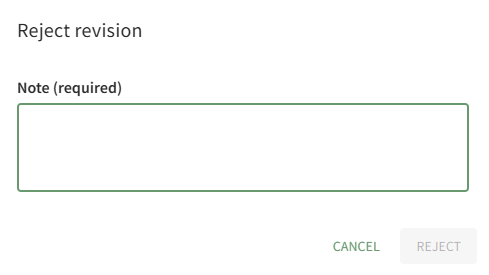
A note regarding the rejection is required. After including your note, select the Reject button.
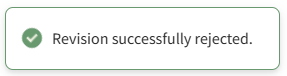
A pop-up confirms that the revision was successfully rejected.
The notes regarding the rejection are visible on the History Tab of the document's Details Page.
No comments to display
No comments to display