Download QR Code Hits Data in a CSV File
To download the number of hits associated with a QR Code in a CSV file, open the QR Page in the Communications Module from the Main Menu.
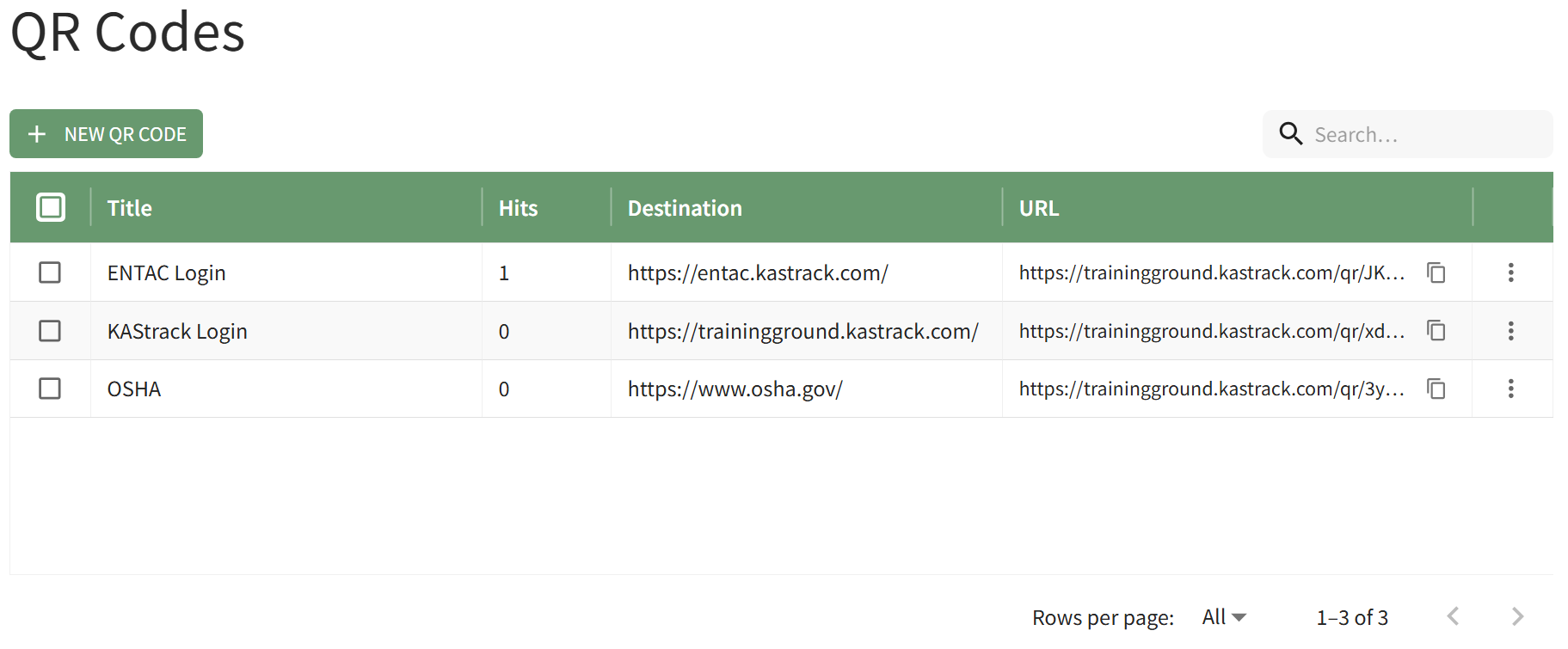
Click the vertical three-dot icon to the far right of the QR Code you wish to download hit data for opening the QR Code Table Context Menu.
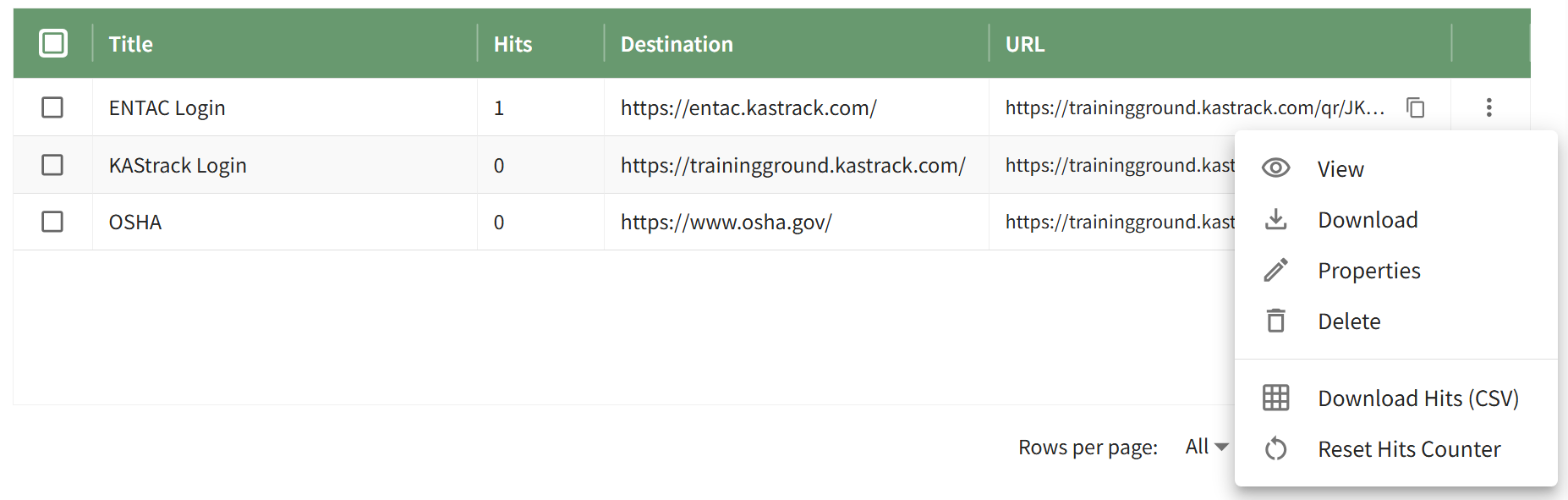
Selecting the Download Hits (CSV) for Selected QR Codes" button.

The .csv file will automatically download to your personal device.