While this option will show on the context menu, you can only download a PDF if a PDF has been associated with the specific form selected.
To download a specific form PDF, go to the Home Page of the Forms Module and click the three-dot icon to the right of the Form Title opening the Form Table context menu. [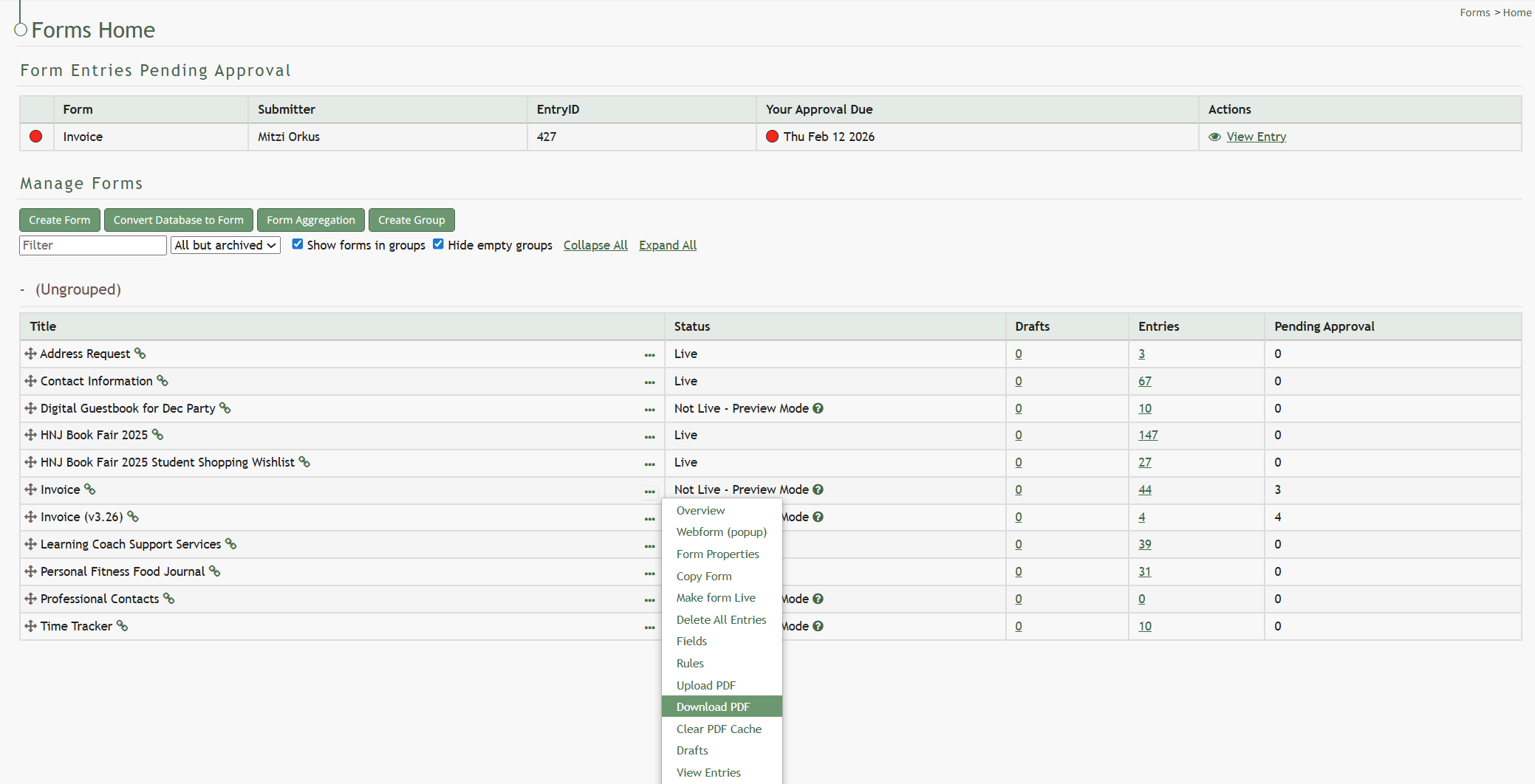](https://kaswiki.kastrack.com/uploads/images/gallery/2026-06/NSRimage.png) Select “Download PDF” and the form pdf will automatically be downloaded to your personal device. [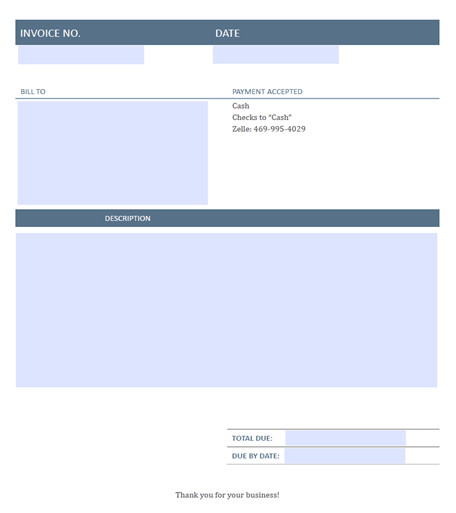](https://kaswiki.kastrack.com/uploads/images/gallery/2026-01/Nihimage.png) The download will show all form fields without any entry information being input.