
Review Page: Updates Tab
The Updates Tab on the Review Page allows the user to view any files that have been updated since the last review of new files or revisions. Any files that have been updated since the last review date will be shown here.
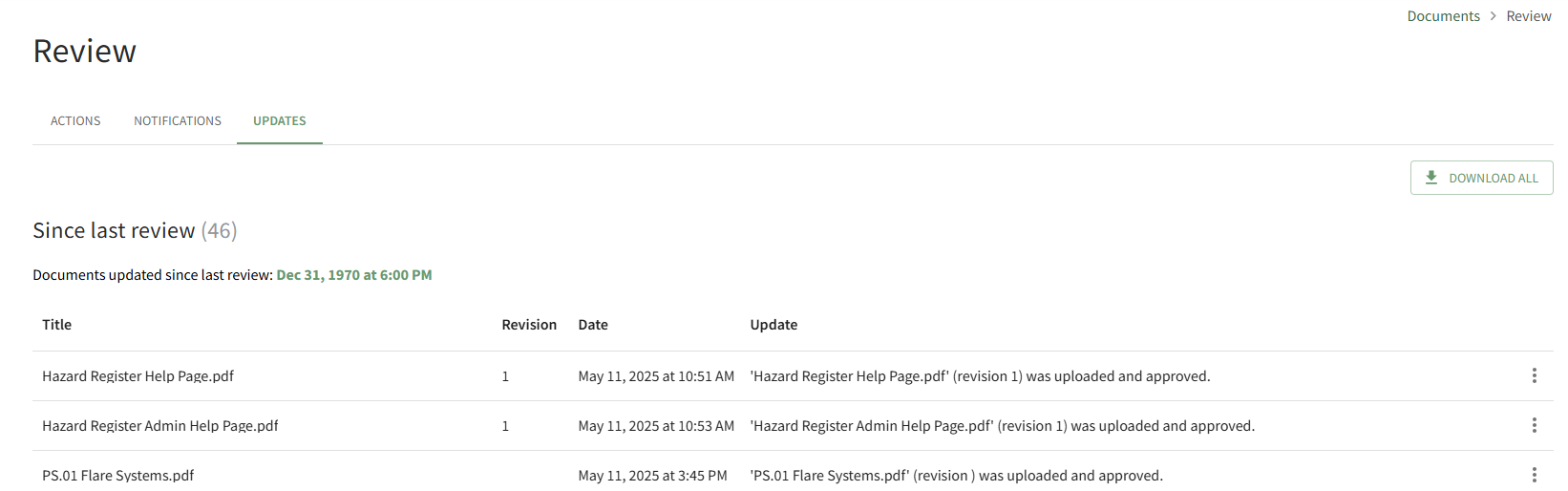
If the review date has never been reset, the default date will show as Dec 31, 1970 at 6:00 PM.
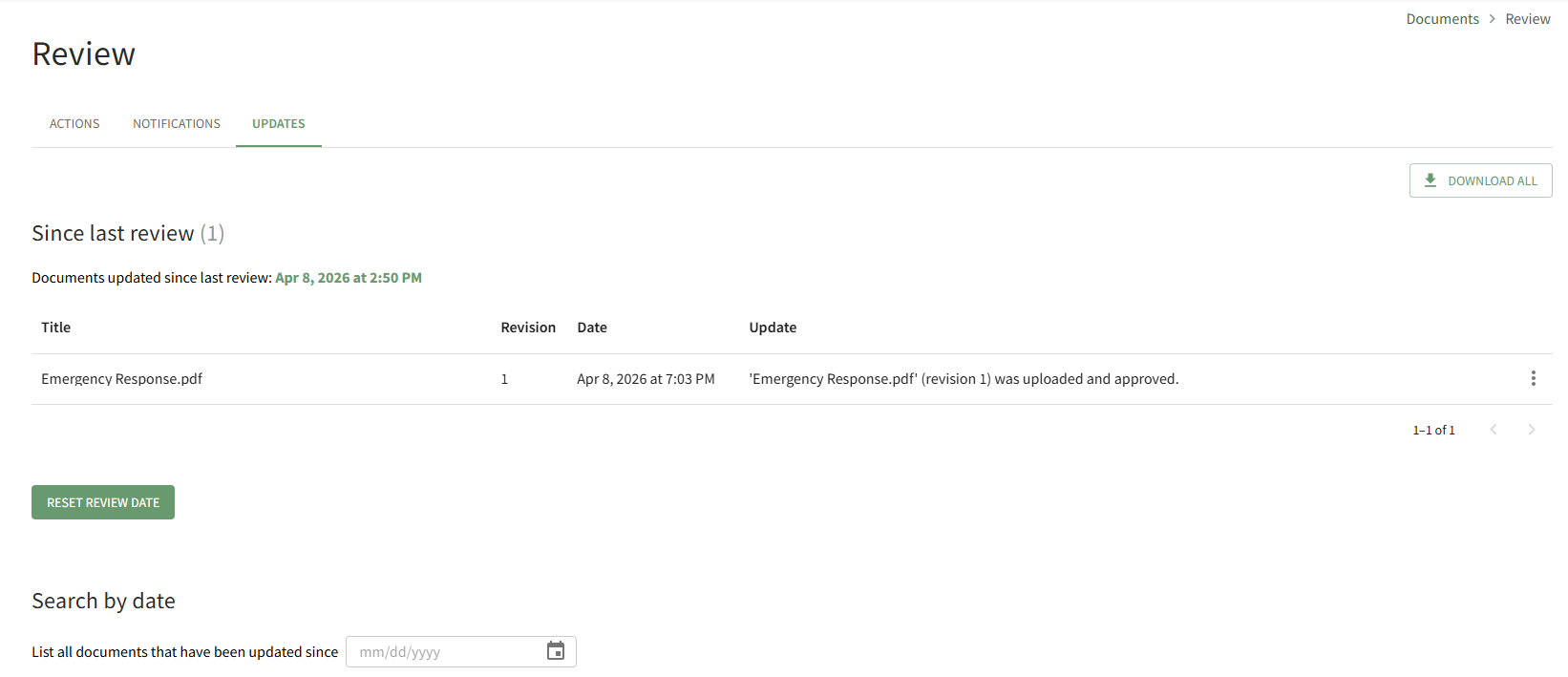
The “Download All” button located at the far right enables downloading of all files that have had revisions made since the user’s last review.
How To: Reset the Since Last Review Document List
To reset the Since Last Review Document List, open the Review Page in the Documents Module from the Main Menu and open the Updates Tab.
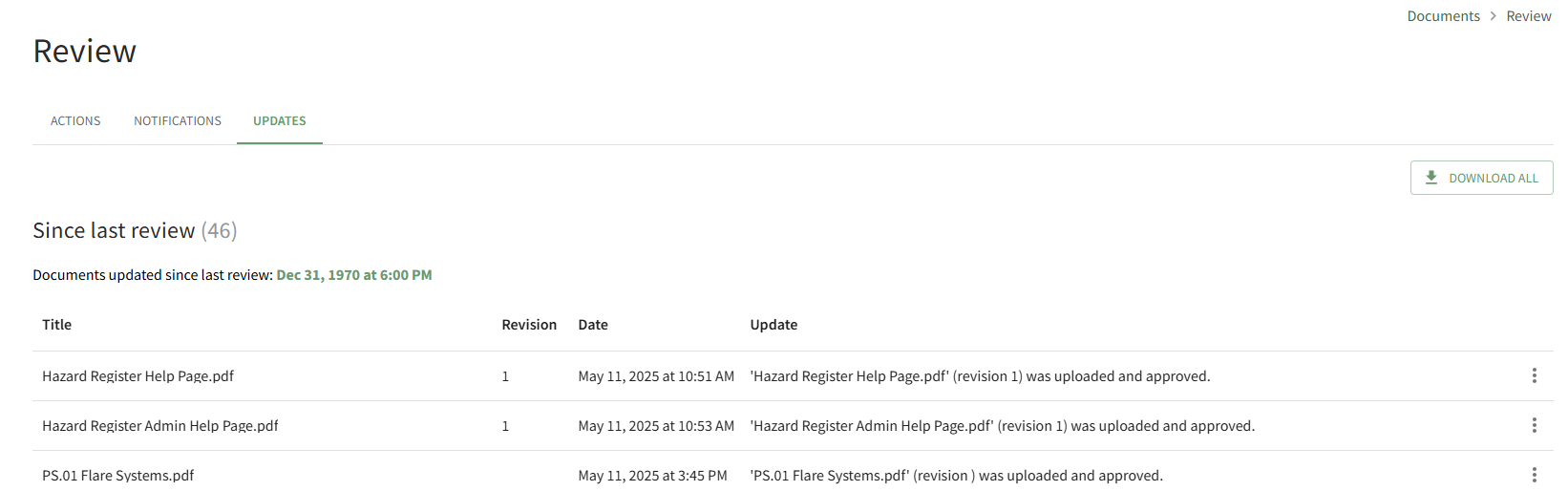
All documents that have been uploaded/updated in module since the last review are visible. The number of files is indicated in parenthesis to the right of the section header. Scroll to the bottom of the Since Last Review List.

Click the Reset Review Date button.
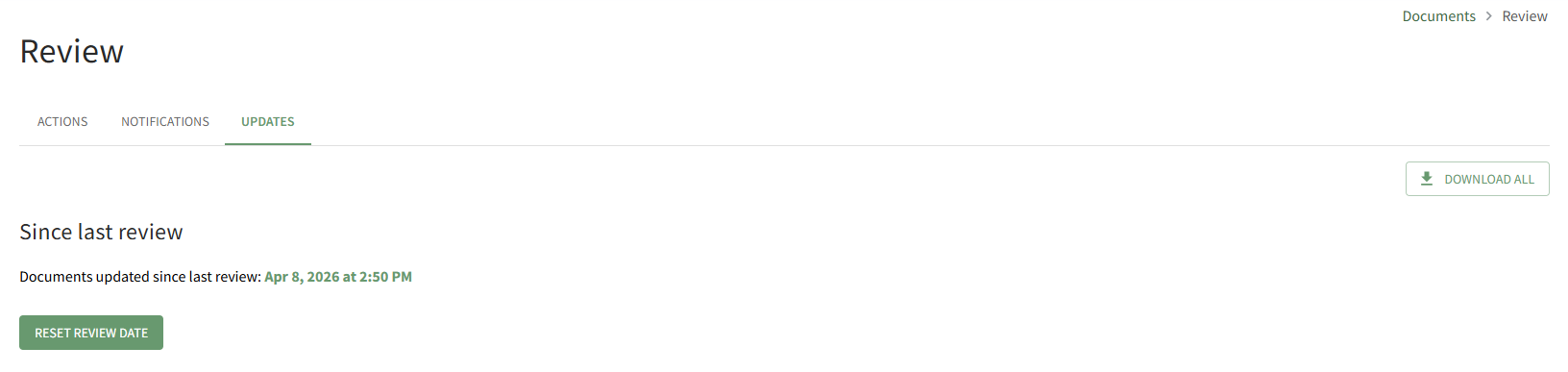
The system records the date and time that the list was reviewed.
How To: Search all Documents Updated after a Selected Date
To search all documents uploaded/updated in the Documents Module after a specified date, open the Review Page in Documents Module from the Main Menu and open the Updates Tab.
Scroll to the Search By Date Section at the bottom of the tab.
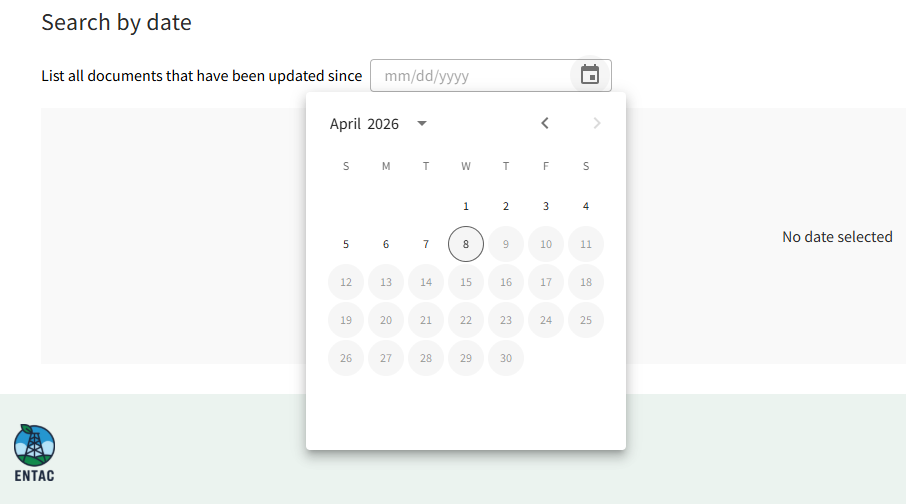
Click in the date field to open the calendar and select the desired date.
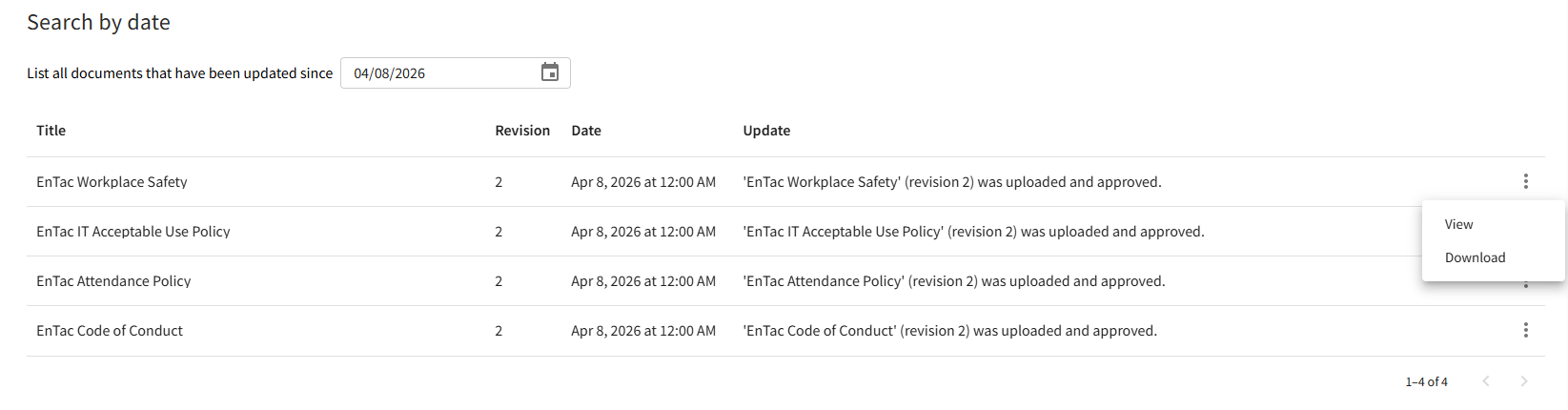
All files updated since the specified date will now show below.
Clicking on the three-icon to the right of the file will allow you to view the file's Details Page or Download the file to your personal device.
No comments to display
No comments to display