
Review Page: Notifications Tab
The Notifications tab is connected to an advanced feature in the Documents Module. When the new document was added/revised, the Advanced Options Tab enables the ability to "Send Notifications of New Revisions" to the users, certification roles, or access levels indicated. When this feature is activated, the notifications (that do not require user action) are visible on the Notifications Tab of the Review Page.
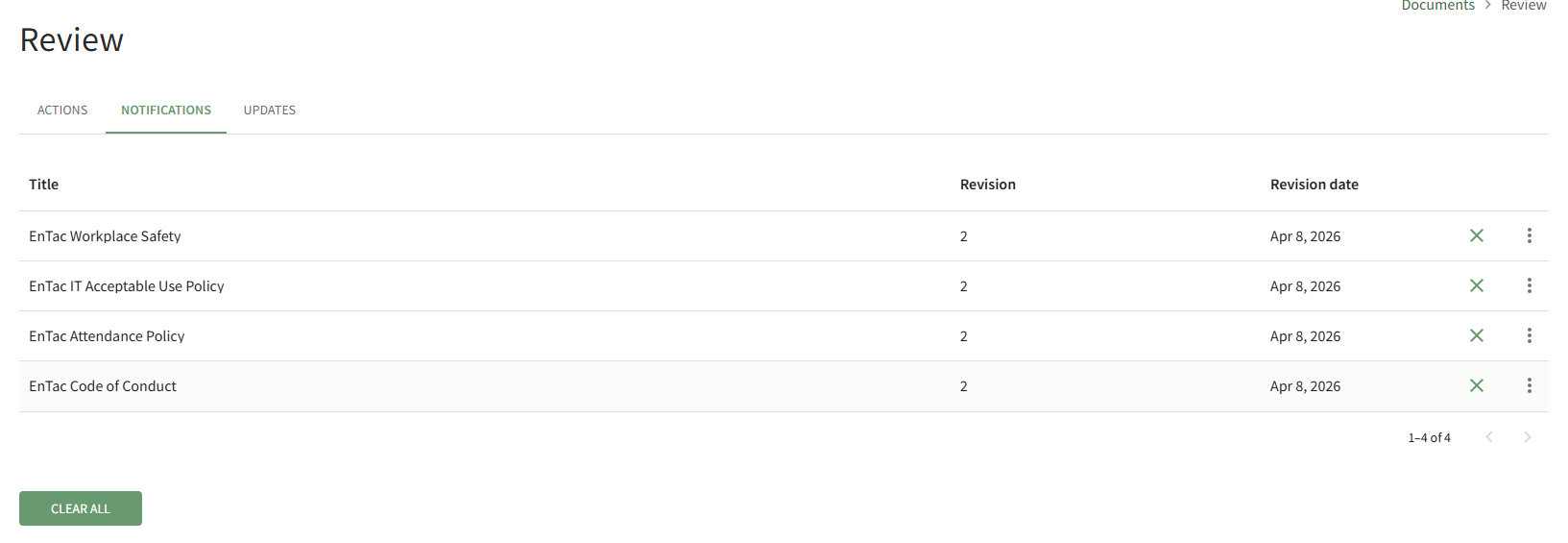
Selecting the X icon to the right of the revision date will clear the file from the page.
Selecting the Clear All button beneath the file list will clear all files on the Notifications Tab.
No comments to display
No comments to display