
Dispatch Settings: Defaults Tab
The Dispatch Settings Page Defaults Tab allows permission to be given to view dispatch incidents. You can select individual users, certification roles, or access levels that will be given default permission to View Incidents.
How To: Give Default Permission to Approve all Incidents
To give individuals, certification roles or access levels the ability to view all dispatch incidents, go to the Dispatch Module Settings Page Defaults Tab.
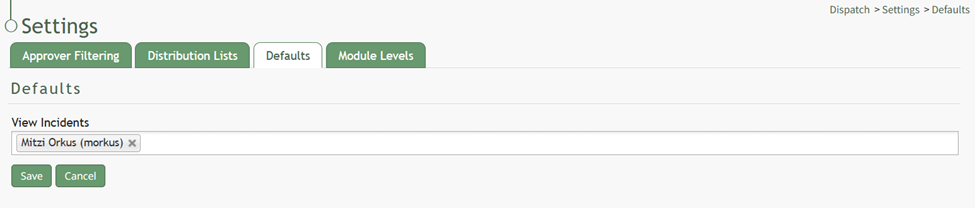
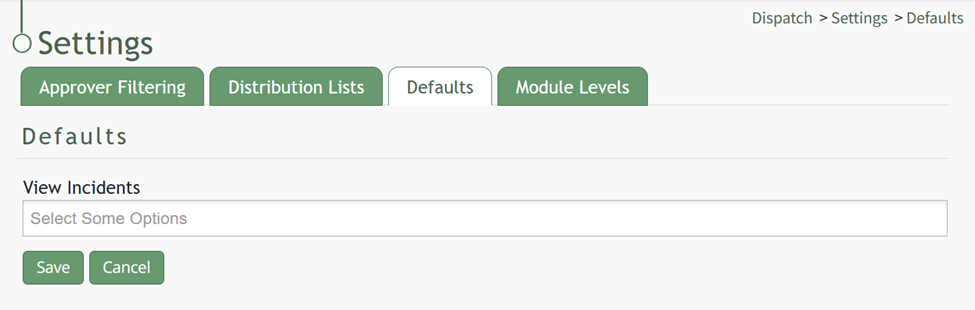
Placing your cursor in the text box opens a dropdown menu with all individuals users, certification roles, and access levels. Multiple selections can be made. If you would like all KAStrack users to have permission to view dispatch incidents, select “Everyone” as an option.
Select the “Save” button and a confirmation modal states, “Defaults Have Been Saved.”

Select “Everyone” if you would like all KAStrack users to be allowed to view Dispatch Incidents.
No comments to display
No comments to display