
Manage Reports Page: System Reports
The System Reports Tab houses the System Reports table and the possible system generated reports that are based on data from the Accounts, Finance, and People Modules.

System Report Context Menu Explanations | |||||||||||||||||||
Option | Explanation | ||||||||||||||||||
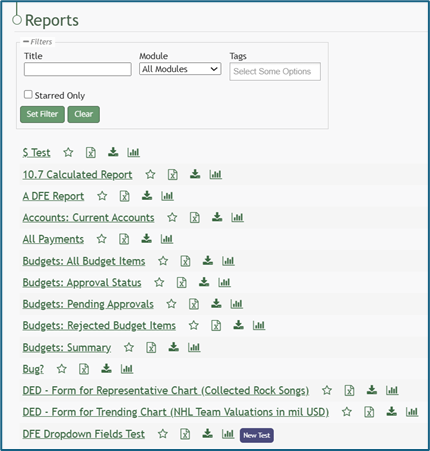
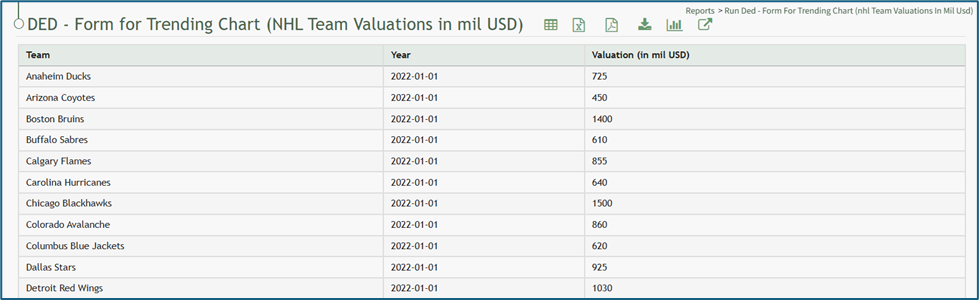
Run Report | Selecting “Run Report” will run the selected report and take the individual to the report page showing all the data within. How To: Run a ReportTo run a report, go to the Home Page of the Reports Module.
Click the name of the report you wish to run.
| ||||||||||||||||||
Download Report | Selecting “Download Report” will open the Download Modal, providing a dropdown menu with seven different formatting options for the download. How To: Download a ReportTo download a report, go to the Home Page of the Reports Module. There are two icons to the right of the Report Title that allow an individual to download a report.
Selecting the excel icon will automatically download the report to your personal device. Selecting the download icon will open the Download Modal. There are seven different download options to choose from on the dropdown menu.
Select the “Generate” button and KAStrack will download your report based on the method of your choosing. The icons to download a report can be found within a specific report and the Manage Reports Page (for individuals with an Admin access level). | ||||||||||||||||||
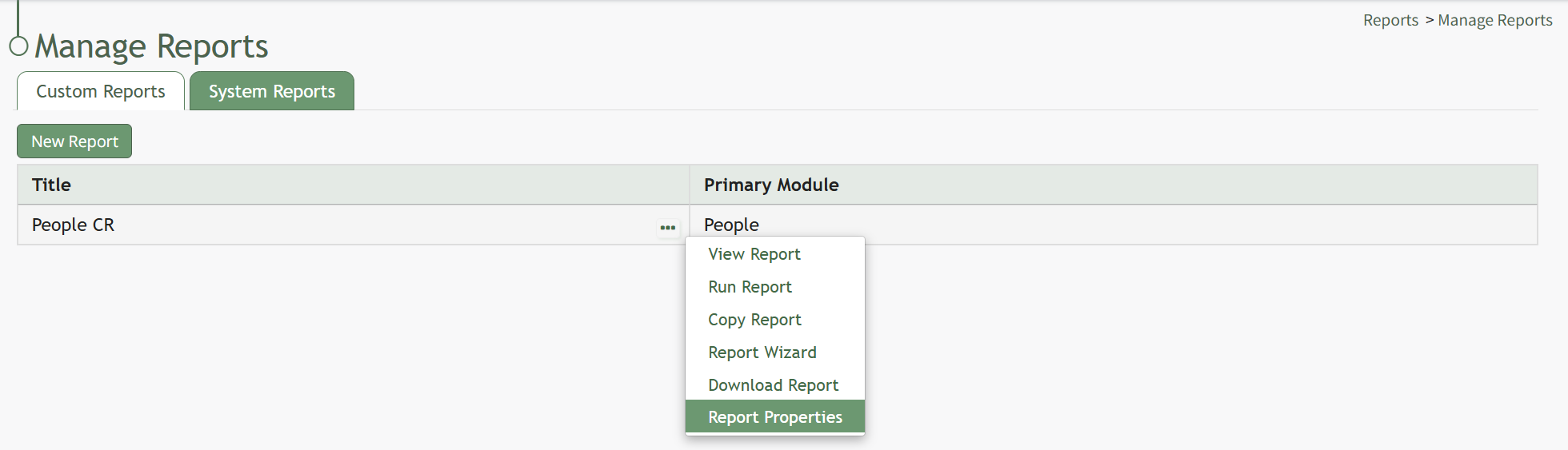
Permissions | Selecting “Permissions” will open the Assign Permissions Modal. How To: Assign Permissions to a Custom ReportTo assign permissions to a custom report, go to the Custom Reports Tab on the Manage Reports Page of the Reports Module. Select the three-dot icon to the right of the Report Title opening the context menu.
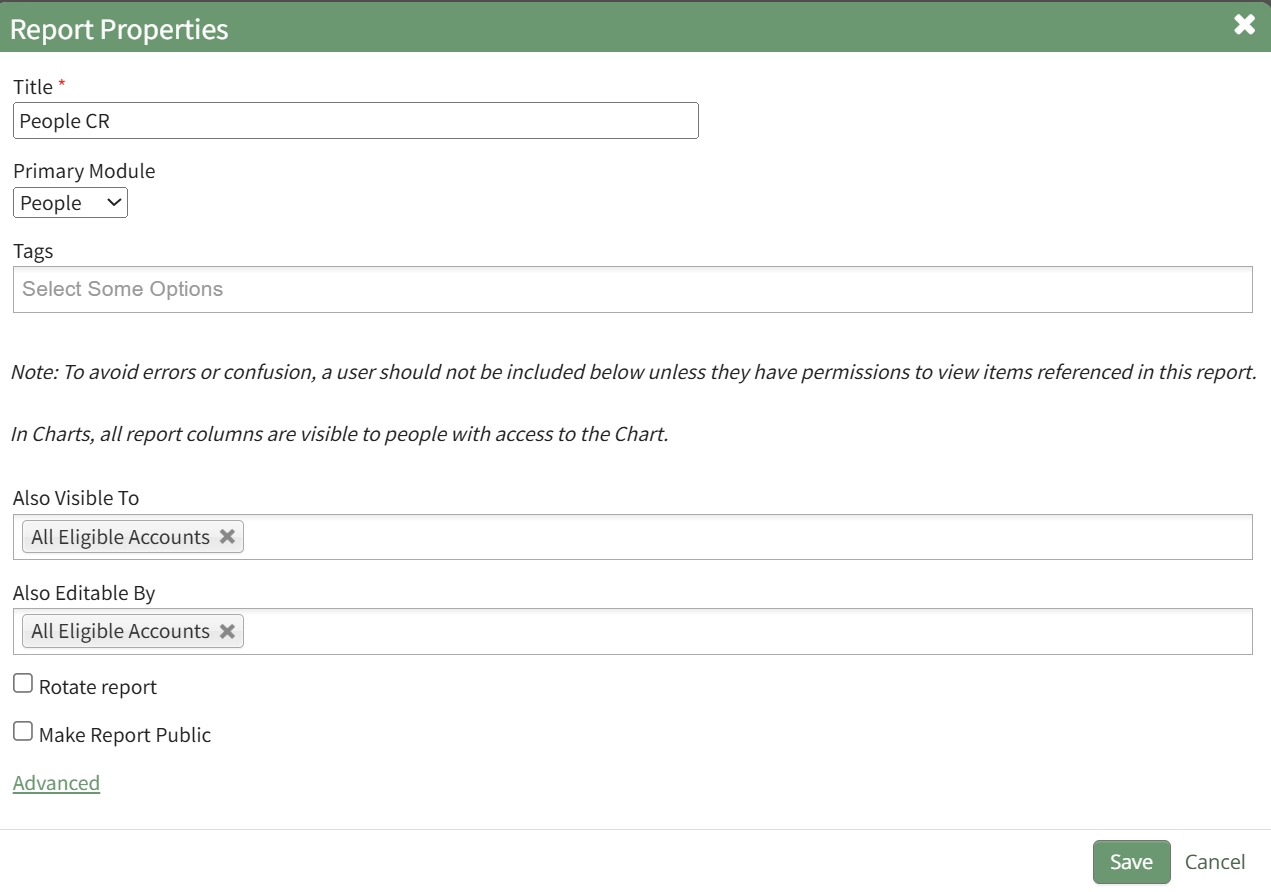
Select “Report Properties” opening the Edit Report Modal.
Permissions can be given for visibility through the “Also visible to” dropdown menu. Permissions for editing can be granted through the “Also editable by” dropdown menu. You can select individual names, certification roles, People I Supervise, or All Eligible Accounts for either option. Select “Save” and the visibility and editing permissions will now be effective. Visibility restrictions applied to the report via Tags will be considered last when determining who the report is visible to. How To: Assign Permissions to a System ReportTo assign Permissions for a System Report, go to the System Reports Tab on the Manage Reports Page of the Reports Module.
Select the three-dot icon to the right of the system report you wish to alter permissions for opening the system report table context menu. Select “Permissions” opening the Access to (SystemReport Name) Report Modal.
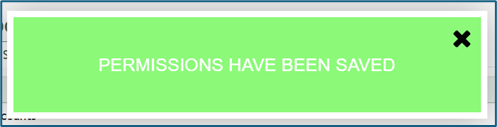
Add individual people, certification roles, or access levels from the dropdown menu. Users still require the ‘run-report’ and/or ‘download-report’ permissions to be able to run or download system reports that they have permission to access. Select “Save” to change who has access to the report. A confirmation modal will appear stating, “Permissions have been saved,” and you will return to the System Reports Tab of the Manage Reports Page.
| ||||||||||||||||||




No comments to display
No comments to display