
Add Tags to a Dispatch

This opens the dispatch details page.

Select the edit icon to the right of the dispatch status to open the Edit Dispatch Modal.
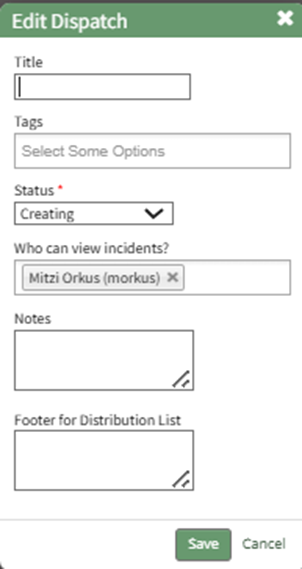
Select the appropriate tag from the dropdown menu, or type in the new tag title and press enter.
WIKI LINK HOW TO CREATE A NEW TAG FROM AN ENTITY IN ANOTHER MODULE (TAGS MODULE HOW TO)
Select "Save".