
Budgets Page: Reports Tab
The Reports Tab highlights system reports from the Reports Module that are relevant to budgets. System Reports displayed on the Reports Tab include the Budget Summary Report, Pending Approvals Report, and Approval Status Report.
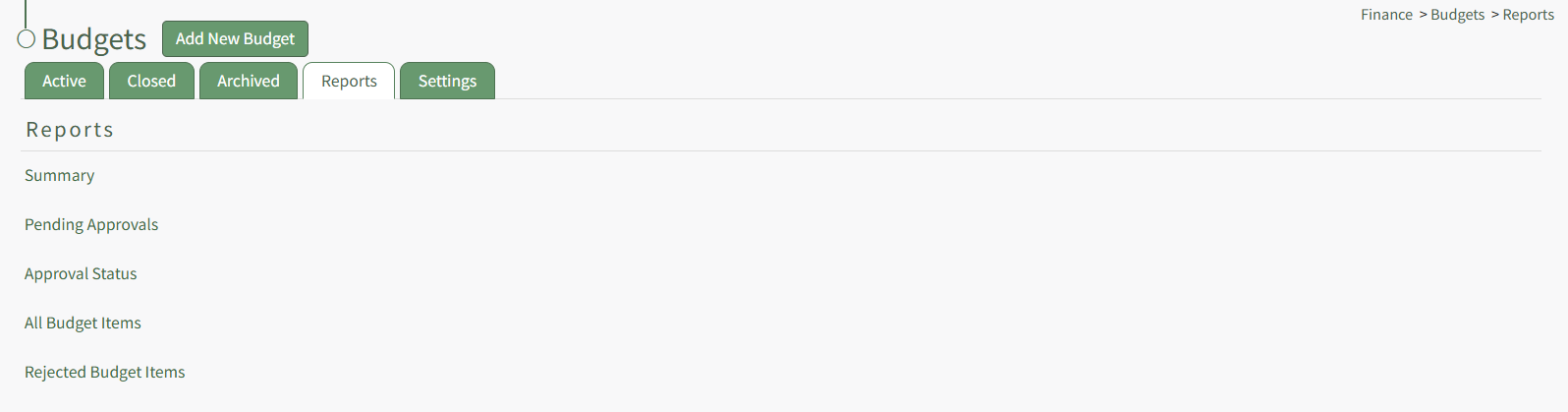
The System Budget Report Fields by Report Table below states each of the fields included in the report.
System Budget Report Fields by Report | |
Report Name | Report Fields |
Summary | Account, Budget Name, Amount Used, Total Budget, Percent Used |
Pending Approval | Account, Budget, Budget Item, Data, Invoice Number, Attachment(s), Amount, Approve / Reject |
Approval Status | Account, Student ID, Email, Budget, Budget Item, Date, Invoice Number, Attachment(s), Amount, Remaining Approvers |
All Budget Items | Account, Budget, Budget Item, Date, Invoice Number, Attachment(s), Amount, View Budget Item |
Rejected Budget Items | Account, Budget, Budget Item, Date, Invoice Number, Attachment(s), Amount, View Budget Item |
Each report listed is a clickable link that will open in the Reports Module. A details explanation of the Report Page can be found in the User Manual under the Reports Module.
No comments to display
No comments to display