
Upload Files to a Task after a Task has been Completed
To upload files to a task after a task has been completed, open the relevant asset's History Page. WIKI LINK HOW TO OPEN AN ASSET'S HISTORY PAGE
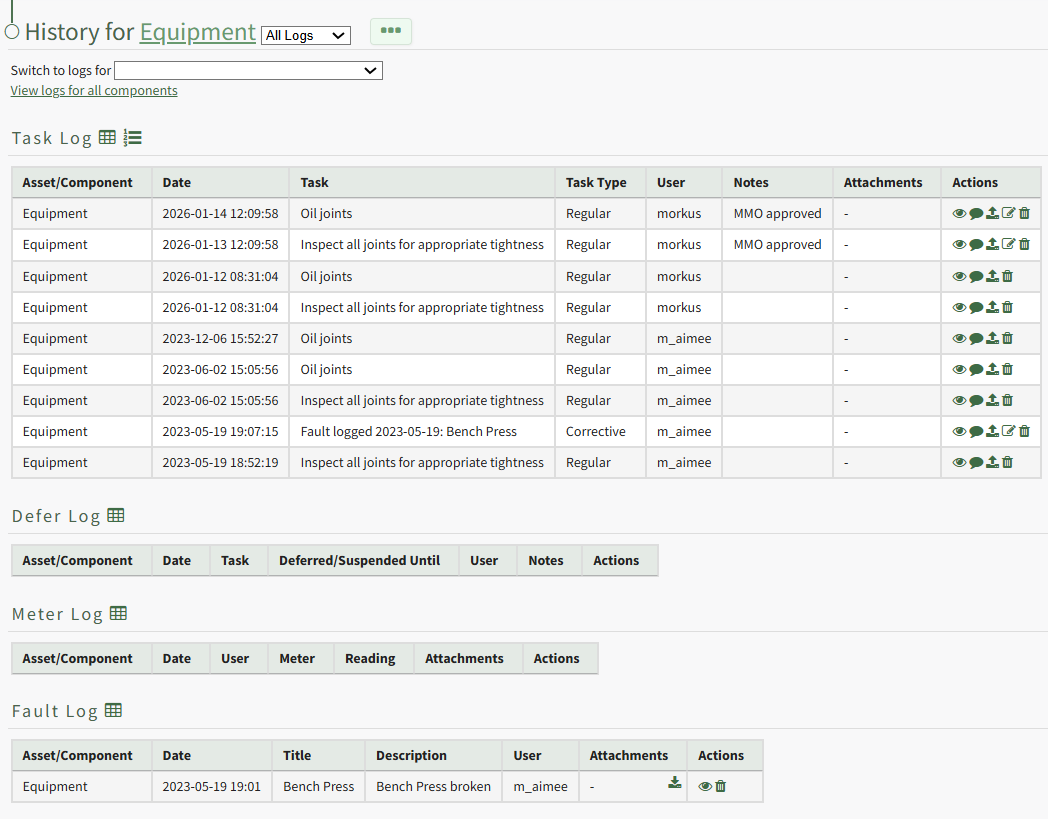
Click the upload icon in the Actions Column to the right of the task record you wish to upload a file to opening the Upload File Modal.
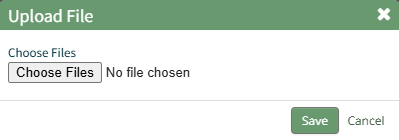
Click the Choose Files button and select the file you wish to upload from your personal device.
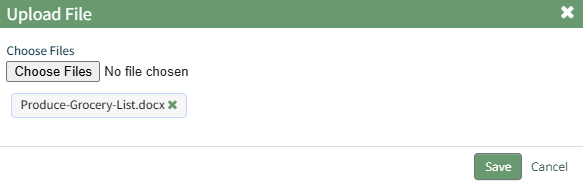
Click "Save" after selecting your file.

The file now shows in the Attachments Column of the Log Table.