
Sign Out an Individual
To sign out an individual from the attendance log, open the attendance log you wish to sign individuals out of by going to the Home Page of the Attendance Module and clicking the three-dot icon to the right of the attendance log’s name, opening the context menu.
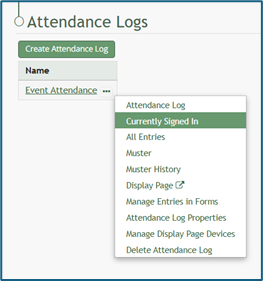
Select “Currently Signed In” opening the Currently Signed In Page.
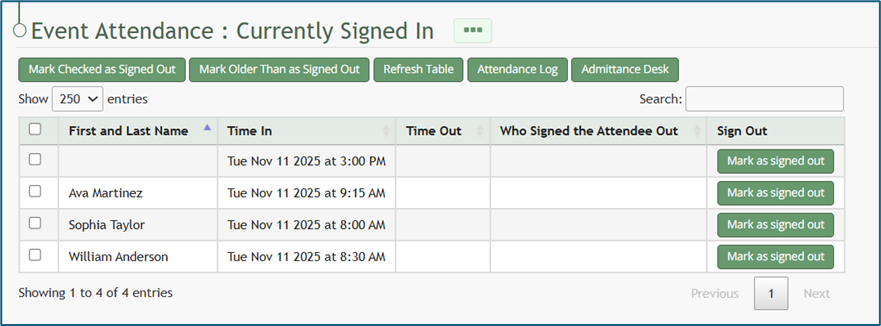
Click the “Mark as Signed Out” button in the row of the entry you wish to be signed out.
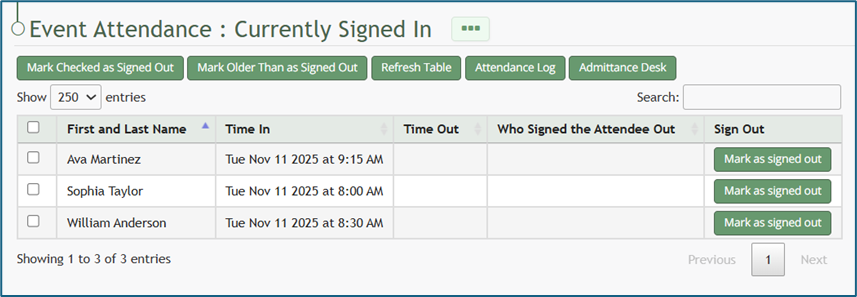
The entry will no longer show on the Currently Signed In Page.