
Send an Email in KAStrack
To send a system email in KAStrack, open the Send Communications Page in the Communications Module from the Main Menu.
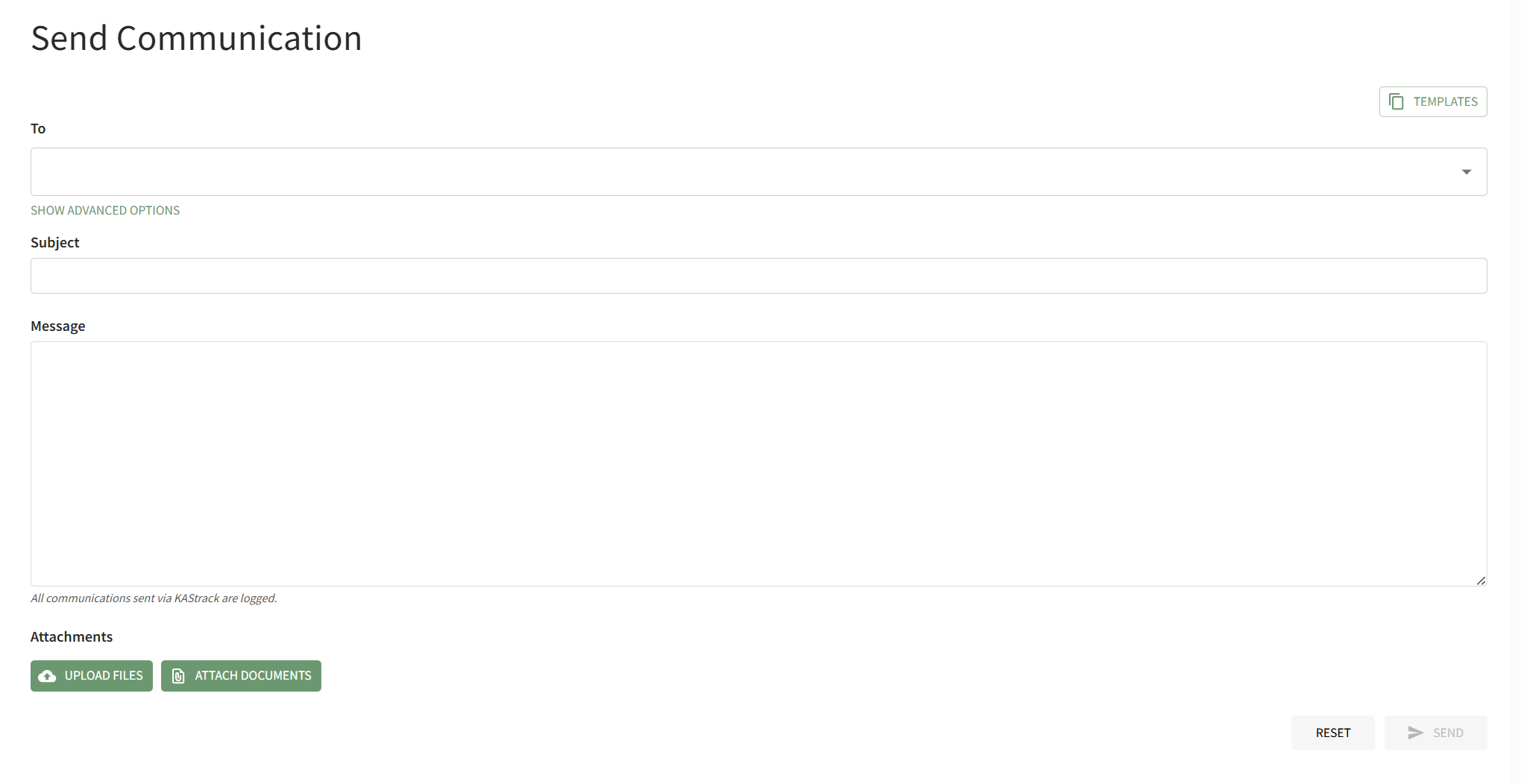
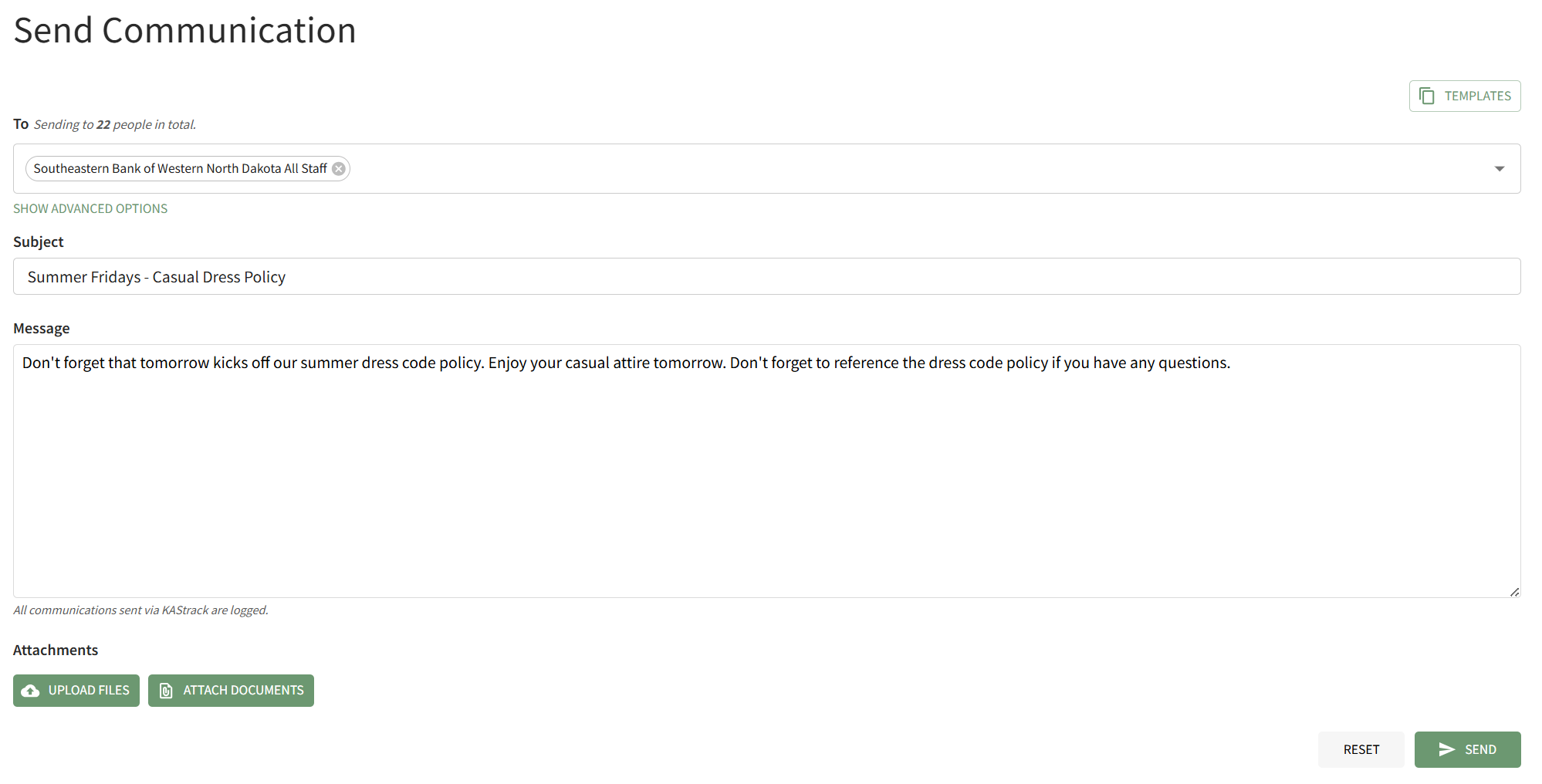
Select the individual users, certification roles or access levels you wish to send the message to from the dropdown menu in the "To" field. Input the Subject and Message.
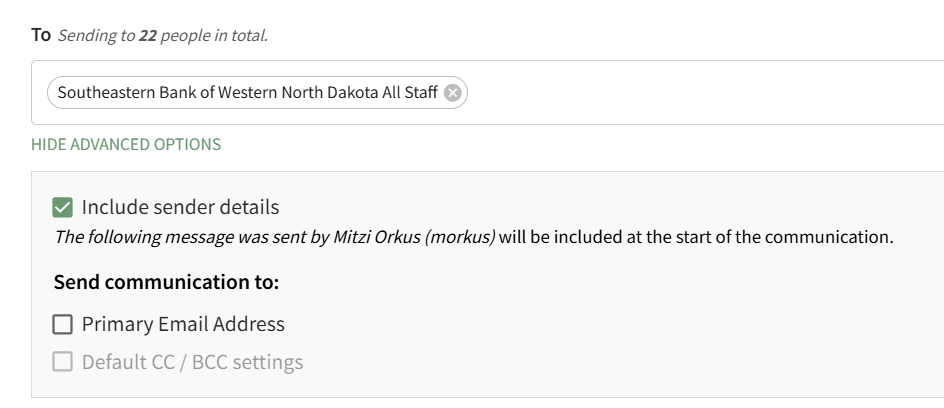
Individuals with an Admin Access Level have access to advanced options.
How To: Attach a File to an Email
{{@922}}
How To: Attach A Documents Module File to an Email
{{@921}}
When you are ready to send the system message, click the "Send" button in the bottom right-hand corner of the page.
If there is an error sending the message, the system will communicate that through a modal at the bottom of the page.

You will automatically return to the Send Communications Page so that the issue can be addressed.