
Reject a Document/File and Prevent Publishing
WHAT HAPPENS FUNCTIONALLY WHEN A DOCUMENT IS PUBLISHED?
To reject a document/file that has been submitted for publishing, open the Actions Tab on the Review Page of the Documents Module from the Main Menu. Click the vertical three-dot icon to the right of the file you want to decline, opening the Publish Context Menu.
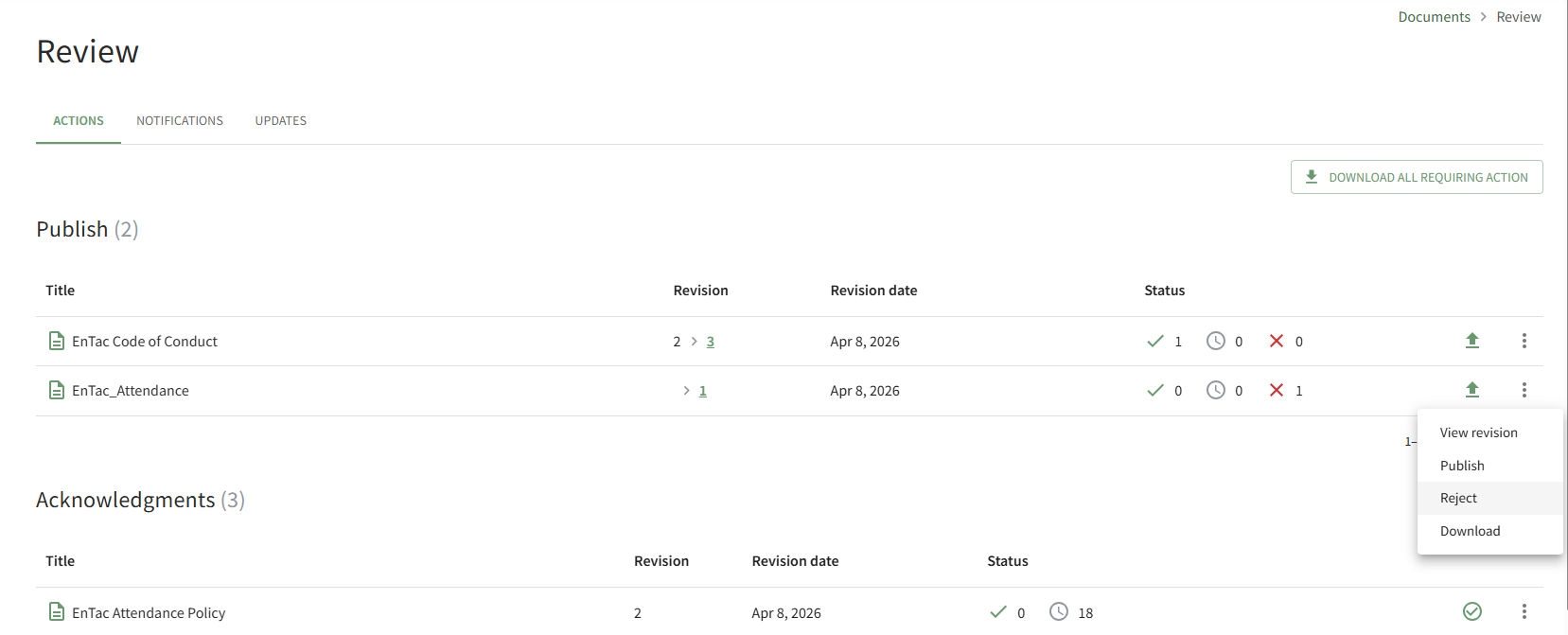
Select the Reject option, opening the Reject Revision Modal.
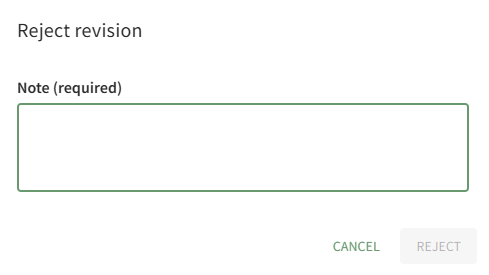
A note regarding the rejection is required. After including your note, select the Reject button.
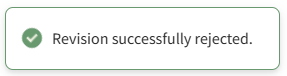
A pop-up confirms that the revision was successfully rejected.
The notes regarding the rejection are visible on the History Tab of the document's Details Page.