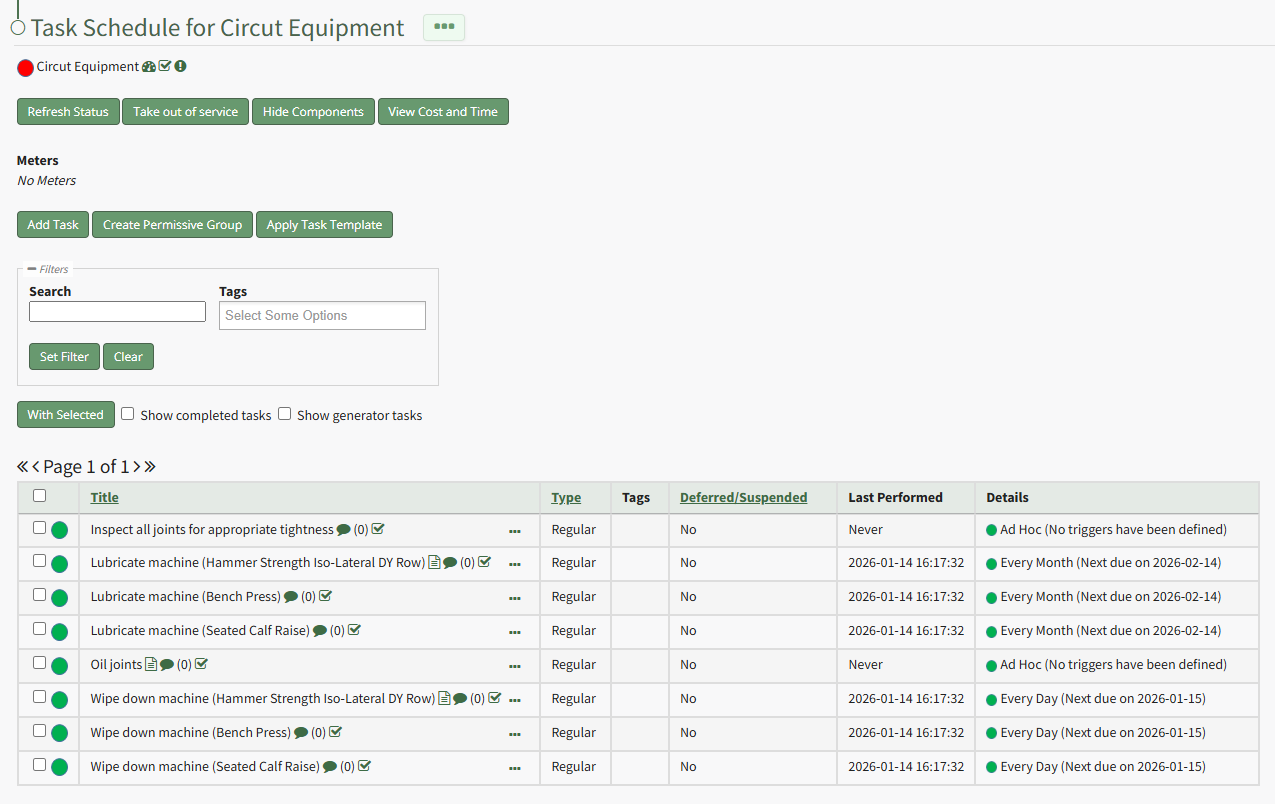
Mark Multiple Tasks as Complete on the Task Schedule
To mark multiple tasks as complete on a task schedule at the same time, open the Task Schedule you wish to edit in the Assets Module.
How To: View an Asset's Task Schedule
WIKI LINK HOW TO VIEW AN ASSET'S TASK SCHEDULE{{@776}}
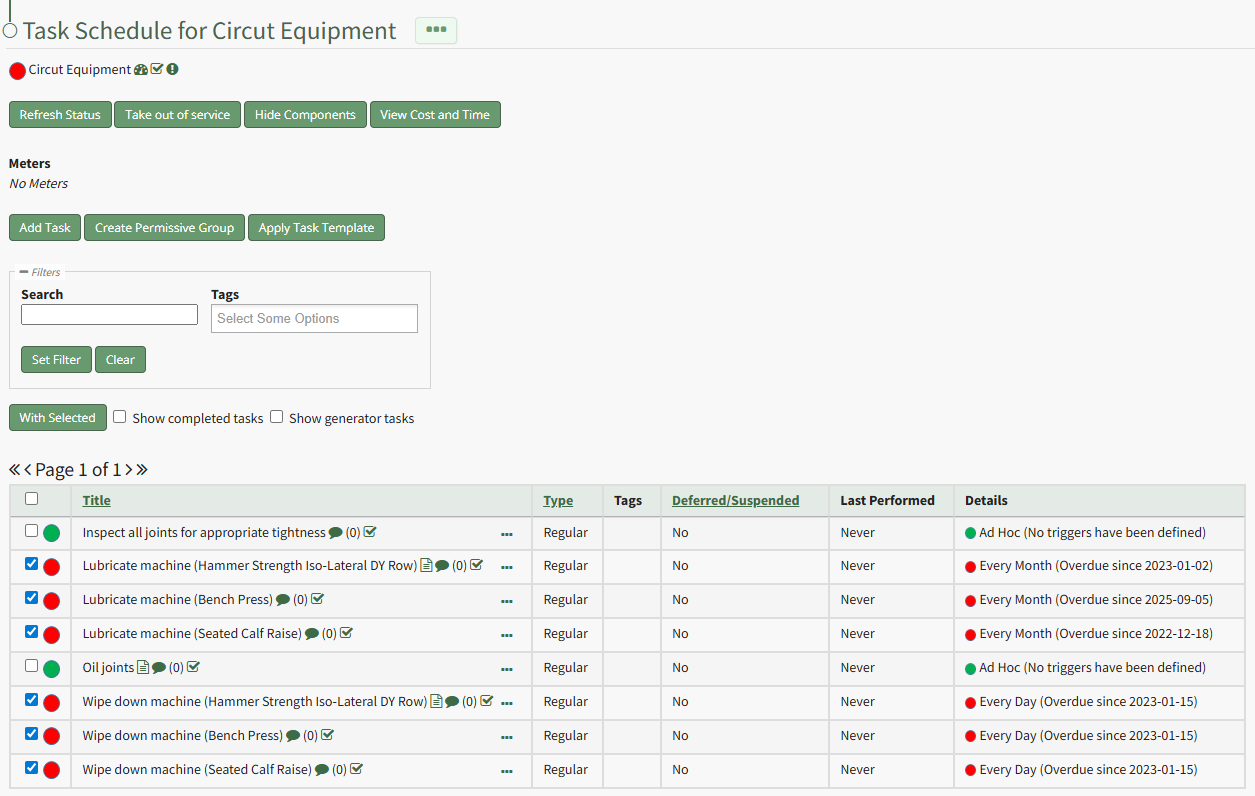
Select the checkboxes for all tasks you wish to mark as completed and click the "With Selected" button above the Task Schedule Table opening the With Selected Tasks Modal.
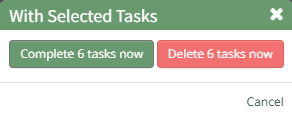
Click the "Complete # Tasks Now" button opening the Complete Task Modal.
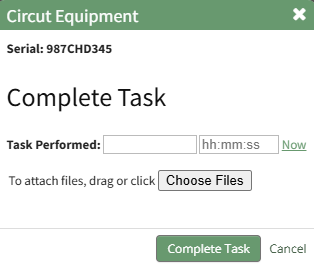
Input the date and time to be noted for task completion and upload any desired files. Click the "Complete Task" button on the modal and the Task Schedule automatically updates the new task status.