Make Entries Prior to a Date/Time as Signed Out
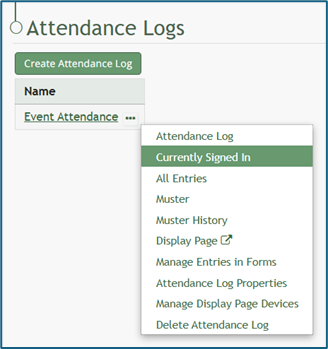
To mark specific entries prior to a date/time as signed out, go to the Home Page and select the three-dot icon to the right of the attendance log you wish to sign out entries for. This opens the context menu. Select “Currently Signed In”.
This opens the Currently Signed In Page.
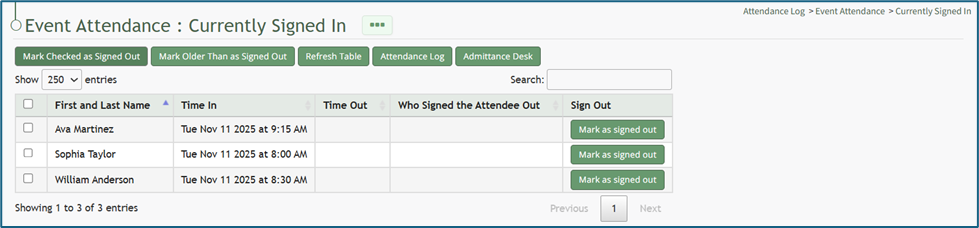
Select the “Mark Older Than as Signed Out” button, opening the Mark Older Than Modal. Click within the date box and a calendar appears for ease in selecting the appropriate date.
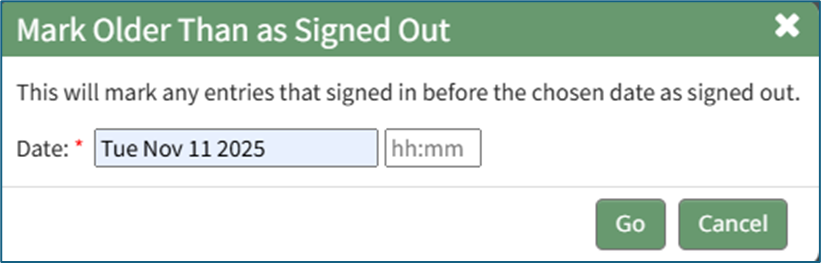
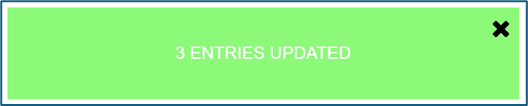
Click “Go” and a Confirmation Modal indicates the number of entries that were impacted by the action.
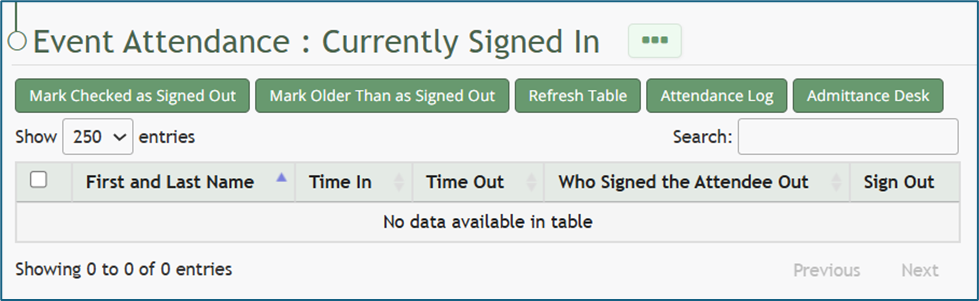
The Currently Signed In Table now reflects the changes that were made.