
Import Certifications
Certifications can be imported in bulk into KAStrack from a CSV file.
To import certifications, opens the Certifications Page in the People Module from the Main Menu to display the Certifications Table. Click the three dot (…) icon to the right of the header to open a context menu and select “Import Role/Certification Assignments”.
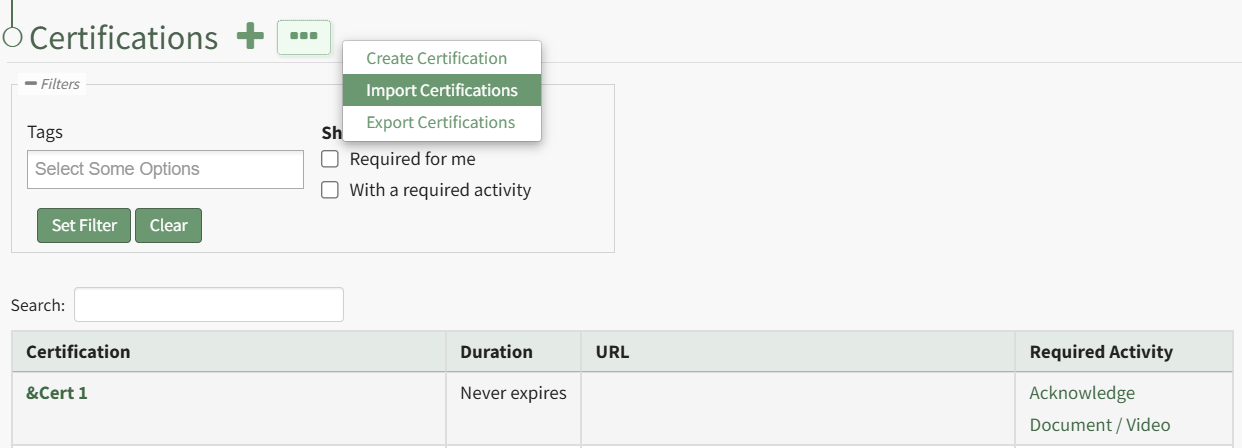
This opens the Import Certifications Page. A template is provided to simplify importing.
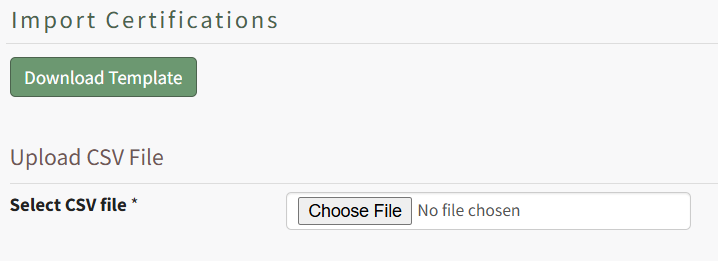
Click the “Download Template” button to download the Certifications Template CSV to your device. This template includes the current Certifications in KAStrack.
Sean, can you include notes here on using the downloadable template to import certifications?
Click the “Choose File” button to select the file from your device.
Click the “Import role/certification assignments” to upload the file and import the changes into KAStrack. The screen will then display a success or fail message, and, if failed, alert to any changes that should be made to the imported file.