Edit a Task
To edit a task associated with an asset, open the Task Schedule Page for the asset whose task you wish to edit. WIKI LINK HOW TO EDIT A TASK
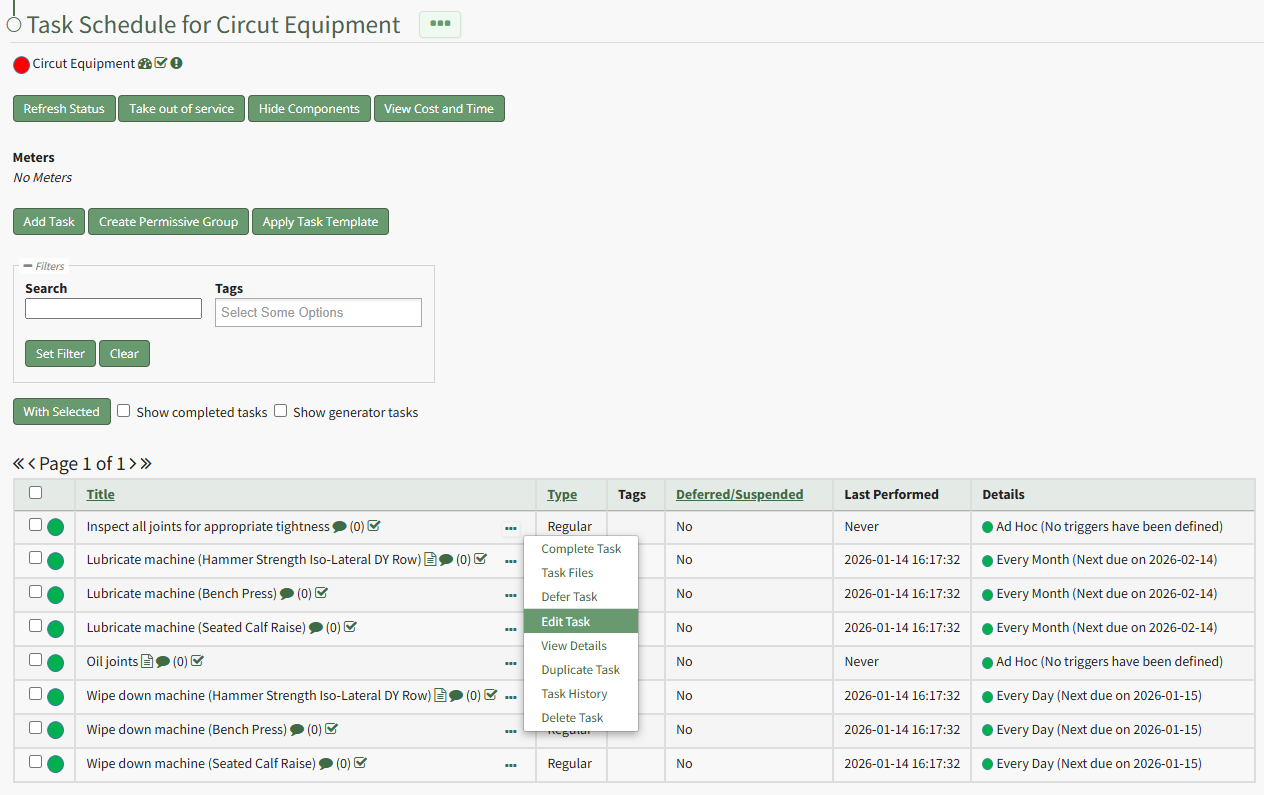
Click the three-dot icon to the right of the task you wish to edit opening the Task Management Context Menu. Select "Edit Task" opening the Edit Task Modal.
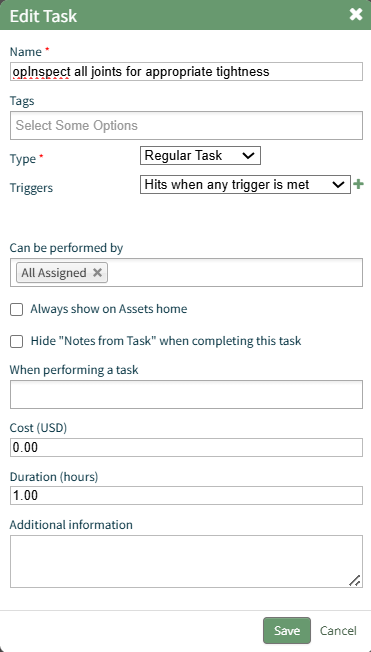
The Edit Task Modal allows you to alter the task name, add tags, change the task type and task trigger, alter who can perming the task, and other pertinent information.
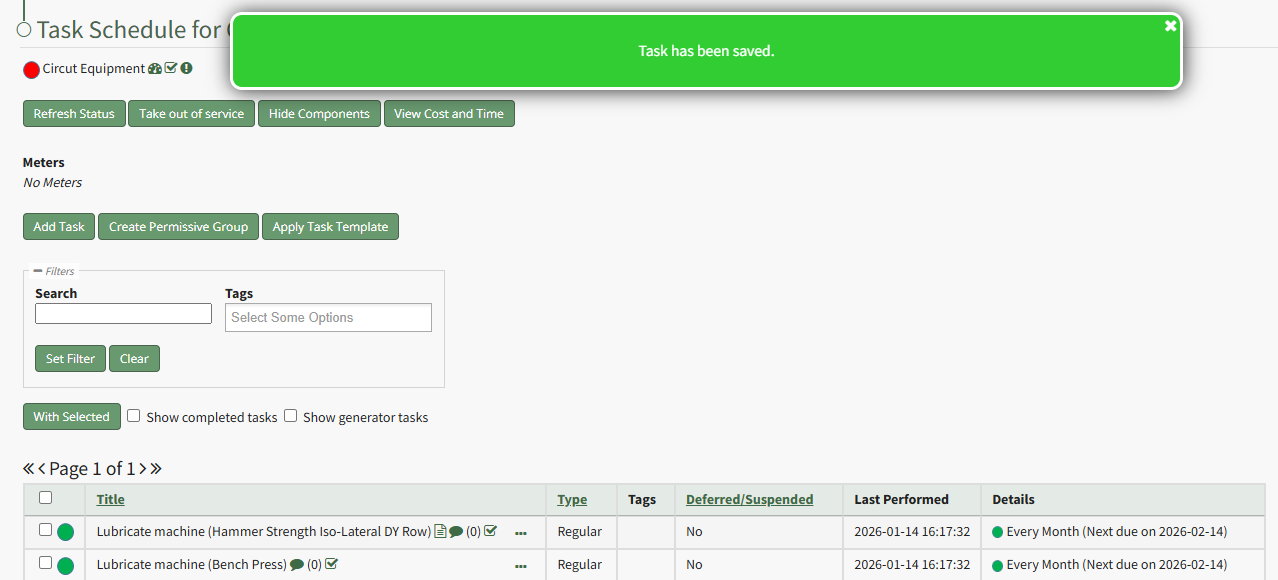
Select the "Save" button after making your desired changes and a popup confirms that the task edits were saved.