
Download an Individual QR Code
To download an individual QR Code, open the QR CodeCodes Page of the Communications Module from the Main Menu.
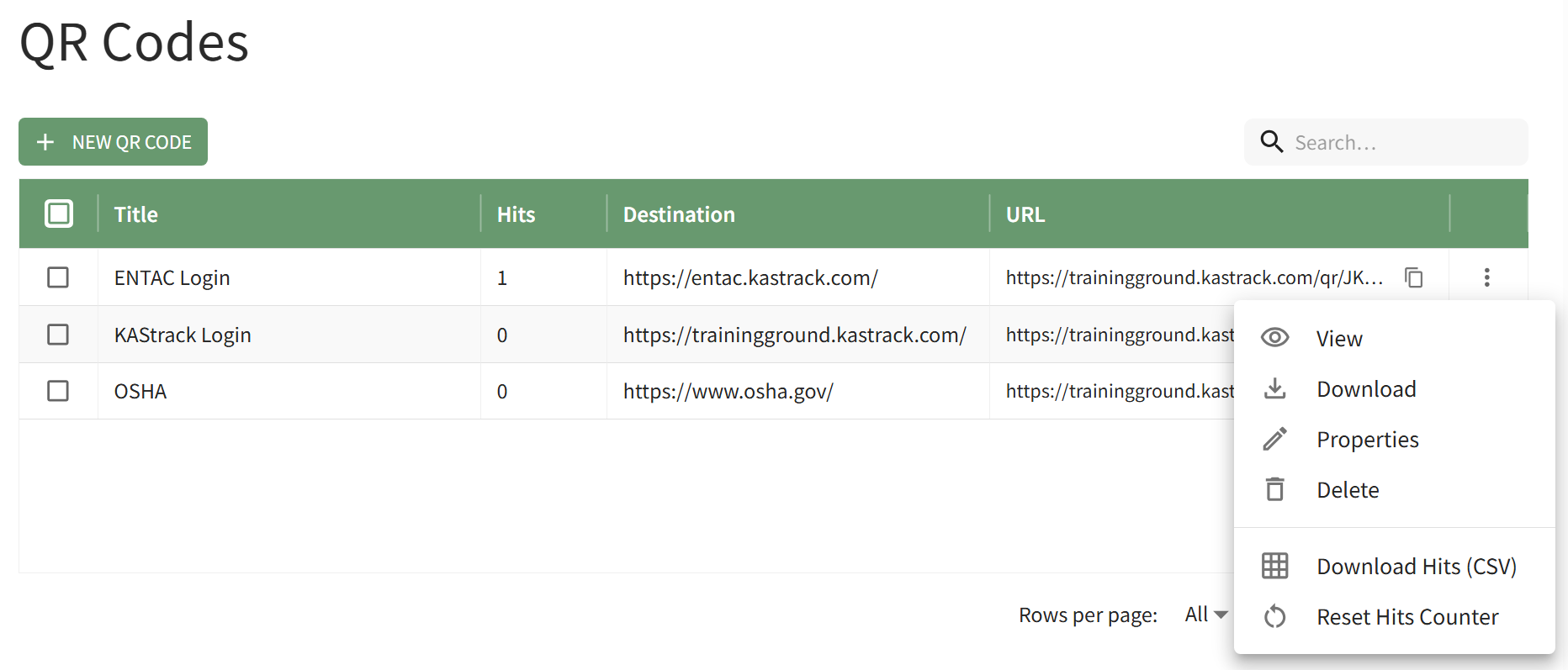
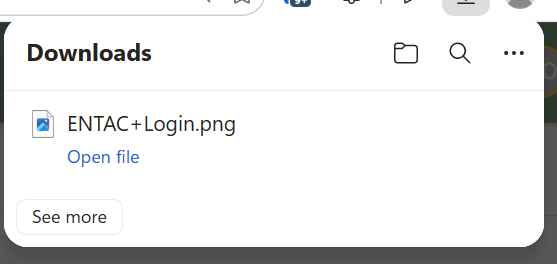
Click "View" in the QRvertical Codethree-dot Columnicon to the far right of the specific QR Code you wish to view.view, This opensopening the QR Code ModalTable Context Menu. Select the Download option and displaysa PNG file of the specified QR Code.Code is automatically downloaded to your device.
ClickYou can also access a download of the "DownloadQR code by selecting the View option on the QR Code"Code button,Table context menu.
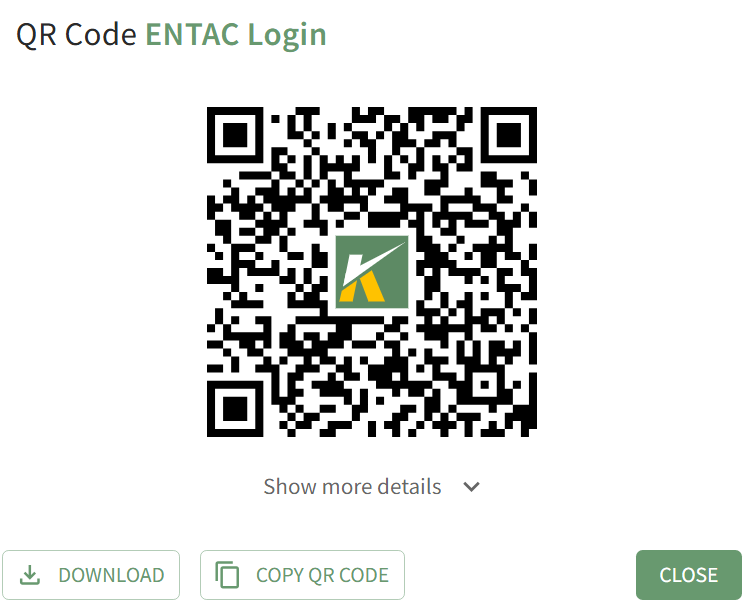
ThisClicking the download button will also automatically downloadsdownload thea specifiedPNG QR Codefile to your personal device.