
Delete Historical Task Records
To delete the historical records associated with an asset task, open the asset's History Page.
How To: View an Asset's Historical Logs
WIKI LINK HOW TO VIEW AN ASSET'S HISTORY PAGE{{@766}}
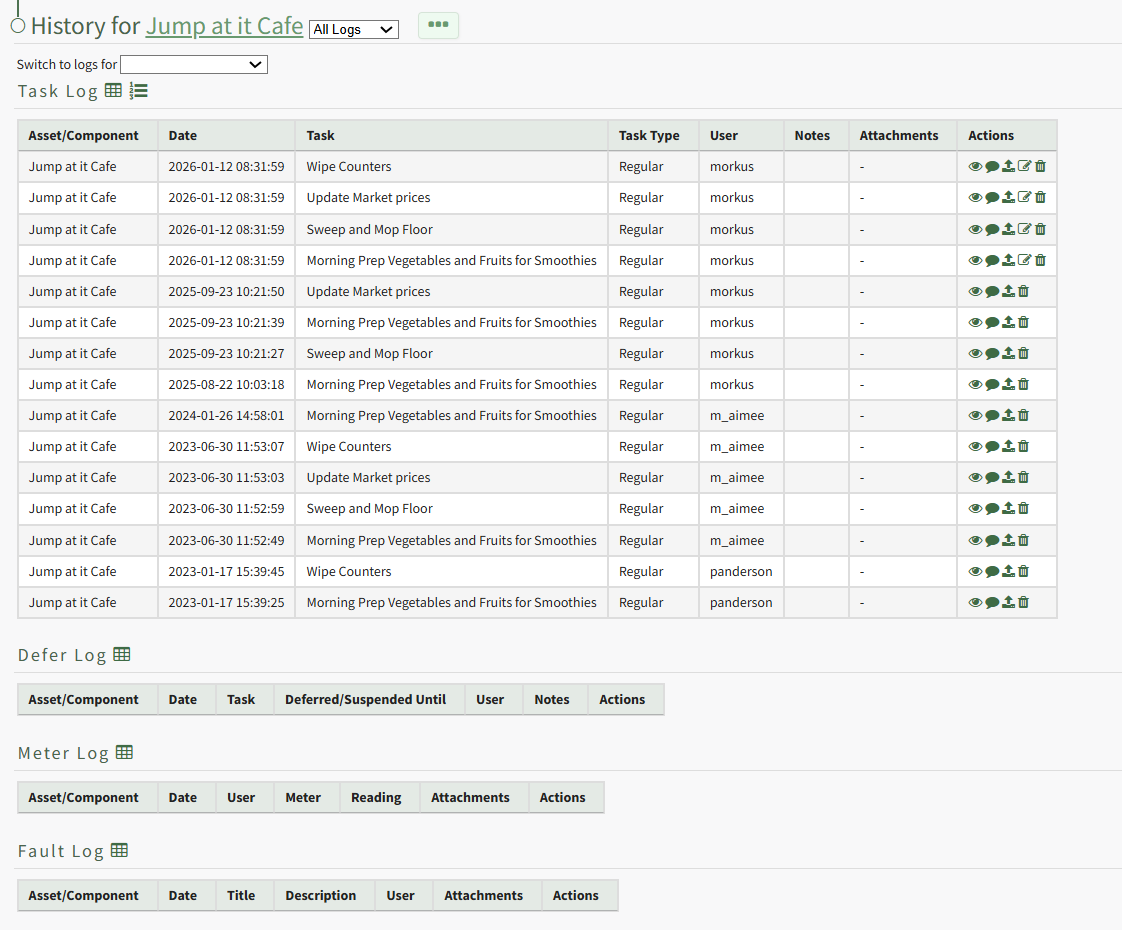
Click the trashcan icon in the Actions Column of the Log Table for the task record you wish to delete open the Delete Task Record Confirmation Modal.
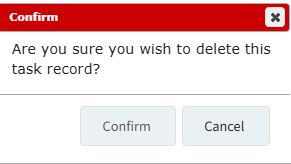
Select "Confirm" and a popup confirms the record has been removed.

It is no longer visible in the log table.