
Delete Historical Task Records
To delete the historical records associated with an asset task, open the asset's History Page. WIKI LINK HOW TO VIEW AN ASSET'S HISTORY PAGE
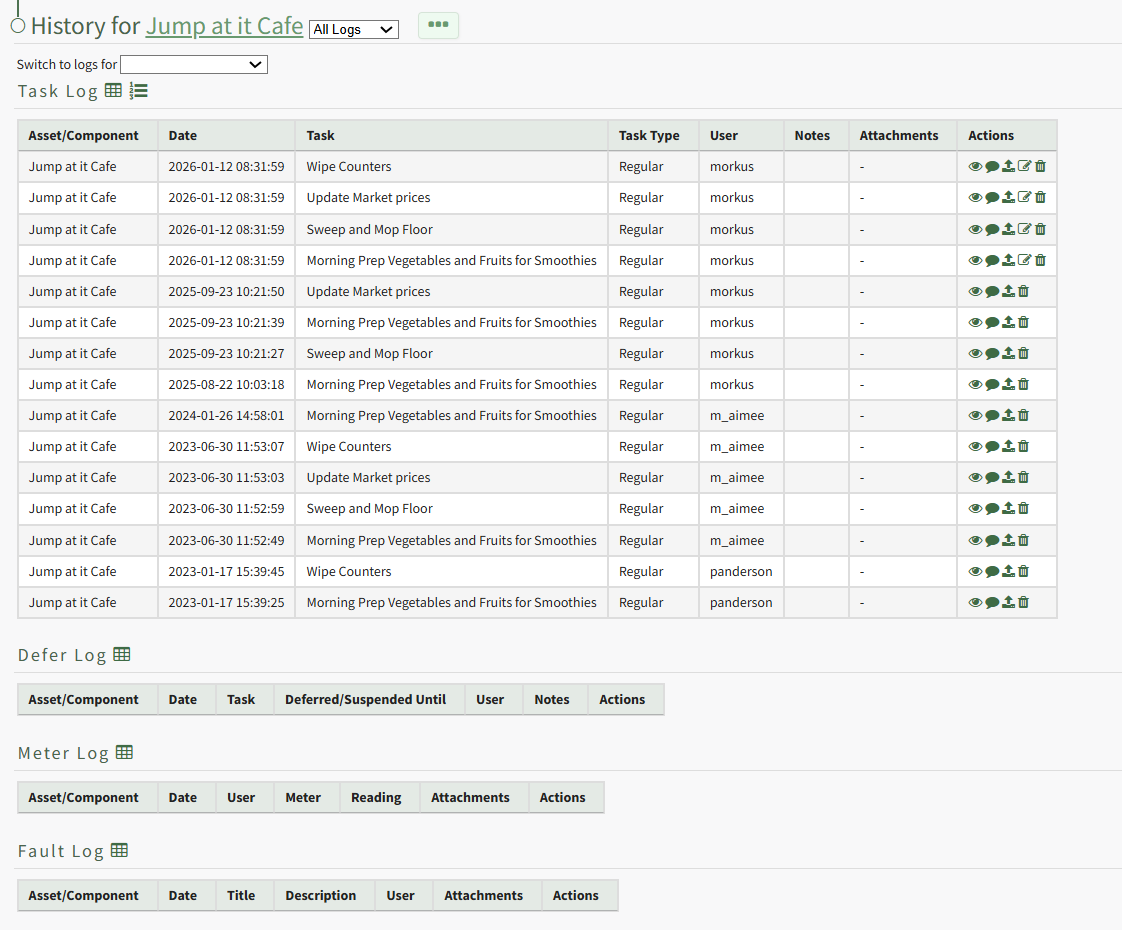
Click the trashcan icon in the Actions Column of the Log Table for the task record you wish to delete open the Delete Task Record Confirmation Modal.
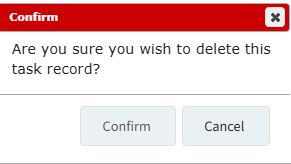
Select "Confirm" and a popup confirms the record has been removed.

It is no longer visible in the log table.