
Create a New Task
To create a new task for a specific asset, open the Task Schedule Page of the relevant asset. WIKI LINK HOW TO VIEW AN ASSET'S TASK SCHEDULE
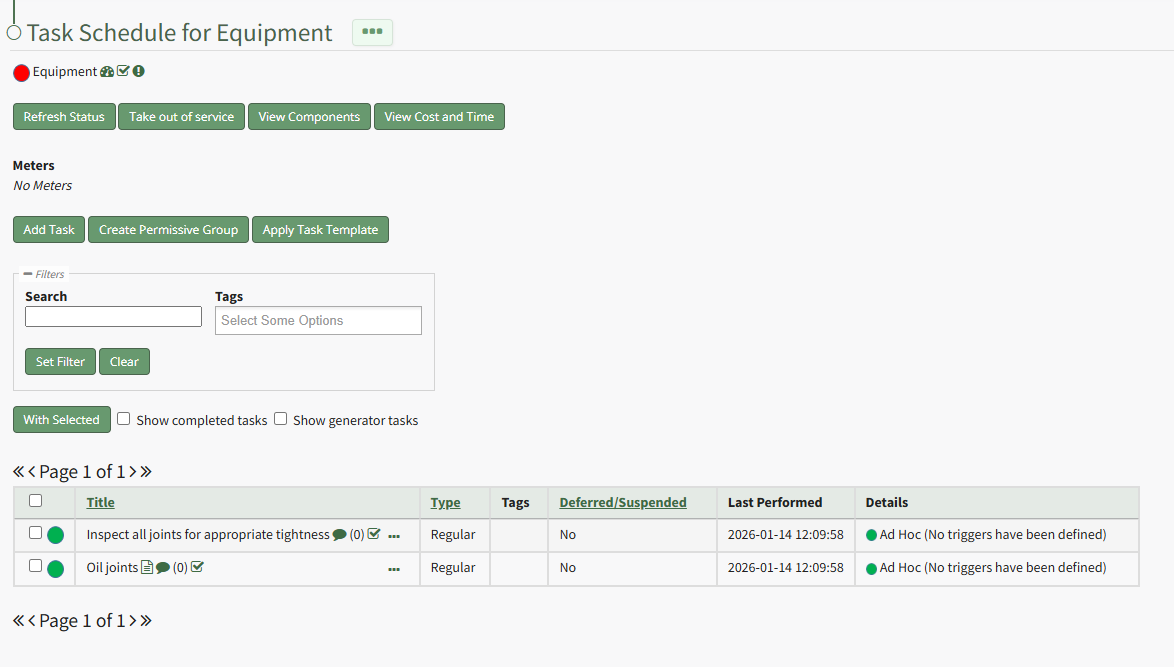
Select the "Add Task" button opening the New Task Modal.
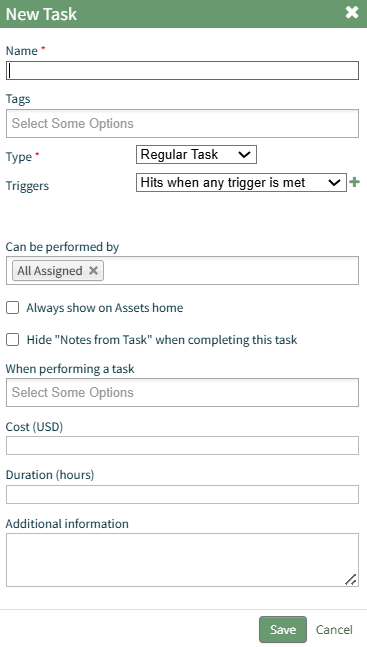
Input the Task Name and any tags you want to be assiciated with the task.
Select the Task Type and the Trigger Behavior from the dropdown menu. A detailed explanation of Task Trigger Settings has been included in the user manual. WIKI LINK UNDERSTANDING TASK TRIGGER SETTINGS
Use the customized trigger setting how to explanations for ease in completing this modal.
INSERT TABLE WITH WIKI LINK HOW TOS
WIKI LINK HOW TO