
Archive a Form
To Archive a form, it cannot be live. You must close the form first. WIKI LINK HOW TO: CLOSE A FORM
How To: Close a Form
{{@383}}
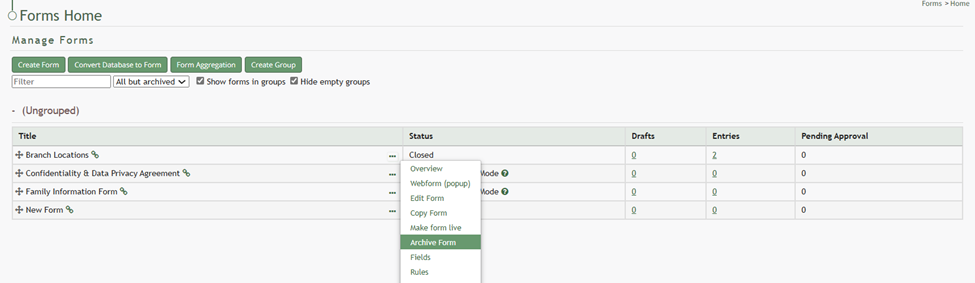
To archive a closed form, go to the Home Page of the Forms Module and click the three-dot icon to the right of the form that you wish to archive. This opens the Form’s context menu. Select “Archive Form”.
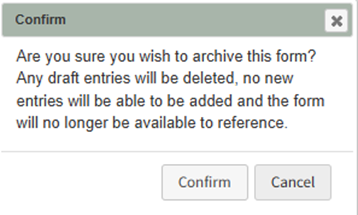
Selecting “Archive Form” will open a confirmation modal stating, “Are you sure you wish to archive this form? Any draft entries will be deleted, no new entries will be added and the form will no longer be available to reference.”
Select “Confirm” and an Update Status Modal will appear.
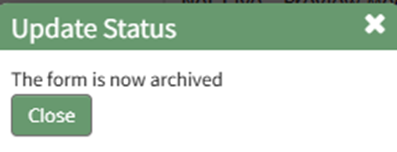
Click the “Close” botton and return for the Forms Home Page. The form will no longer be visible on the Home Page.