
Add Interim Notes to a Task without Completion
To add interim notes to a task without completing the task, you will need to pull up the specific task you wish to add a note to. This could be done from the Upcoming Task Table or from an Asset's Task Schedule.
To Add Interim Notes from the Upcoming Task Table
To add interim notes to a task from the Upcoming Task Table, open the Assets Module Home Page from the Main Menu.
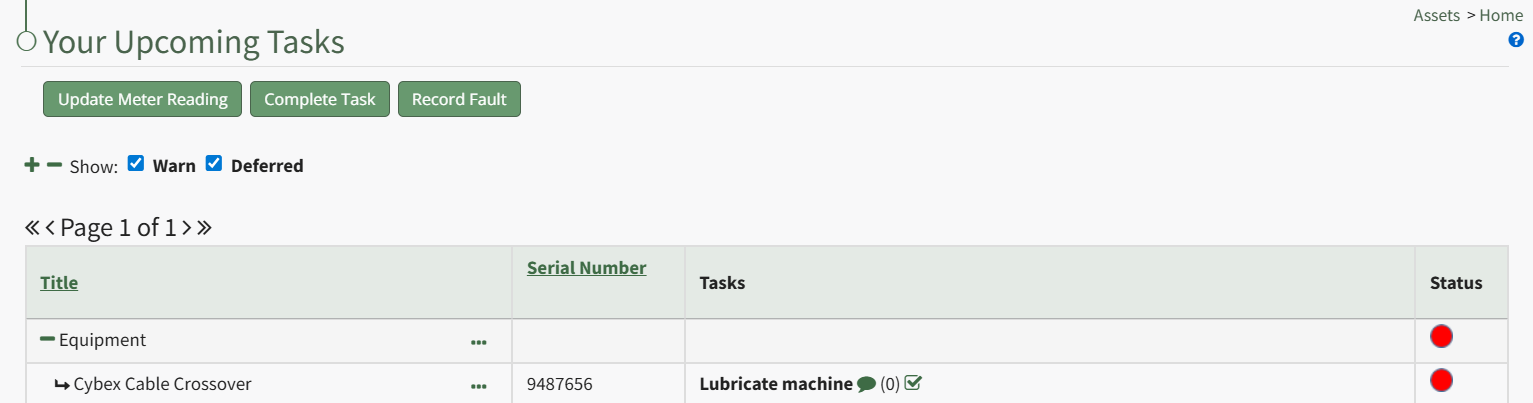
Click the dialogue icon to the right of the specific task title, which expands the Upcoming Task Table with a textbox for interim notes since the task was last completed. Input the interim notes and click the "Add" button.
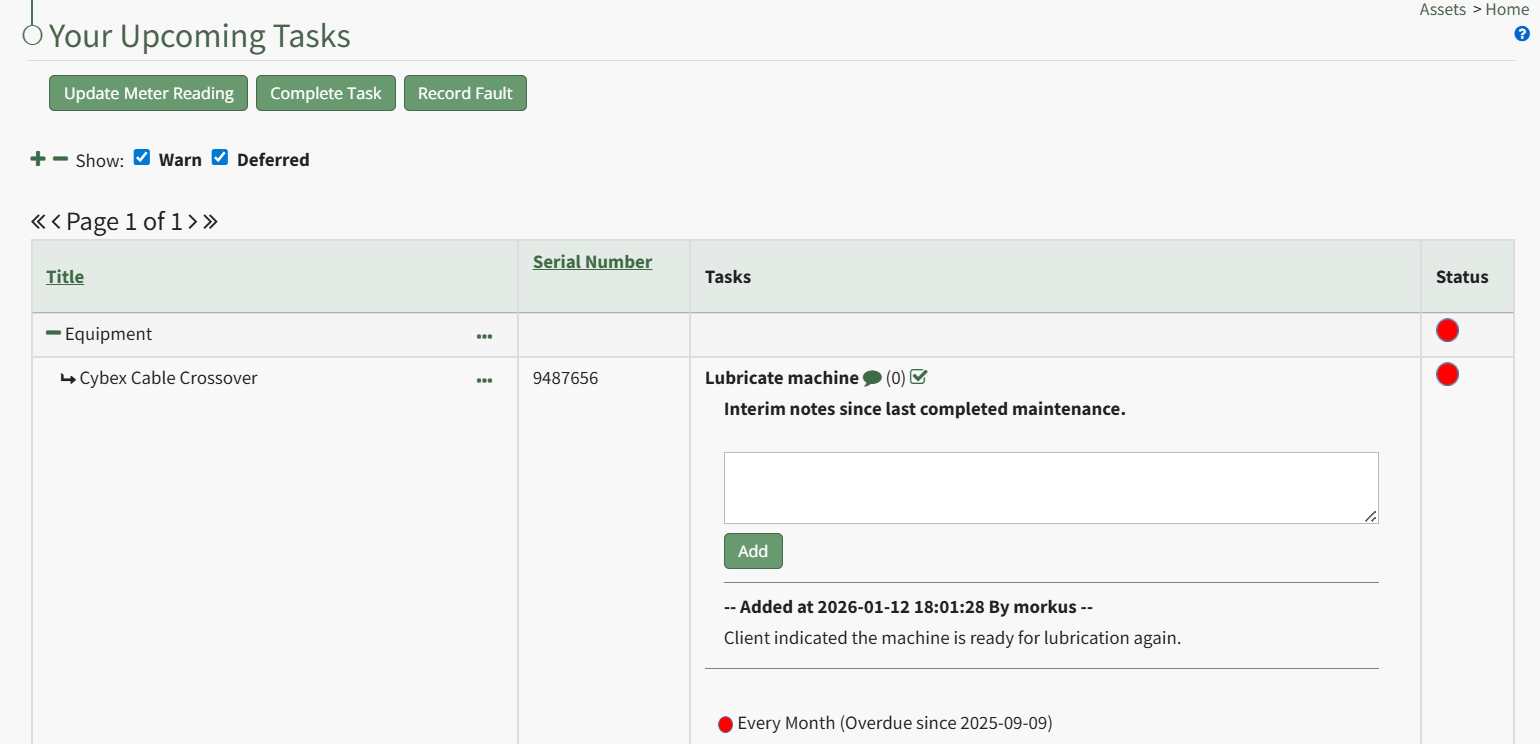
Any previously added notes will show beneath the text box, indicating the time, date, and user who made the interim notes.