
Access a Dispatch QR Code
To access a dispatch QR code, go to the Home Page of the Dispatch Module. Click the ID or Title of the specific dispatch whose QR code you wish to access.

This opens the Dispatch Details Page.

Click the QR Code icon to the right of the dispatch status opening the QR Code Modal.
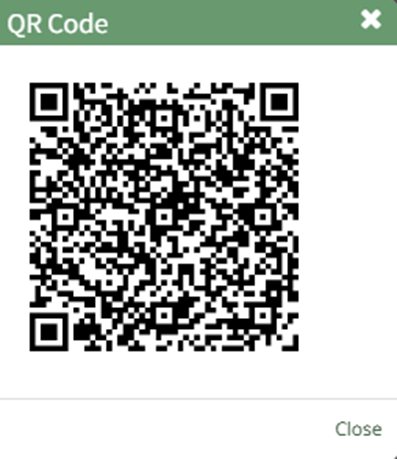
Select the “Close” button to return to the Dispatch Details Page.