
Review Page: Updates Tab
The Updates tabTab on the Review Page allows the user to view any files that have been updated since his/herthe last review of new files or revisions. Any files that have been updated since the last review date will be shown here.
If the review date has never been reset, the default date will show as Dec 31, 1970 at 6:00 PM.
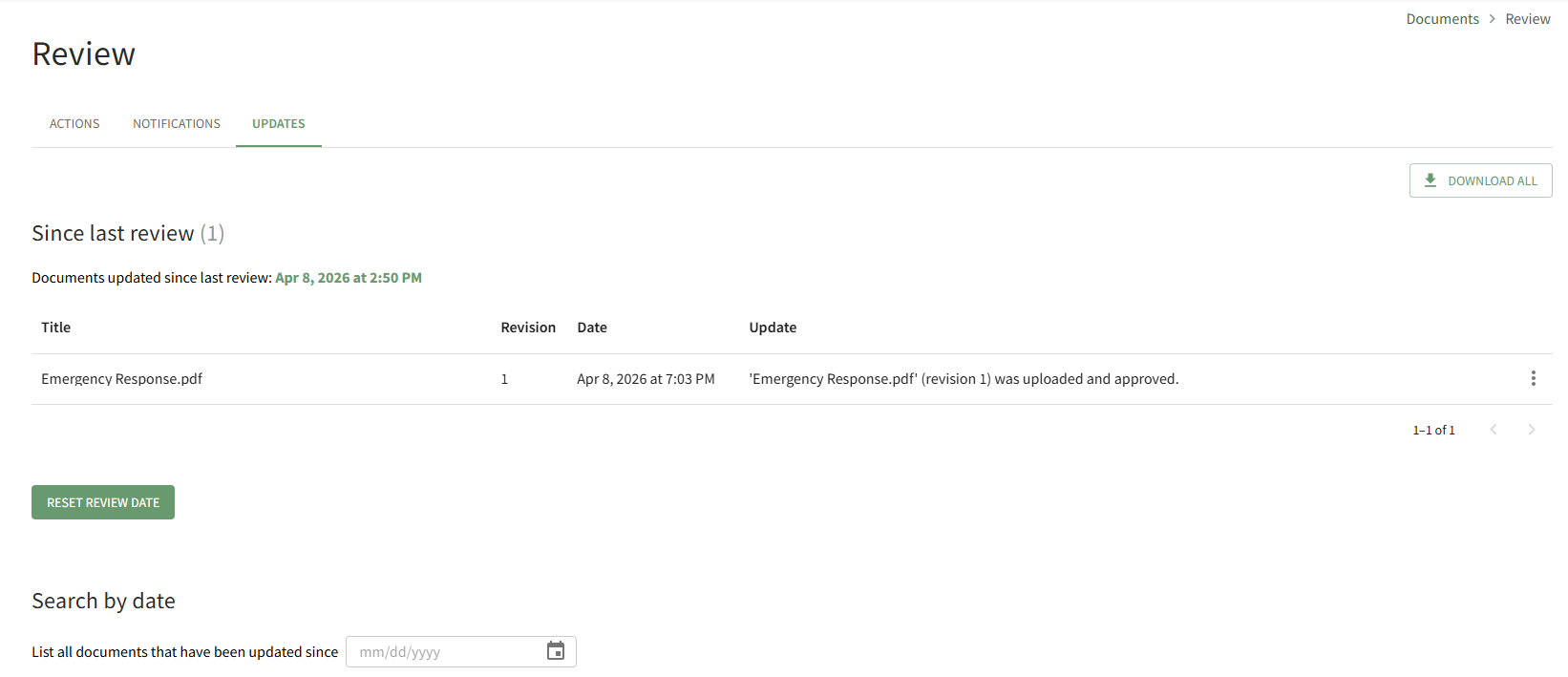
The “Download All” button located at the far right enables downloading of all files that have had revisions made since the user’s last review.
Selecting
How To: Reset the “ResetSince Last Review Date”Document buttonList
{{@902}}
How clearTo: theSearch filesall onDocuments theUpdated Updates tab and reset the last review to the current date and time.
At the bottom of the page on the Updates tab, underneath the files since last review, the user has the ability to utilizeafter a “SearchSelected by Date” filter option.Date
{{@904}}
Use the calendar to select a specific date to show which documents have been revised since that time.