
Review Page: Notifications Tab
The Notifications tab is connected to an advanced feature in the Documents Module.
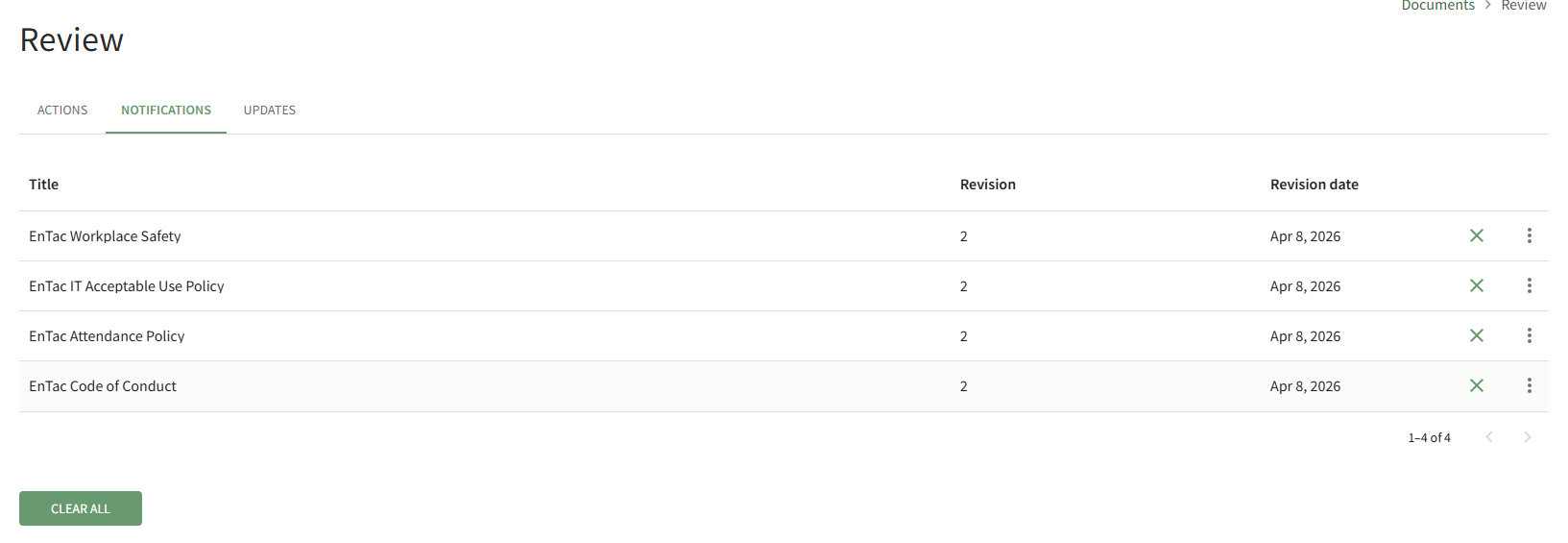
When the new document was added/revised, anthe advancedAdvanced featureOptions allowedTab enables the user selectedability to receive"Send notificationsNotifications forof anyNew futureRevisions" revisions.


Whento the “Send notifications of new revisions” checkbox was selected, the access levels,users, certification roles, or individualaccess userslevels indicatedindicated. receiveWhen this feature is activated, the notifications of(that thedo filenot revisionrequire user action) are visible on the Notifications tabTab inof the Documents Review Page.
Selecting the X icon to the right of the revision date will clear the file from the page.
Selecting the Clear All button beneath the file list will clear all files on the Notifications Tab.